
Joined:Mar 18, 2020
Uploads:3
Features:0
UC Wins:1


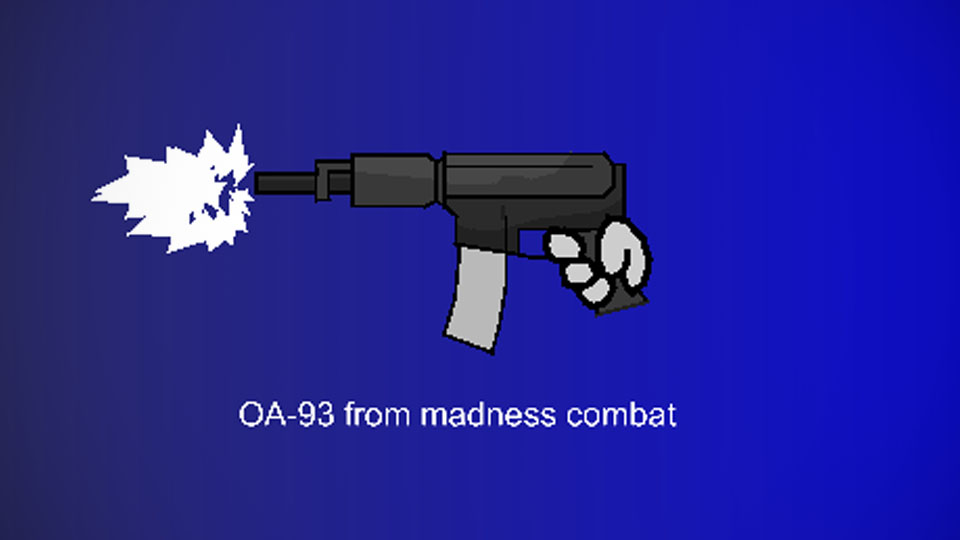
(I do not own madness combat or the weapons in it)
Heya, i'm kinda back i guess? This wasn't recently made, in fact, i made it back in april.
So, where have i been? I don't wanna tell where i've been so don't worry about that. For some reason i lost motivation in animating stick figures and i don't know how to get the motivation i needed back. Anyways take this.
#madness #madnesscombat
Heya, i'm kinda back i guess? This wasn't recently made, in fact, i made it back in april.
So, where have i been? I don't wanna tell where i've been so don't worry about that. For some reason i lost motivation in animating stick figures and i don't know how to get the motivation i needed back. Anyways take this.
#madness #madnesscombat
Problem with this submission?
Please log in to report this file.




Other popular submissions in weapons category


