


Joined:Dec 6, 2021
Uploads:24
Features:1
UC Wins:17


Aug 2nd, 2022
( 4 thumbs )
( 4 thumbs )
 1st
1st 2nd
2nd 3rd
3rd
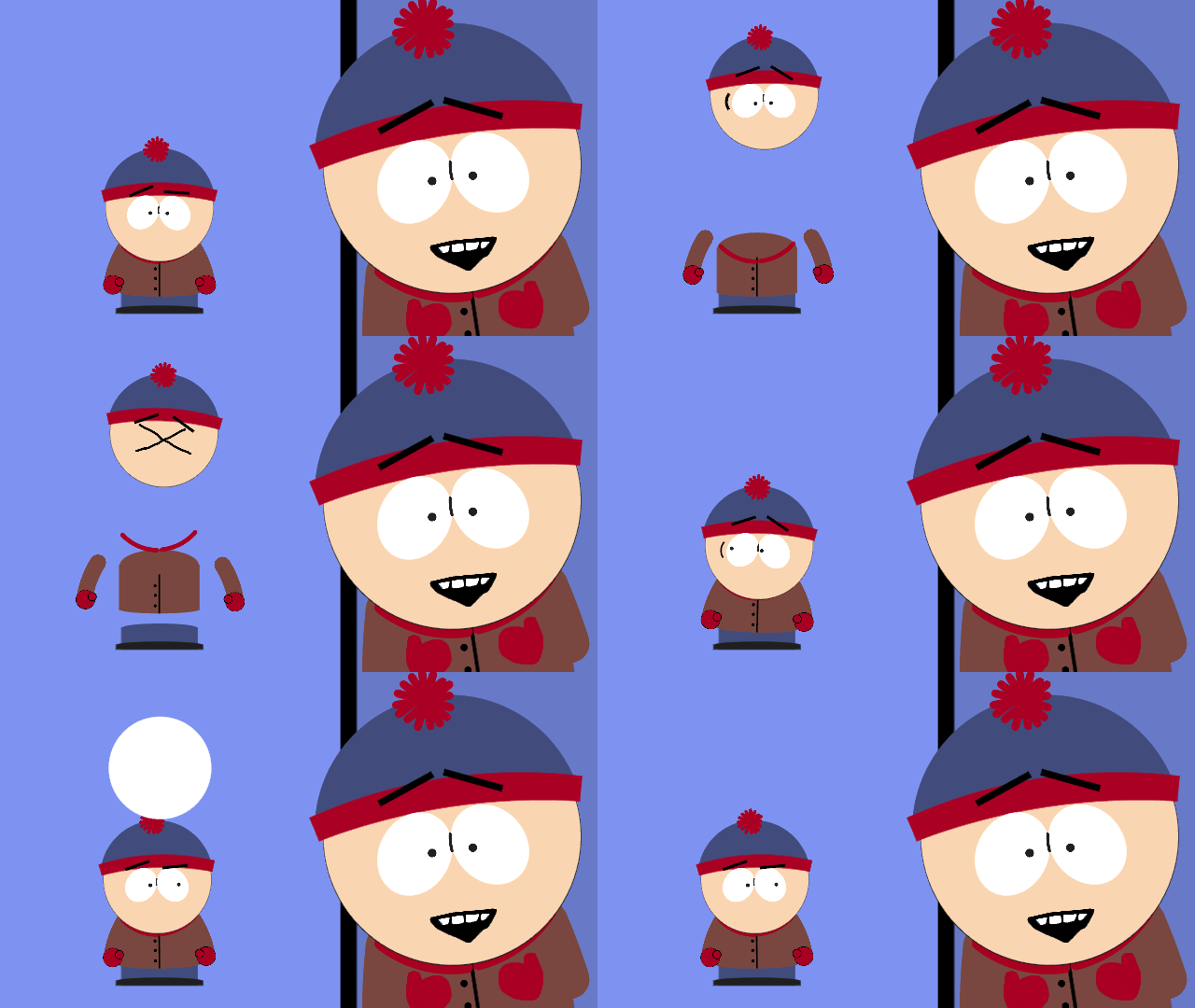
An improvement to the original useful stuff pack, including:
Three different text boxes, for different characters and such
Two new emotions! Distress and surprise
Improved text icons for both the base and default
I hope you all enjoy!
#text #speech #bubble
Three different text boxes, for different characters and such
Two new emotions! Distress and surprise
Improved text icons for both the base and default
I hope you all enjoy!
#text #speech #bubble
Aug 2nd, 2022
( 4 thumbs )
( 4 thumbs )
1st2nd3rdThis download is a ZIP of 7 files
Text-Bubble-1 (4.04kb)
Text-Bubble-2 (1.44kb)
Text-Bubble-3 (0.99kb)
Improved-Icon-Base (1.16kb)
Improved-Icon-Default (1.16kb)
Emotion-Distress (0.84kb)
Emotion-Surprise (1.00kb)
Problem with this submission?
Please log in to report this file.



Other submissions by elysia


why is not working for my stick nodes pro?
You have to download the file go to files then Click the file you just downloaded it will create a folder go inside the folder and grab all the things that are inside of it then if you are on iPad just move the thing that where inside the folder to iPad and then search for Sticknodes pro, then grab the things inside the folder and put it inside Sticknodes pro, if you are iPhone I guess is the same but if you are on android then Idk
Bro that’s not even what he said…… just say ‘look up how to get s### for stknds’
Why’d you put the tags?
‘’I’m so dumb and g-‘’ love it lmao
I didnt get the 3 text boxes,i got only 1
Ho ho ho