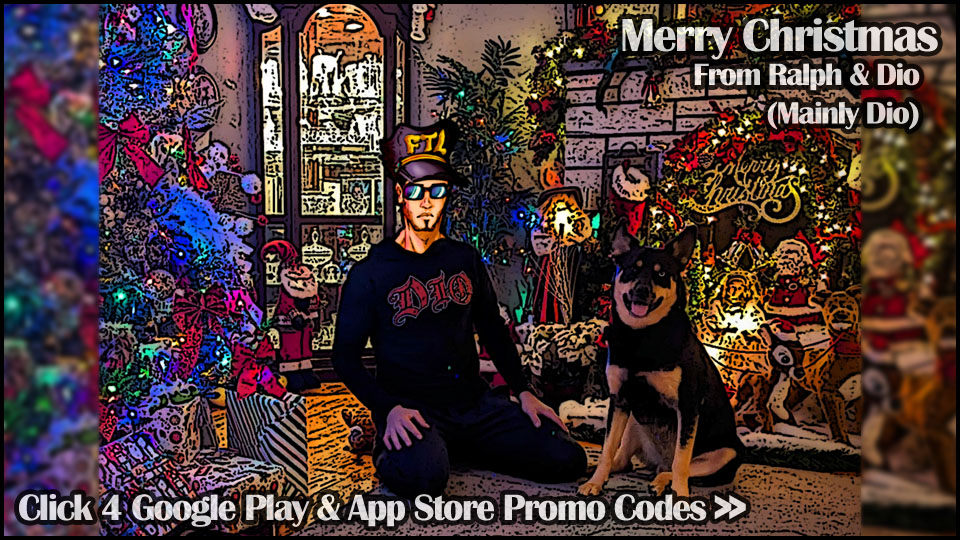
Christmas 2025 4

Christmas 2025 4
Dio@dioProfile Photo

Joined:Jul 4, 2022

Uploads:24

Features:3

UC Wins:4

subscriberuc-winner-lvl1featured-lvl1mega-noder

File:Christmas-2025-4.nodemc (161.8 KB)

Date:December 25, 2024

Category:Miscellaneous

Google Play: SP35SL6NV5V7638WND4RZVR
App Store: LHRXHMT9KJ4W
How to use: This download is a Movieclip file. If it contains a joined figure, you can access it by going into the Movieclip object (edit it) and then copying the entire assembled figure inside.Filters: Remember, Movieclip objects may use filters, and if you don't have Stick Nodes Pro these filters will not work and the Movieclip may look very different.

Download File

Downloaded 314 times

(Downloaded 0 times this week)


Rate this stickfigure!
It helps choose the daily feature.

Vote count: 12

Android How to download stickfigures & sounds:

  • As of 3.2.0, Stick Nodes will no longer automatically find downloaded files in your /downloads/ folder. You must open the file with Stick Nodes explicitly for it to be moved into the correct folder.
  • Download a NODES (or STK) or ZIP file. When done, tap it and "Open With" > "Stick Nodes". See this image for an example.
  • Sounds: Download an MP3 file < 256kb. When done, tap it and "Open With" > "Stick Nodes"..

IOS 13+ How to download stickfigures & sounds:

  • If using Chrome or Firefox, download a NODES (or STK) or ZIP file, select the file and "Open in Stick Nodes" after finished downloading.
  • If using Safari, download a NODES (or STK) or ZIP file, follow these directions.
  • Also for ZIP files, check out this quick and informative tutorial by Auto-Angel.
  • Sounds: With Safari, follow these directions.

Problem with this submission?
Please log in to report this file.


avatar
2 Comment threads
1 Thread replies
0 Followers
 
Most reacted comment
Hottest comment thread
3 Comment authors
Rafa 47889HMM monkeeyahya yahya Recent comment authors
yahya yahya
yahya yahya

Thank you dio i will be forever grateful

HMM monkee
HMM monkee

Dunno

Rafa 47889
Rafa 47889

Each of the images has a Google Play redemption code in the image description. To redeem a redemption code on the Google Play Store when purchasing an app, open the Play Store, choose the app you want to purchase and tap the price, select “Payment methods”, tap “Redeem code”, enter the code and complete the purchase with the credit added to your account. 📱🎉