
Joined:Jul 1, 2023
Uploads:18
Features:0
UC Wins:2


May 8th, 2025
( 4 thumbs )
( 4 thumbs )
 1st
1st 2nd
2nd 3rd
3rd
"NO TIME TO EXPLAIN"
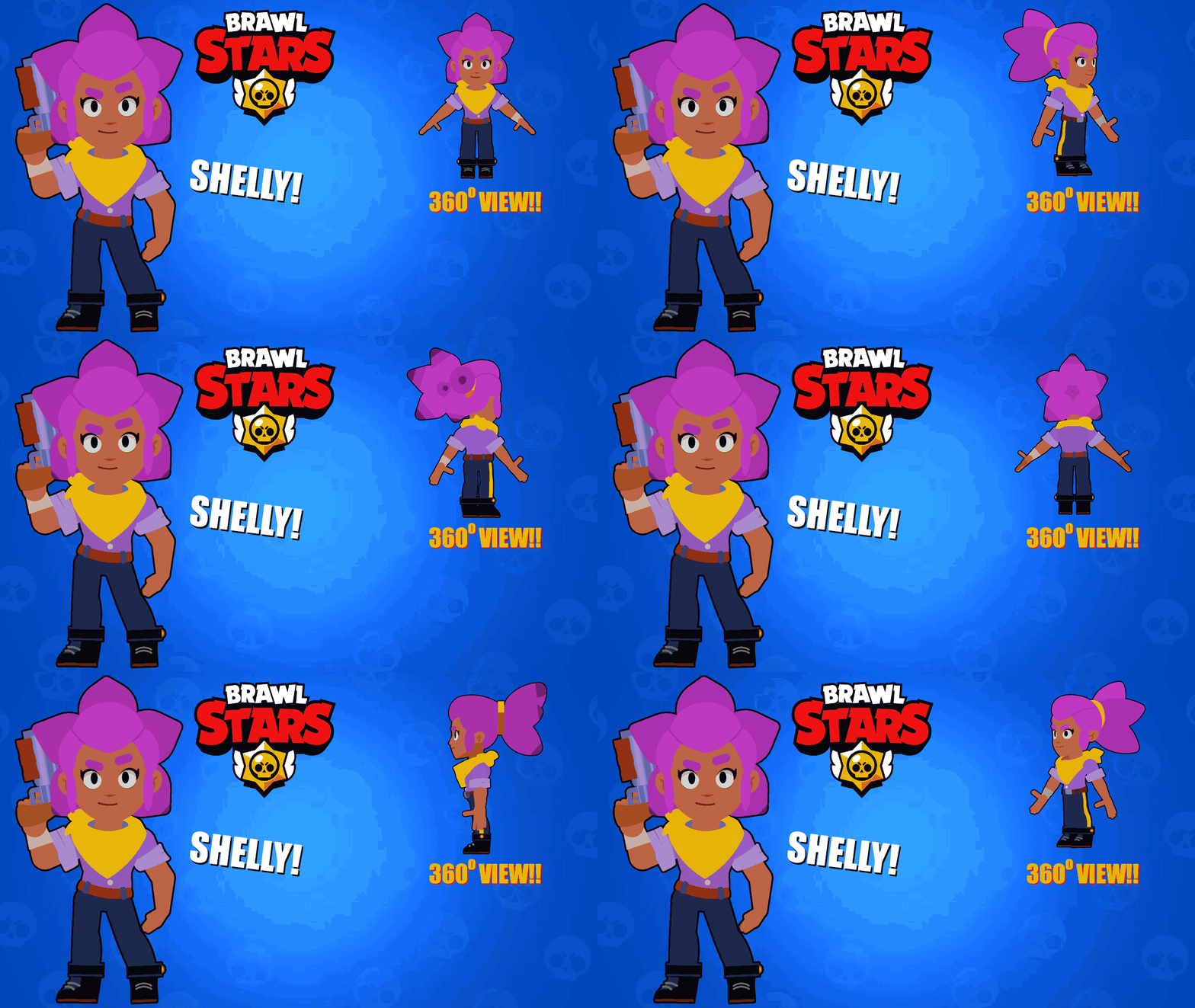
Shelly is the Starting Brawler that is unlocked upon beginning the game. She has moderate health, a high damage output, and a fast movement speed. Her attack is a burst of shotgun shells that deal high damage up close. Her Super pierces and knocks surviving enemies back and destroys obstacles, similarly dealing high damage up close. Shelly is best on maps with lots of bushes, notably Center Stage, where she has been a top pick for several years as she can easily scout bushes and sneak up upon opponents.
#brawlstars #shelly #brawler (Brawl Stars)
Shelly is the Starting Brawler that is unlocked upon beginning the game. She has moderate health, a high damage output, and a fast movement speed. Her attack is a burst of shotgun shells that deal high damage up close. Her Super pierces and knocks surviving enemies back and destroys obstacles, similarly dealing high damage up close. Shelly is best on maps with lots of bushes, notably Center Stage, where she has been a top pick for several years as she can easily scout bushes and sneak up upon opponents.
#brawlstars #shelly #brawler (Brawl Stars)
May 8th, 2025
( 4 thumbs )
( 4 thumbs )
1st2nd3rdHow to use: This download is a Movieclip file. If it contains a joined figure, you can access it by going into the Movieclip object (edit it) and then copying the entire assembled figure inside.Filters: Remember, Movieclip objects may use filters, and if you don't have Stick Nodes Pro these filters will not work and the Movieclip may look very different.
Download File
Downloaded 1,353 times
(Downloaded 8 times this week)
Problem with this submission?
Please log in to report this file.




Other popular submissions in people category


Do the Finx