As of 3.2.0, Stick Nodes will no longer automatically find downloaded files in your /downloads/ folder. You must open the file with Stick Nodes explicitly for it to be moved into the correct folder.
Download a NODES (or STK) or ZIP file. When done, tap it and "Open With" > "Stick Nodes". See this image for an example.
Sounds: Download an MP3 file < 256kb. When done, tap it and "Open With" > "Stick Nodes"..
IOS 13+ How to download stickfigures & sounds:
If using Chrome or Firefox, download a NODES (or STK) or ZIP file, select the file and "Open in Stick Nodes" after finished downloading.
If using Safari, download a NODES (or STK) or ZIP file, follow these directions.


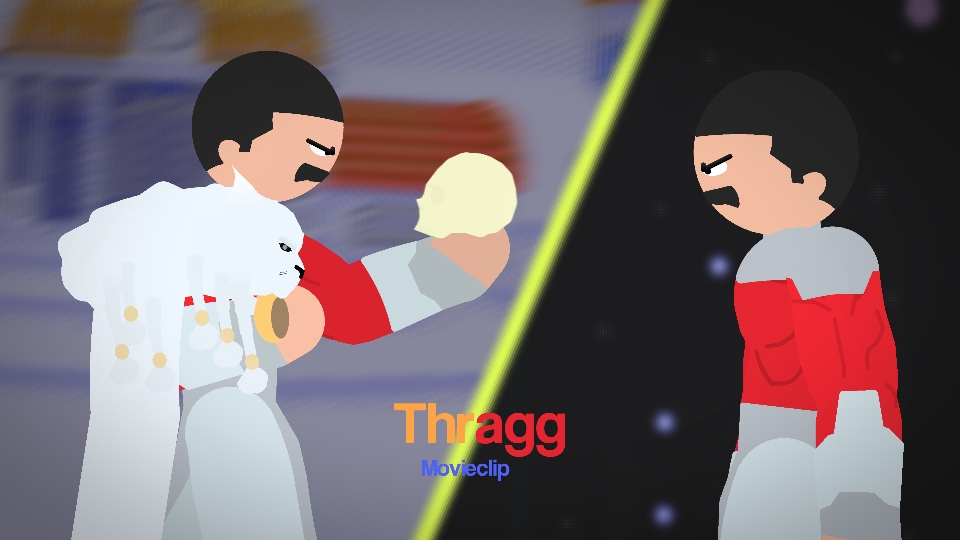
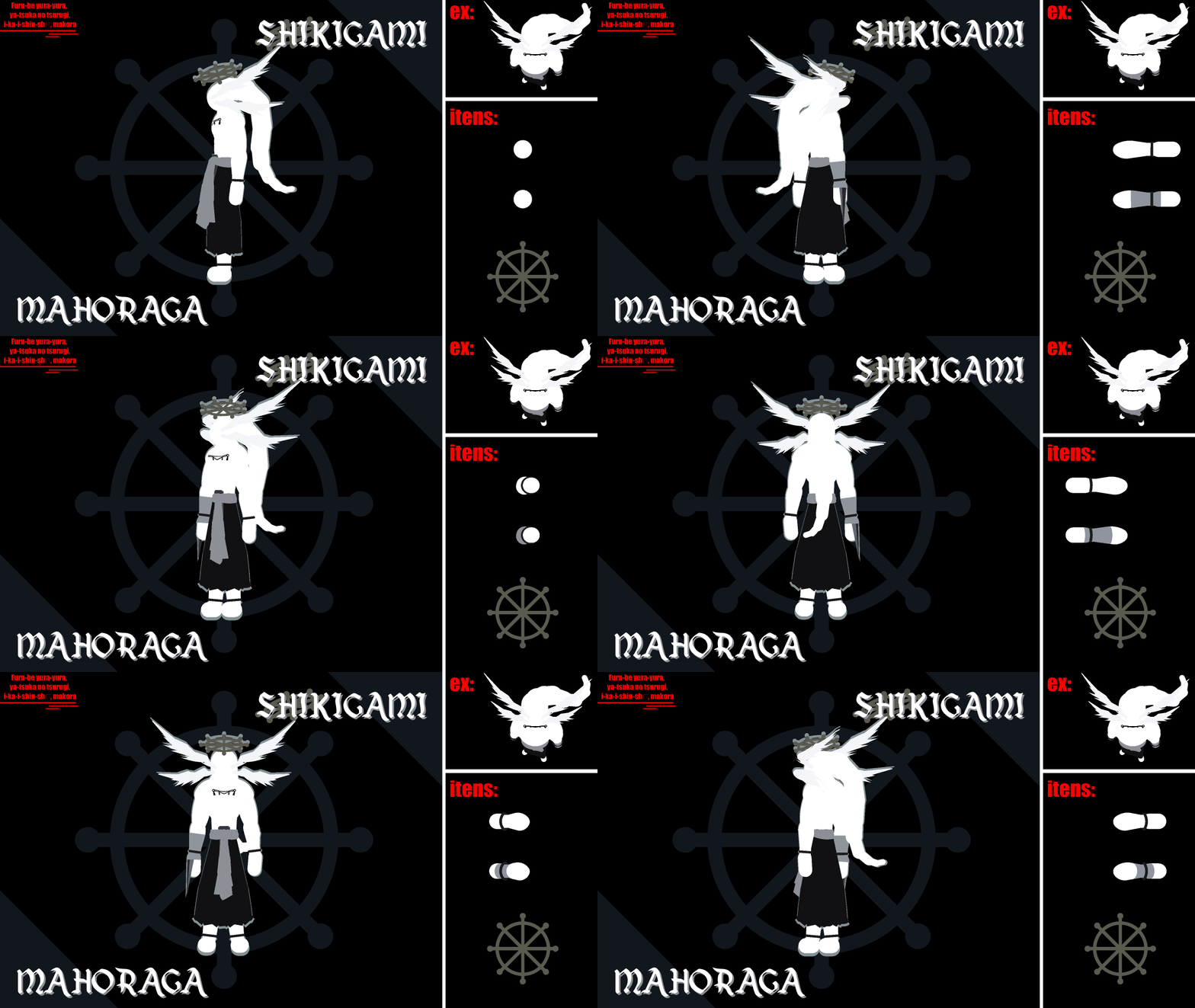


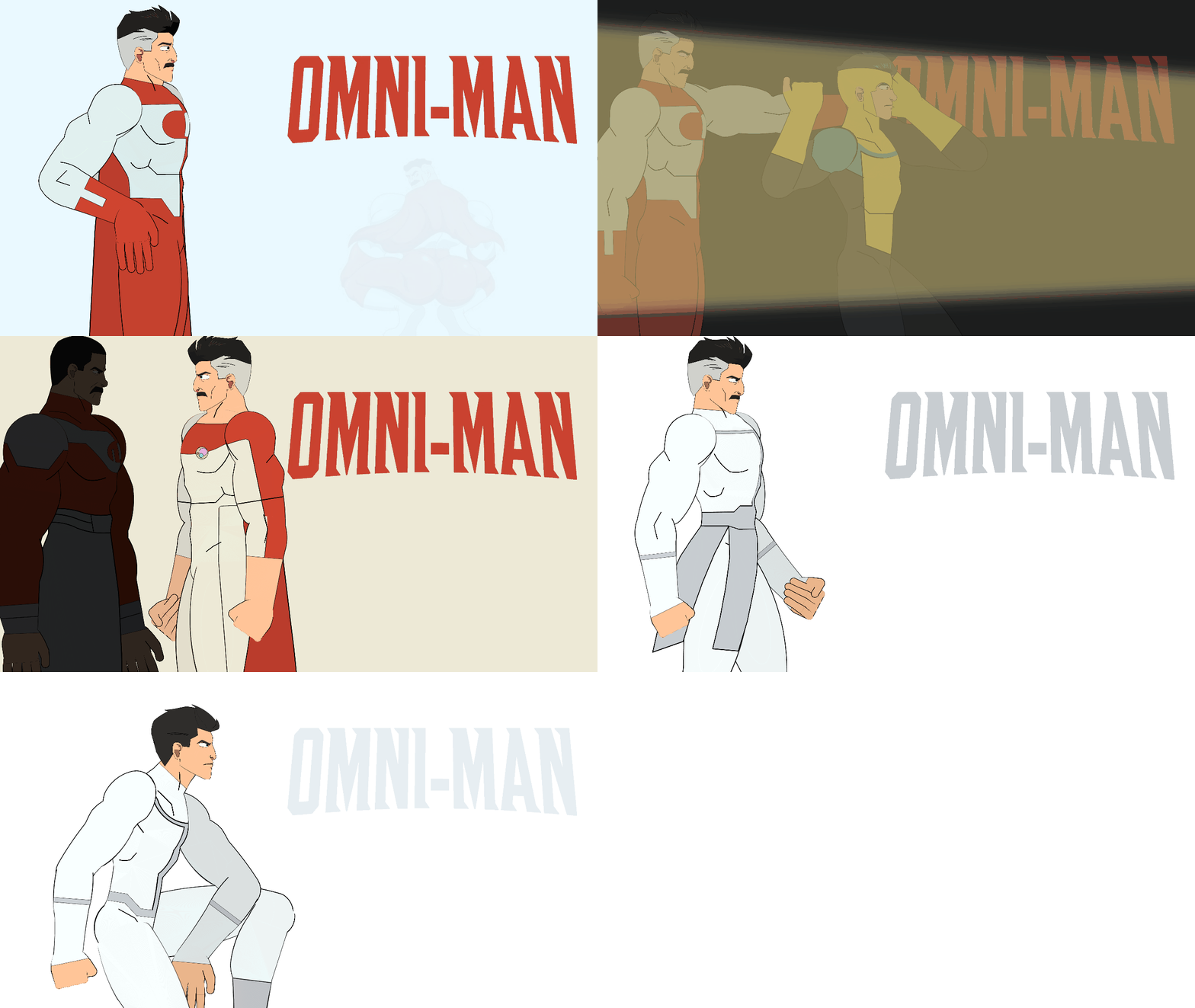
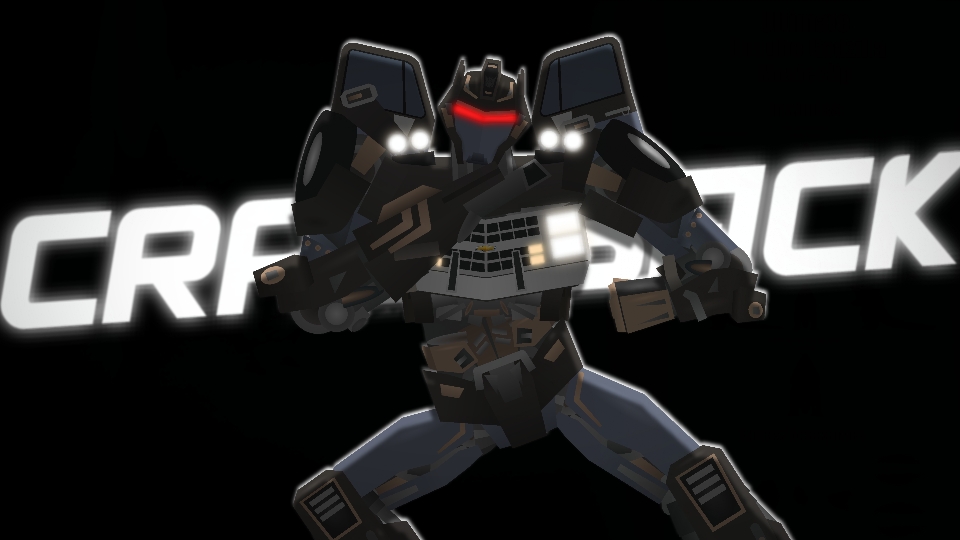

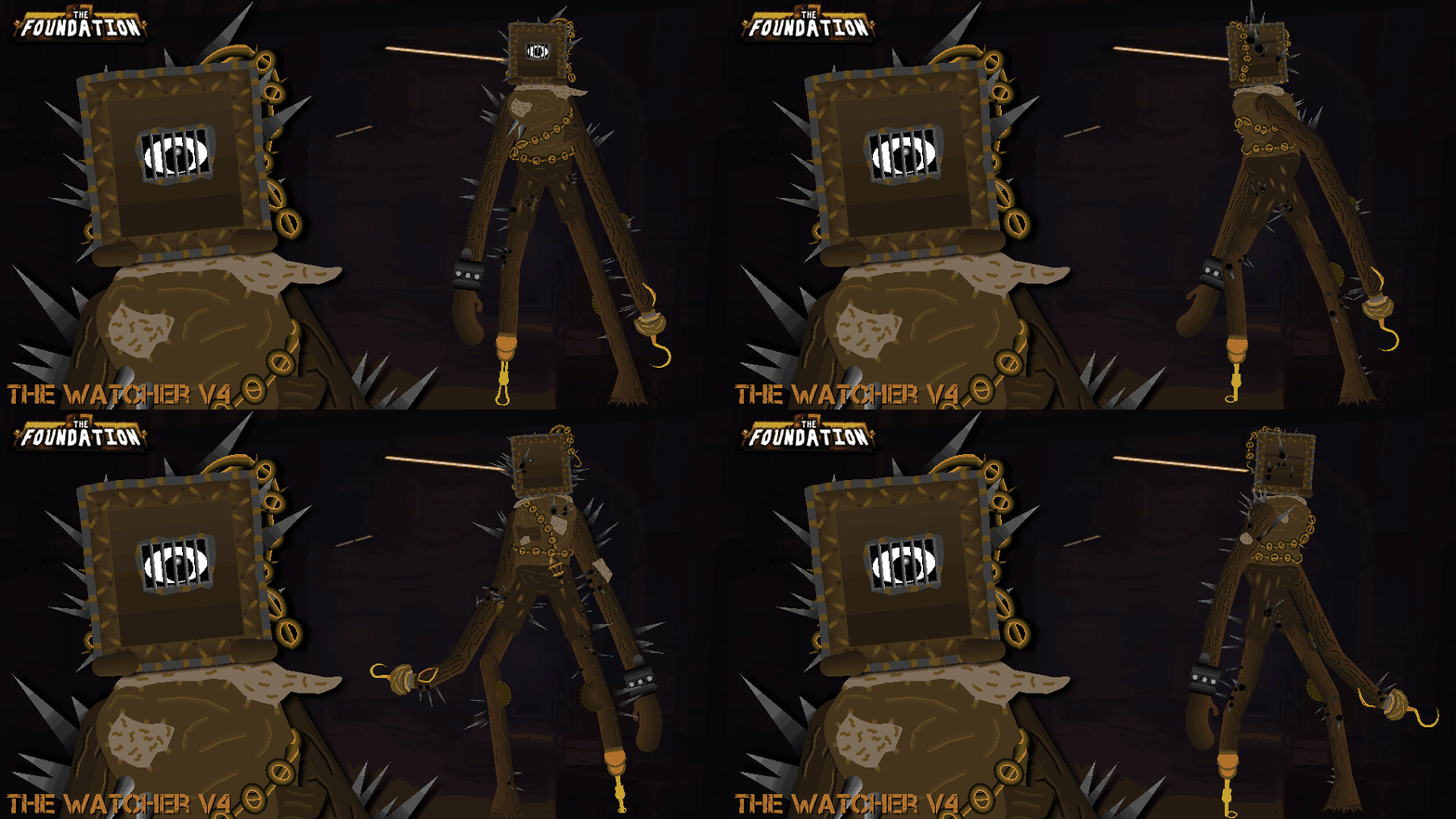
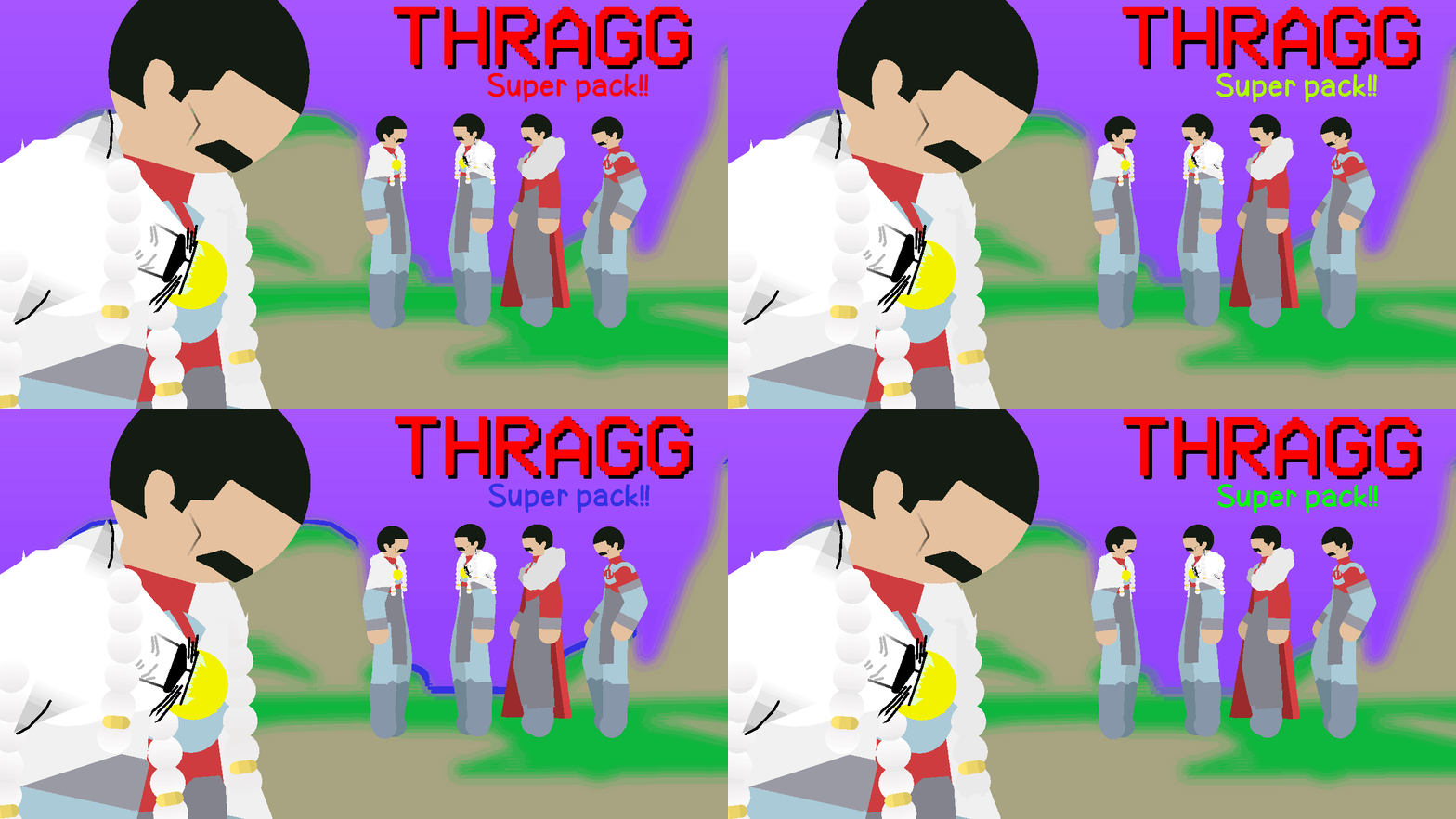
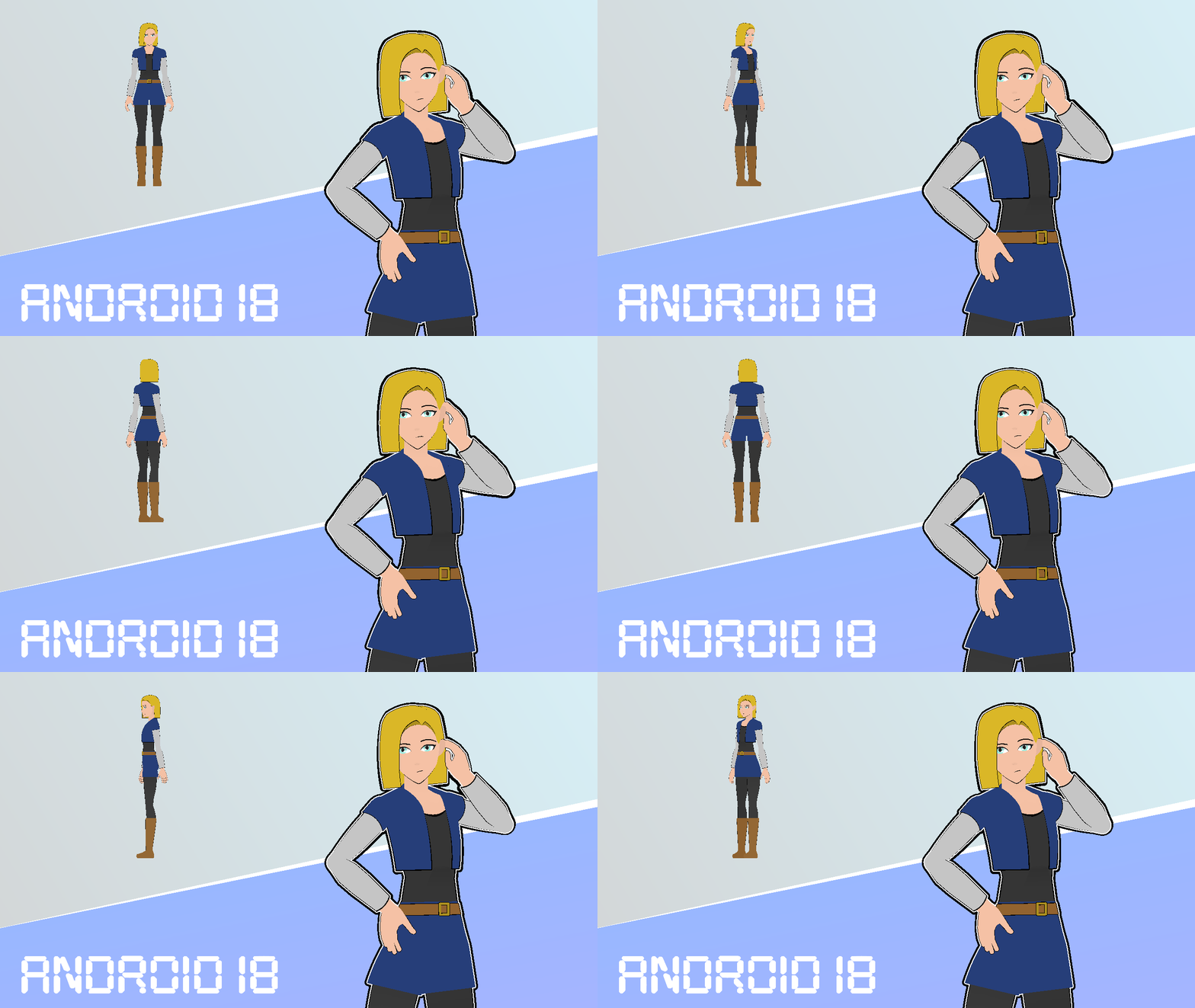

He edited it from my goku movable hair
k fixed
No no no no! This was from my Ulimate Goku Pack! You know with all of those Gokus with poseable hair!
fixed x2
Yeah I remember the posable hair that’s why I thought this was already on the website, just didn’t know you’re the one that made it lol.
Lol! Thanks for fixing it!
The Goku that Blade Anims made looks nothing like this…
IKR?!