

Joined:Aug 9, 2025
Uploads:7
Features:0
UC Wins:0
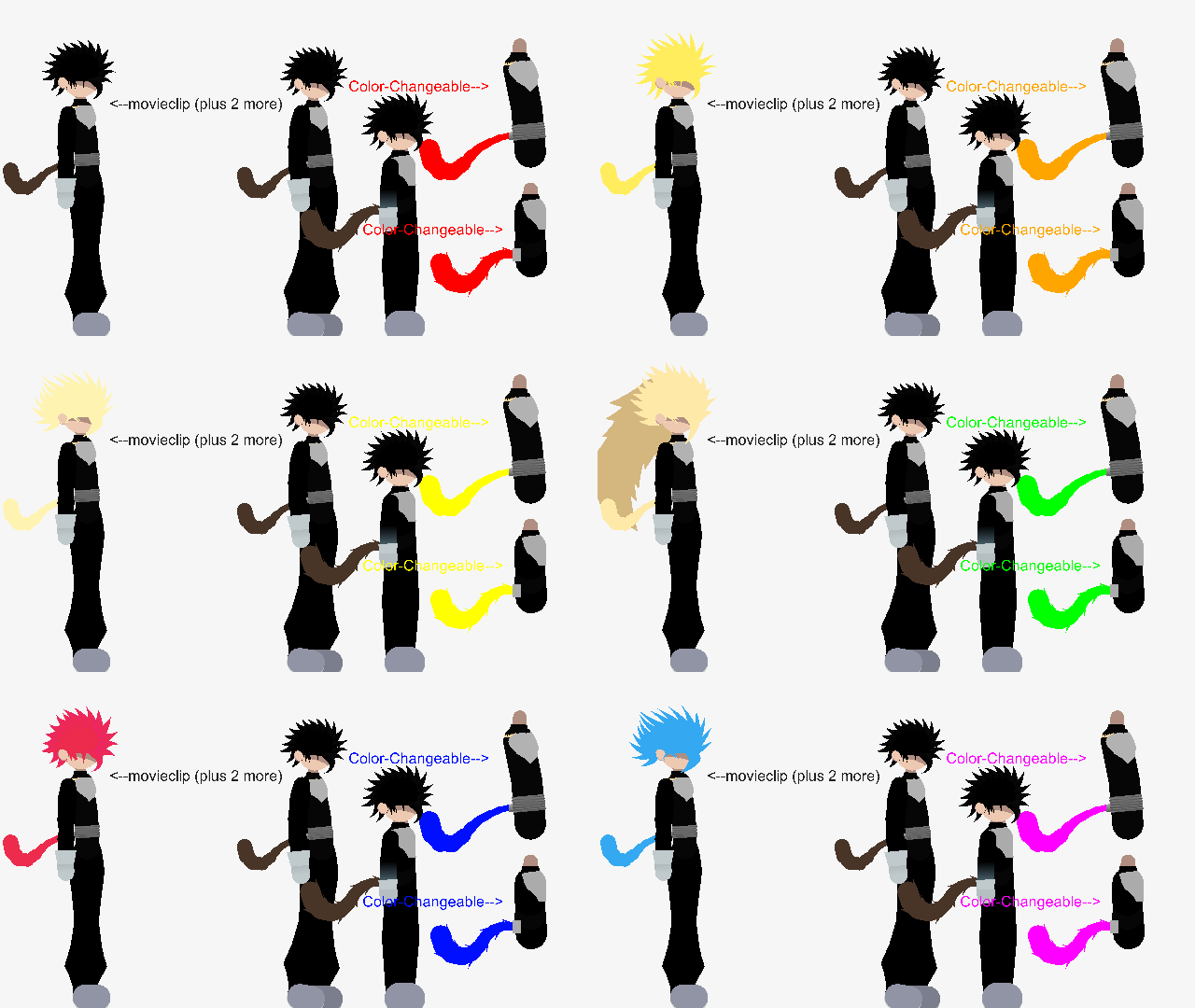
Hi guys I know its kind of been a while since I last uploaded so here's this DB OC movieclip. It comes with the first design and the refined (reworked) one. As you can see in the gif, it says there is two more forms with color changable tails. I kinda made this because I was playing DBL one time and I got the LR Shallet and wanted to make something related to DB because I haven't seen the franchise in a while. Still waiting for S2. I also went with Oniori because of the food related names in DB, you can easily tell that if you put an 'n' at the 'r' and remove the 'i' at the end it just makes 'onion'
#DBZ #OC
#DBZ #OC
How to use: This download is a Movieclip file. If it contains a joined figure, you can access it by going into the Movieclip object (edit it) and then copying the entire assembled figure inside.Filters: Remember, Movieclip objects may use filters, and if you don't have Stick Nodes Pro these filters will not work and the Movieclip may look very different.
Download File
Downloaded 20 times
(Downloaded 20 times this week)
Problem with this submission?
Please log in to report this file.



Other popular submissions in people category


