

Joined:Jan 19, 2025
Uploads:97
Features:10
UC Wins:21


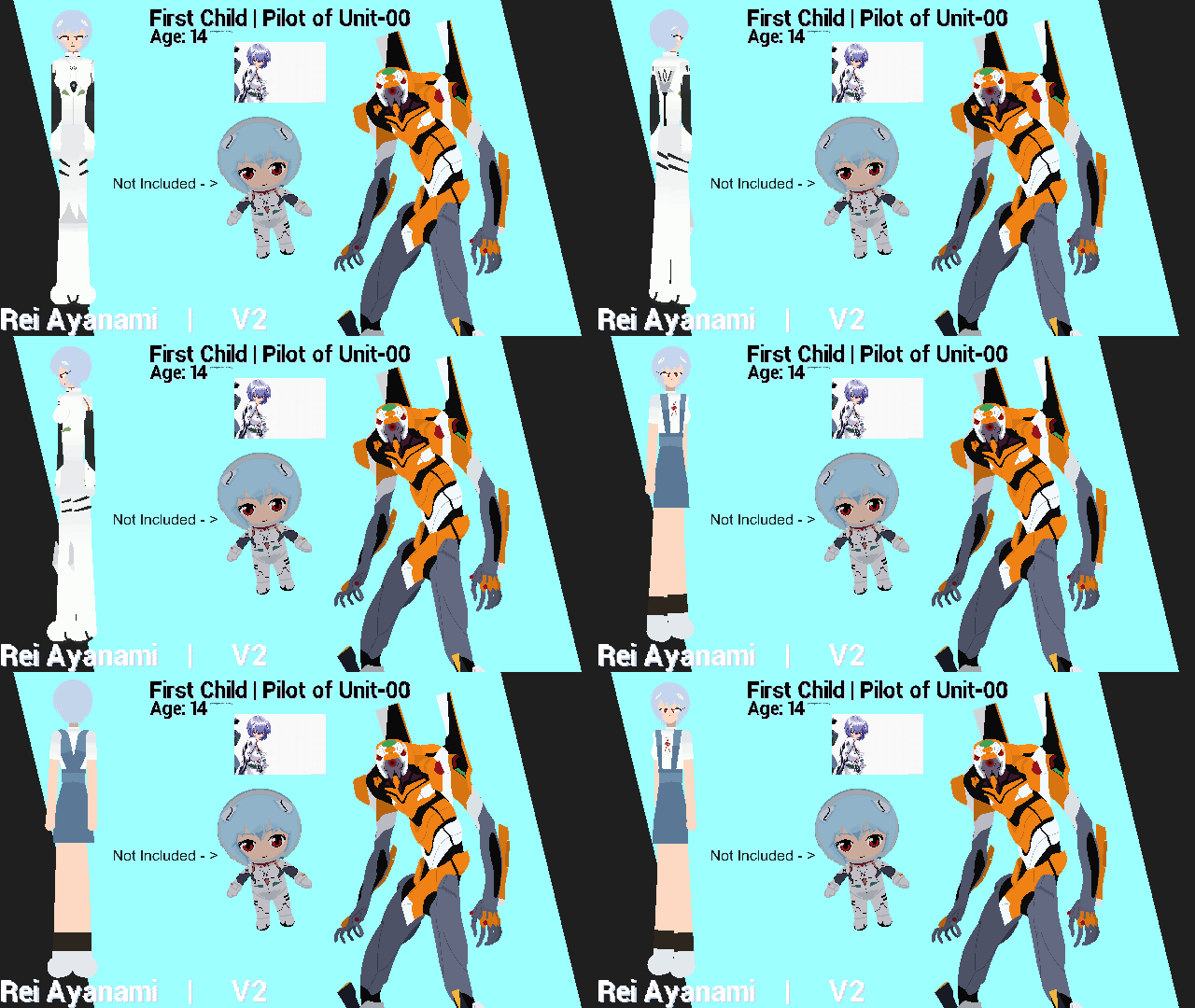
Overall this is a version with a few touch UPS the first version I made (in Heaven) I had to do the ref btw didnt have and now added uniform Rei for shits and giggles, don't do EVIL stuff w her bro shes 14 btw. (tienes 14 activa cam)
Physically, she is a clone created in Gehirn's laboratories using genetic material from Yui Ikari (Shinji's mother), but spiritually she houses the soul of the second Angel, Lilith.
She is characterized by being extremely reserved, silent, stoic, and seemingly lacking basic human emotions. Her initial loyalty is entirely directed toward Gendo Ikari.
There are multiple versions of her, First was her child ver who lwk got slimed by Ritsuko's mother bc she got ragebaited (crazy work) and 2nd is the original everyone knows, third is the one that appears in the movie of The End of Evangelion (1997 TEoE)
I finally finished the Rebuild of Evangelion Saga movies, and in there appears another clone of Rei who's often called by 'Rei Q' to differentiate her from the Series Rei and i'll definitely make Rei Q later.
#NeonGenesisEvangelion #00 #Rei #360
Physically, she is a clone created in Gehirn's laboratories using genetic material from Yui Ikari (Shinji's mother), but spiritually she houses the soul of the second Angel, Lilith.
She is characterized by being extremely reserved, silent, stoic, and seemingly lacking basic human emotions. Her initial loyalty is entirely directed toward Gendo Ikari.
There are multiple versions of her, First was her child ver who lwk got slimed by Ritsuko's mother bc she got ragebaited (crazy work) and 2nd is the original everyone knows, third is the one that appears in the movie of The End of Evangelion (1997 TEoE)
I finally finished the Rebuild of Evangelion Saga movies, and in there appears another clone of Rei who's often called by 'Rei Q' to differentiate her from the Series Rei and i'll definitely make Rei Q later.
#NeonGenesisEvangelion #00 #Rei #360
How to use: This download is a Movieclip file. If it contains a joined figure, you can access it by going into the Movieclip object (edit it) and then copying the entire assembled figure inside.Filters: Remember, Movieclip objects may use filters, and if you don't have Stick Nodes Pro these filters will not work and the Movieclip may look very different.
Download File
Downloaded 51 times
(Downloaded 51 times this week)
Problem with this submission?
Please log in to report this file.





Other popular submissions in people category


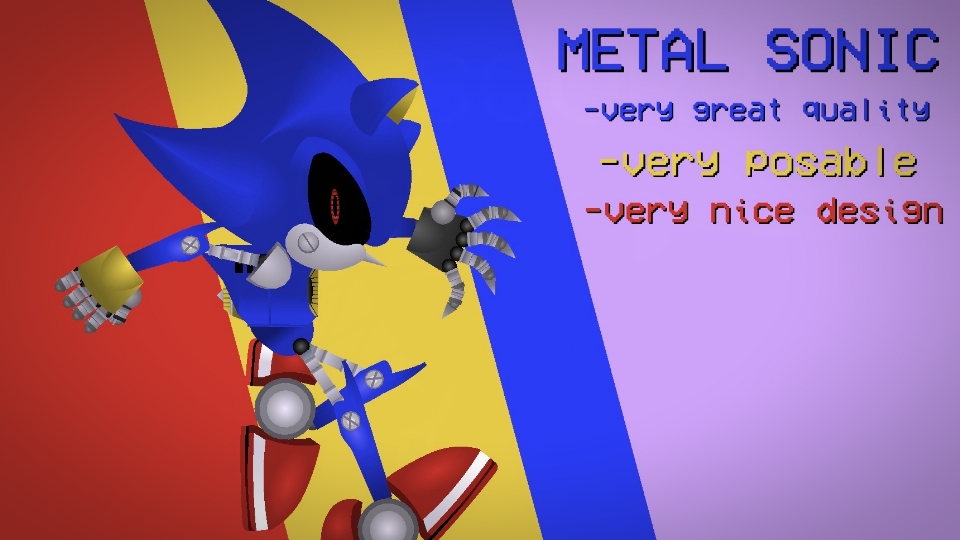
as usual, a very clean 360 model