
Joined:Jun 8, 2019
Uploads:19
Features:14
UC Wins:16


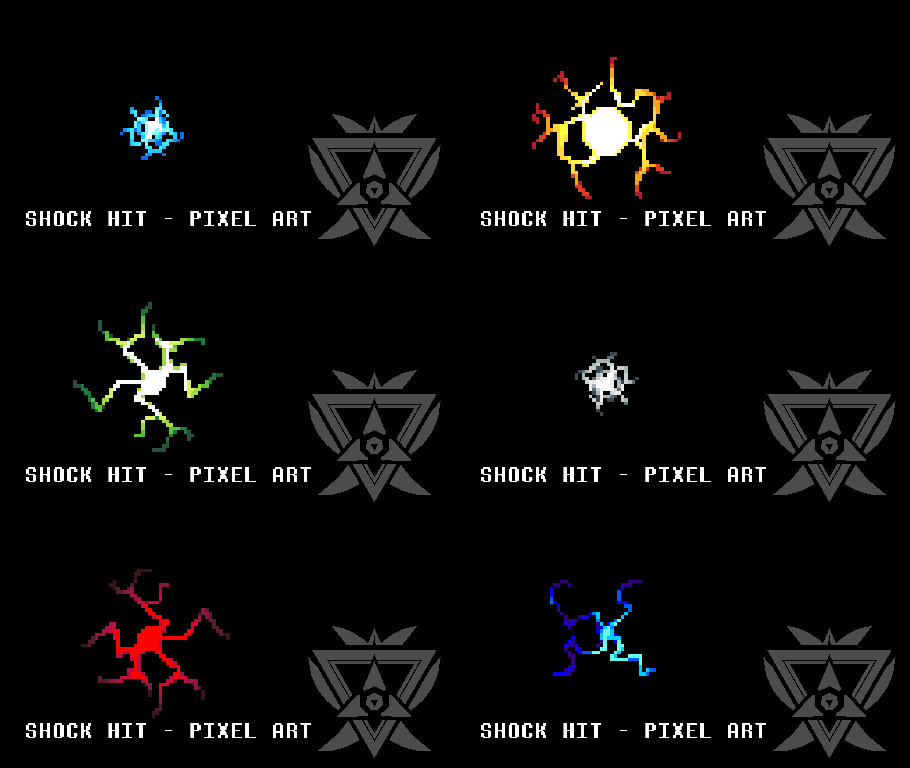
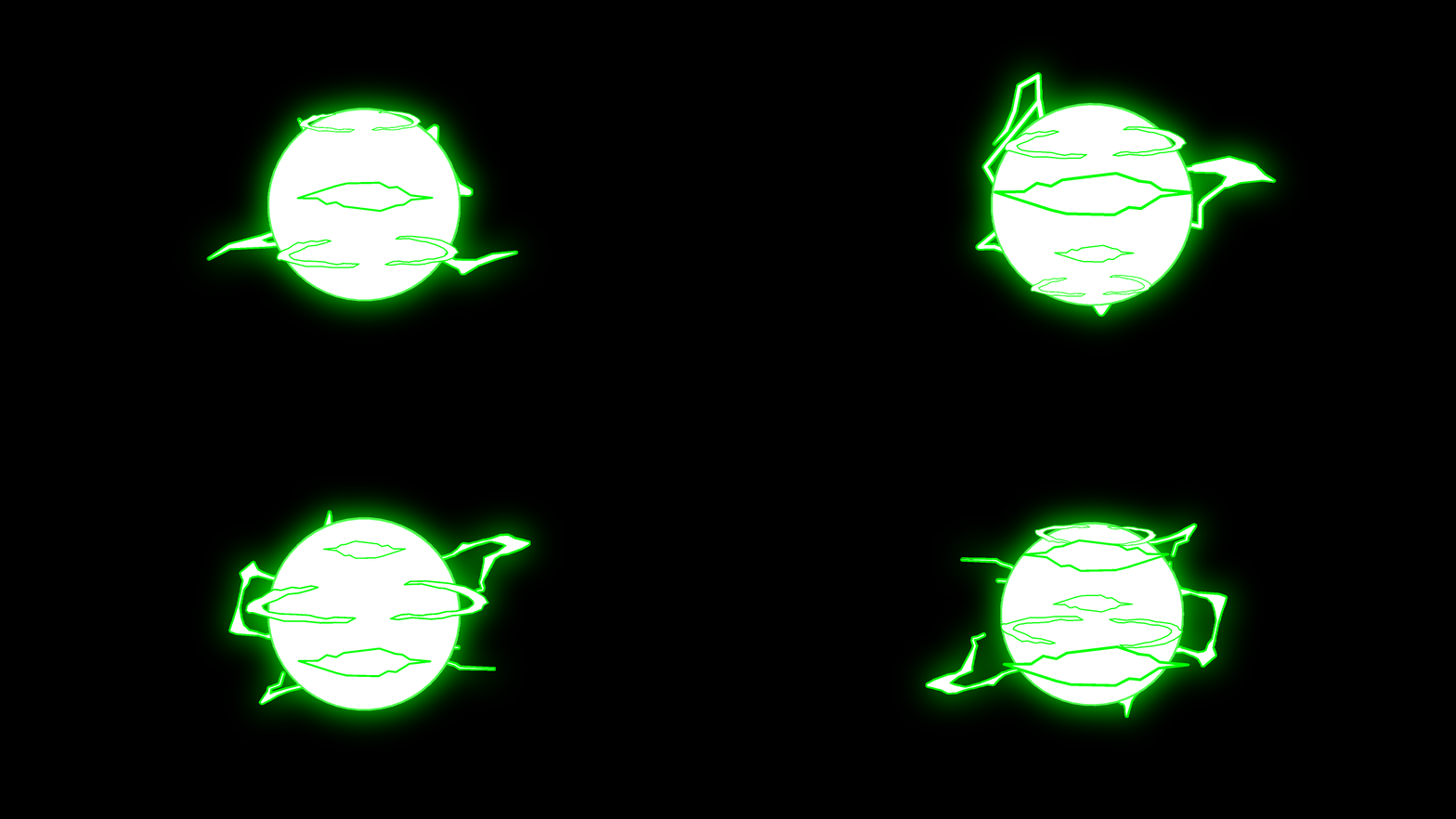
U got hit, shockers.
What makes this pack great?
Answer: Because I as the creator of this pack think this pack sucks ass so I decided to add more color variety for Stick Nodes Free user (no hue shift).
Also hue shifting this VFX may works sometimes but the color shift also sucks ass. Thats why I provided extra color palette/swap to make it... less sucks ass.
How to use:
1. I already assemble the whole thing in one Movieclip, and you can copy one of the Shock Hit' color you prefer and paste it into your other Movieclip or your animation.
2. You can duplicate the current file and delete the rest of the frame you don't want so you have animated Shock Hit VFX as movie clip.
3. Oh, this is a pixel art sprites and by default the size is tiny, why didn't I make it bigger by default? Because of Optimisation, and I care about your device well being.
4. Stretch, skew, rotate, twist, add salts, pepper, msg, oyster sauce, black pepper, jalapeno slices, mustard, beans, salsa, miso paste, buffalo diarrhoea dump, rotten asshole of roadkill skunk, rolling rock beer, blur effect, hue shift, glow, just go crazy with the customisation.
B u r p, me n e e d wa t e r
#hit #shock #Imtired #lightning #pixelart #sprite #breakplasticchair
What makes this pack great?
Answer: Because I as the creator of this pack think this pack sucks ass so I decided to add more color variety for Stick Nodes Free user (no hue shift).
Also hue shifting this VFX may works sometimes but the color shift also sucks ass. Thats why I provided extra color palette/swap to make it... less sucks ass.
How to use:
1. I already assemble the whole thing in one Movieclip, and you can copy one of the Shock Hit' color you prefer and paste it into your other Movieclip or your animation.
2. You can duplicate the current file and delete the rest of the frame you don't want so you have animated Shock Hit VFX as movie clip.
3. Oh, this is a pixel art sprites and by default the size is tiny, why didn't I make it bigger by default? Because of Optimisation, and I care about your device well being.
4. Stretch, skew, rotate, twist, add salts, pepper, msg, oyster sauce, black pepper, jalapeno slices, mustard, beans, salsa, miso paste, buffalo diarrhoea dump, rotten asshole of roadkill skunk, rolling rock beer, blur effect, hue shift, glow, just go crazy with the customisation.
B u r p, me n e e d wa t e r
#hit #shock #Imtired #lightning #pixelart #sprite #breakplasticchair
How to use: This download is a Movieclip file. If it contains a joined figure, you can access it by going into the Movieclip object (edit it) and then copying the entire assembled figure inside.Filters: Remember, Movieclip objects may use filters, and if you don't have Stick Nodes Pro these filters will not work and the Movieclip may look very different.
Download File
Downloaded 96 times
(Downloaded 96 times this week)
Problem with this submission?
Please log in to report this file.
Other popular submissions in effects category


