

Joined:Jun 8, 2019
Uploads:22
Features:15
UC Wins:18


This MEGA pack contains:
1. Basic fire slashes (Done) 2. Light fire slashes (Soon) 3. Black n white slashes (Soon)
By popular requests on my YouTube Community post... Everyone wanted me to upload the whole pack ALL at once. So when you import the movieclip... All *40.678.400 pixels* gets imported at once and might mess with the apps memory.
My phone is strong, but some of yours aren't. So I decided to split it into 3 batches just to be safe.
About this pack:
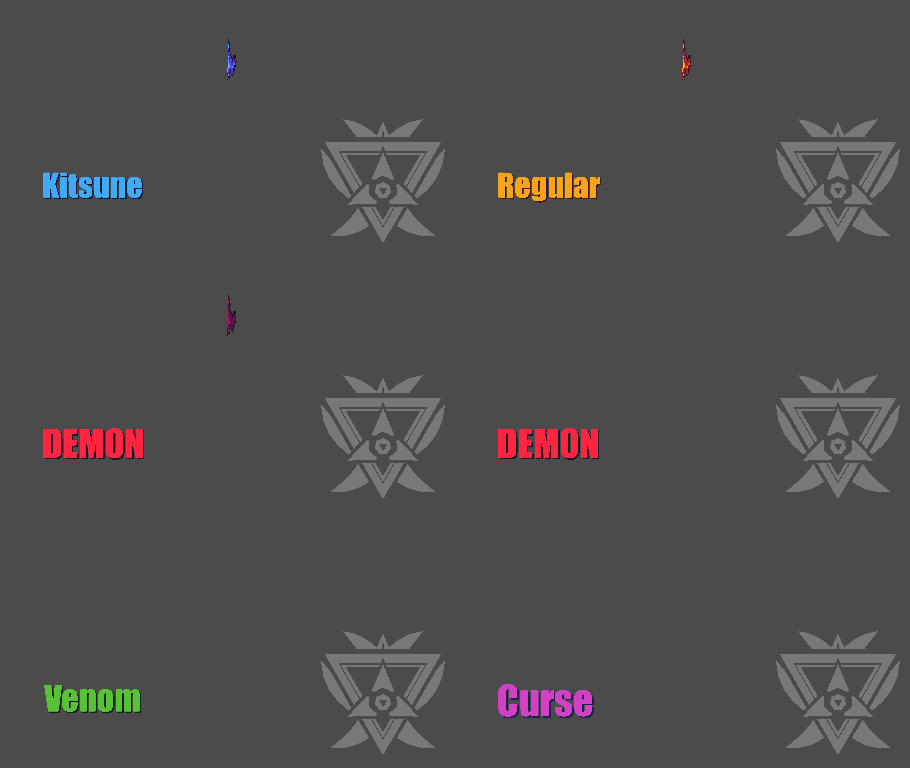
This pack contains 5 Fire slash sprite group. All of them has basic stylised color palette.
This slash was designed in 48 fps (yep!), so theres a lot of sprite state. But I designed this so when using lower fps like 20 - 24 fps, you can skip some of the states, and randomize the sprite states back and forth so the fire feels more [alive] from start to end of the swing.
This is for intermediate use, I'm not going to make a whole thesis about it because I want to save it for my own thesis. So if you dont know the basic of movie clip, sprite state and so on, you should learn the basic first.
This goes so well with basic filter, but some of you geniuses might double overlay it with other effect and assets to make the fire looked like RTX render.
Note: I already optimised the sprites by a LOT, but I still would recommend once you download this, seperate each slash into fresh movie clip so next time you only import the slash color you prefer.
~ Happy stretching, skewing and set your world of animation frames on fire ~
Credits:
1. Blender software and the community
2. Ralph for making mass image import possible
3. Water
4. Aseprite, and
5. YOU
#slash #fire #breakplasticchair
1. Basic fire slashes (Done) 2. Light fire slashes (Soon) 3. Black n white slashes (Soon)
By popular requests on my YouTube Community post... Everyone wanted me to upload the whole pack ALL at once. So when you import the movieclip... All *40.678.400 pixels* gets imported at once and might mess with the apps memory.
My phone is strong, but some of yours aren't. So I decided to split it into 3 batches just to be safe.
About this pack:
This pack contains 5 Fire slash sprite group. All of them has basic stylised color palette.
This slash was designed in 48 fps (yep!), so theres a lot of sprite state. But I designed this so when using lower fps like 20 - 24 fps, you can skip some of the states, and randomize the sprite states back and forth so the fire feels more [alive] from start to end of the swing.
This is for intermediate use, I'm not going to make a whole thesis about it because I want to save it for my own thesis. So if you dont know the basic of movie clip, sprite state and so on, you should learn the basic first.
This goes so well with basic filter, but some of you geniuses might double overlay it with other effect and assets to make the fire looked like RTX render.
Note: I already optimised the sprites by a LOT, but I still would recommend once you download this, seperate each slash into fresh movie clip so next time you only import the slash color you prefer.
~ Happy stretching, skewing and set your world of animation frames on fire ~
Credits:
1. Blender software and the community
2. Ralph for making mass image import possible
3. Water
4. Aseprite, and
5. YOU
#slash #fire #breakplasticchair
How to use: This download is a Movieclip file. If it contains a joined figure, you can access it by going into the Movieclip object (edit it) and then copying the entire assembled figure inside.Filters: Remember, Movieclip objects may use filters, and if you don't have Stick Nodes Pro these filters will not work and the Movieclip may look very different.
Download File
Downloaded 118 times
(Downloaded 118 times this week)
Problem with this submission?
Please log in to report this file.


Other submissions by Darren Zcon


bro swears he’s zuko