

@beginninganimator


Joined on October 4th, 2019, this user has been a member for 2,440 days and is the 26,591st person to register an account.
Has 35 submissions, the first one uploaded on October 9th, 2019 and the most recent on June 16th, 2023.
Of those, 12 have been featured and 24 have won Users' Choice.
On average, each submission earns 5,632 downloads.
In total, they have been download 197,123 times.
Counting every individual stickfigure, including the contents of all packs, this user has technically made and submitted 210 stickfigures.
On average, when this user rates stickfigures, they are 94% positive.
Also, they are typically 100% positive when rating animation spotlights.
Has made 546 comments on non-activity pages of the site. Alternatively, this user has made 14,977 comments on actual activity pages of the site.
This member is not a Users' Choice voter.
Show More D.O.H.D | Development of Hyper-realism Dynamics.Owner
 THE NODIUM | ?Owner
 Beauty Is Everywhere - StickFigure Request.Owner
 𝗦.𝗡.𝗨 – 𝗣𝗿𝗲 𝗝𝘂𝗹𝘆 𝟮𝟬𝟮𝟮 𝗗𝗮𝘁𝗮𝗯𝗮𝘀𝗲 🚫 [ ᴏᴜᴛᴅᴀᴛᴇᴅ ɢʀᴏᴜᴘ ] 🚫admin
 Quesoadmin
 #TeamDemonadmin
 Rene’s Groupadmin
 StickNodes Movies!admin
 Big Black Man (changed title cause the original was unbearably cringe, still a dead group tho.)admin
 Africa Campaignadmin
 The Cat Cultadmin
 The role play groupadmin
 The Jayingee Youtube Fan Groupadmin
 Flamingo YouTube Fan group./Flamingo memesadmin
 Achlon Theatermod
 The Profile Rankersmod
- OCs Battlesmod
 Cold weather peepsmod
 Chill Boismod


-
Replying to comment by:
“Hey guys this video is sponsored by raid shadow legends” she says as she stands idle looking in a different direction.
-
Replying to comment by:
I can’t stop staring at the little triangle sticking out.
But this is pretty cool, nice job.
-
Why am I making more work for myself
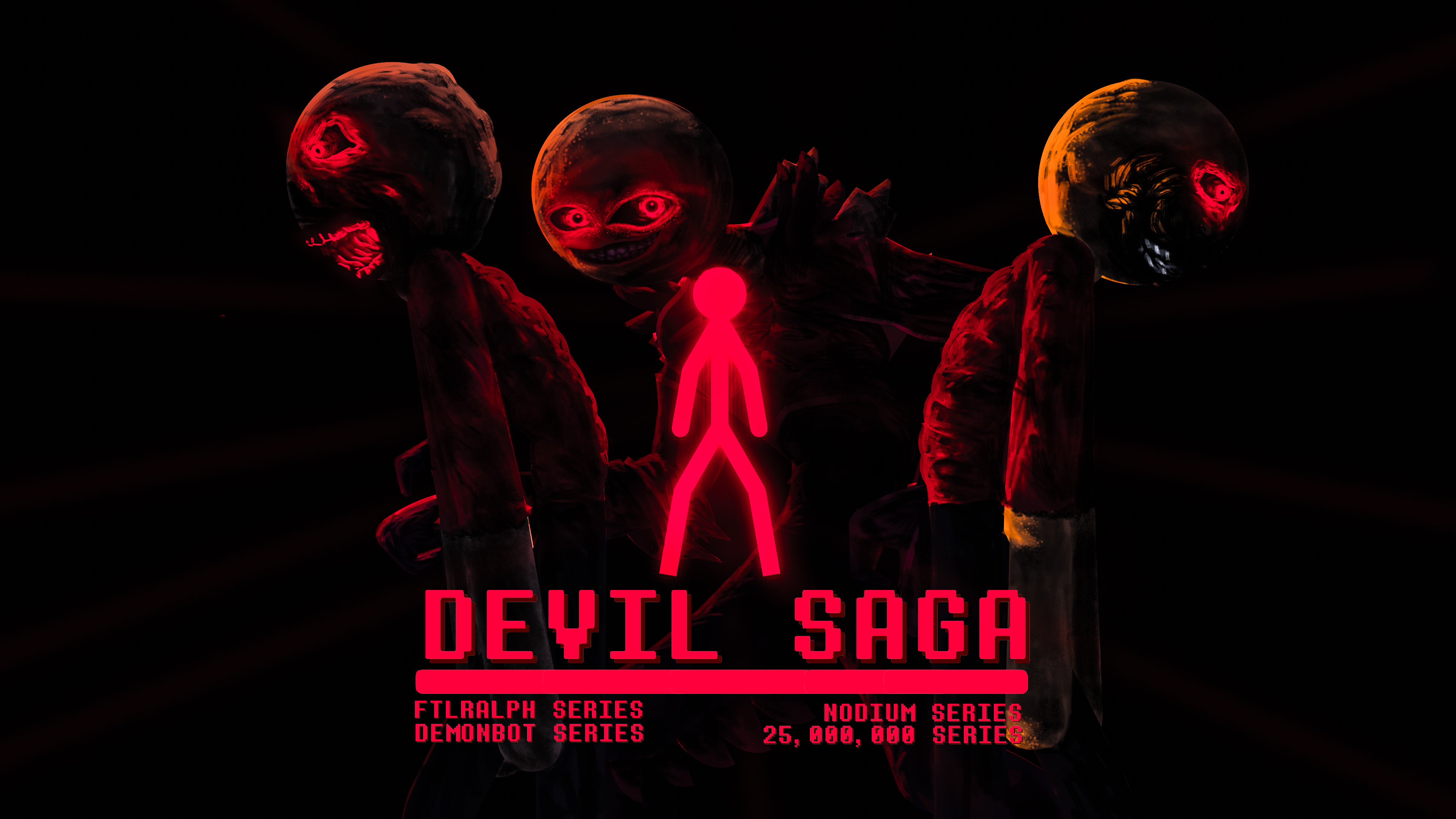
“Based on the history of Sn demon, Demonbot, and the Archfiend’s attempts to overthrow StickNodes.”
I’ve decided that I might make this a full fledged saga, as well as other sagas coming this after this one.
I might plan for this to be orchestrated in a style like Marvel, but I’ll have to see if I can get myself to do the Nodium first.
-
Collo created the group
 Stick Nodes | The Underworld Saga 3 years, 10 months ago
 -
Replying to comment by:
Do you mind telling me what you did to keep it from moving?
-
Replying to comment by:
Fr the only character I care about seeing
I cant wait for him to say \”It\’s leaning time\” and proceeds to lean on everyone
-
Replying to comment by:
1,033 days
-
So arcionek..
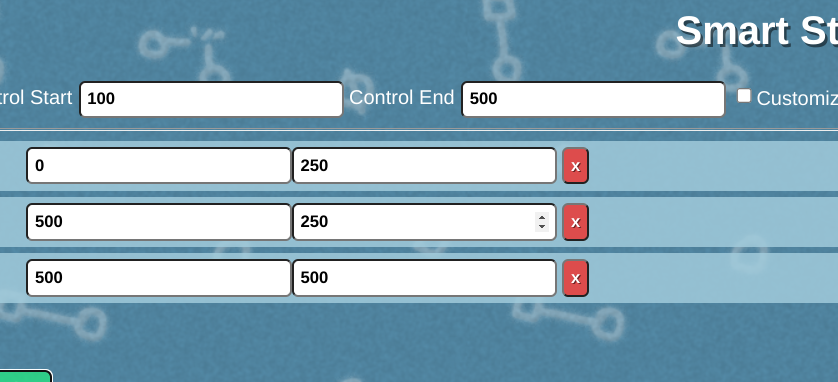
I figured out how to use the calculator by sitting and thinking for a while and came to the conclusion that all the numbers are just supposed to be where the node starts and where its supposed to move next to.
I made my own square but now I’m getting the problem with the movement again, this time it doesn’t seem solvable like it was earlier.
I tried a different way where I duplicated the right side and used it for the left side as well which was a bit more stable but it still moves over to the right a little.I might’ve just made an error in using the numbers


-
Do you mind telling me what you did to keep it from moving?
2022-08-02 21:22:00 UTC -

Okay so. I’d say you almost got it and yeah you’re correct. That’s how the calculator works.
My random guess, and I’m talking out of my ass with this one, is probably cuz the output is at 0.5 increment difference. The reason from it is because the control starts at 100. I’ll check if I’m right if it’s due to the 0.5 thing after I’m done with work.
But overall, pretty good job. You’re the first one to crack this.
2022-08-02 23:54:34 UTC-
Replying to:
Okay yea my ass was wrong. Can u just send me the stick so I can tell wtf is going on with it lmfao.
2022-08-03 04:48:01 UTC-
Replying to:
Here’s both of the ones in the gif
https://www.mediafire.com/file/njbqu60jcll2gyi/My_first_working_smart_stecee.nodes/file
https://www.mediafire.com/file/tdywxuktcr5m6sh/My_first_workinge.nodes/file
2022-08-03 15:53:08 UTC-
Replying to:
okay so you actually got everything down correctly, especially in the My_first_workinge.nodes
all but one thing. The Control node. Your starting length on it is 25 instead of 100. This most likely came also with confusion on negative values, for example on 1 you have both numbers on negative. Means both offset and length point to the left.
So if you extend the control to 100, then flip the axis on the length, it should be overlaying over the root correctly this time.
So after these fixes, when your Control segment is at 100, when you stretch it to 500 you should get it to your desired effect.
2022-08-03 16:12:31 UTC
-

Yeah I suppose placeholders for the unlabeled inputs would probably be a good idea 💀
I added them to the calculator just now, so hopefully no-one else needs to be confused by that
 2022-08-03 02:25:16 UTC
-
Replying to comment by:
The calculator still seems kind of complicated to use, I don\’t really understand what I\’m supposed to do with the numbers but I\’ll give it a shot.
I think a more in depth explanation on how to use it such as showing what to do with each set of numbers in stick nodes would help out alot.
-
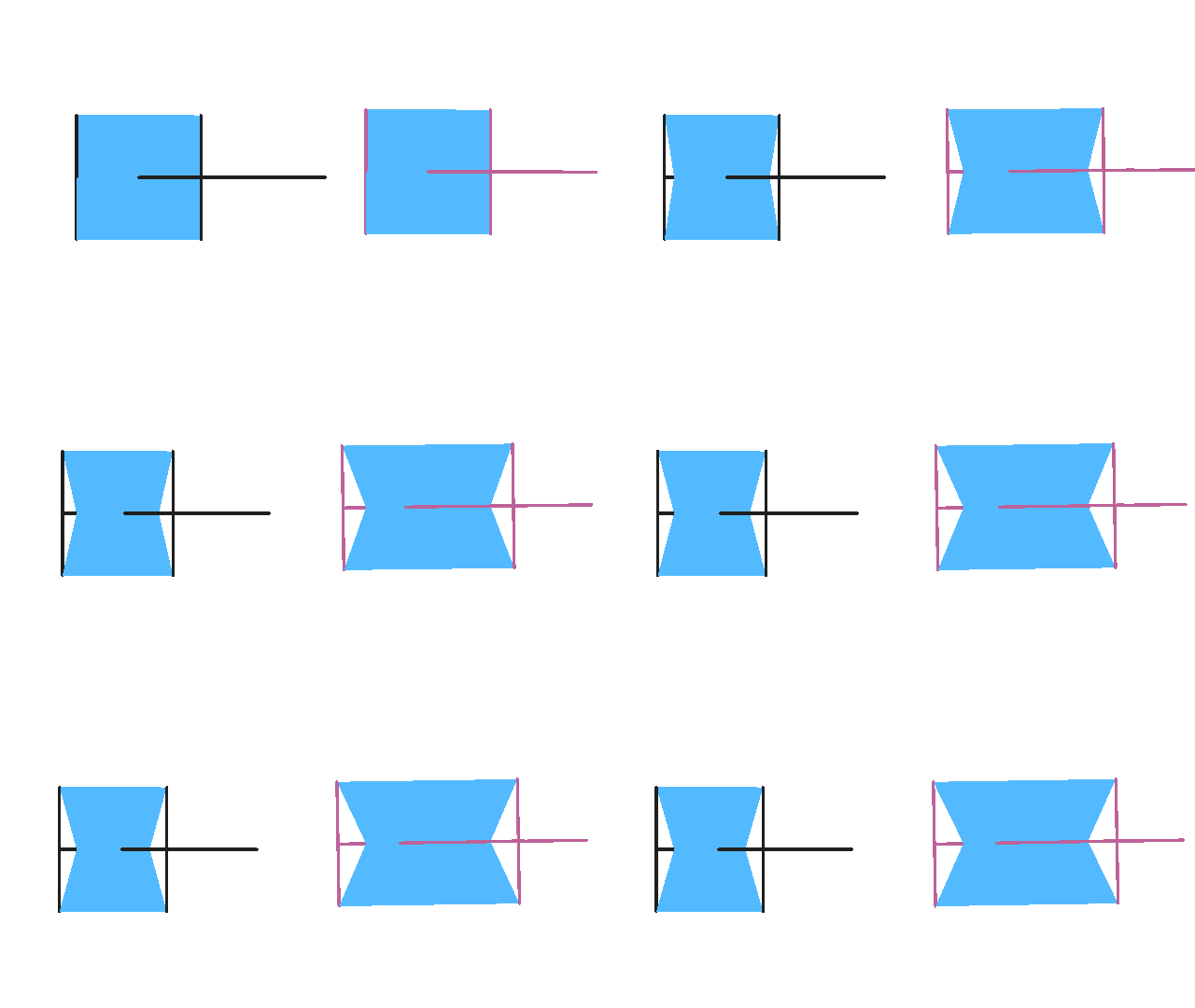
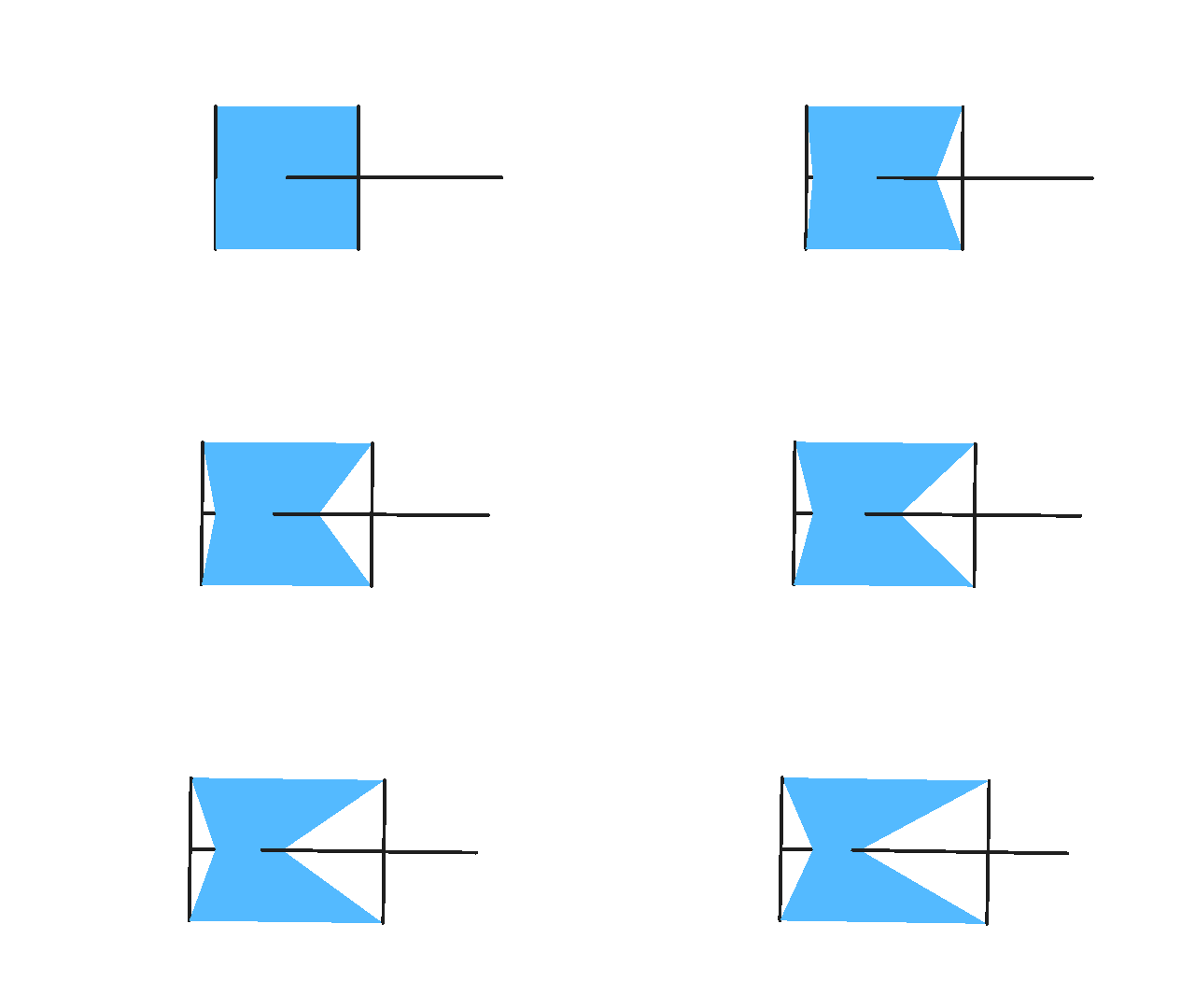
So I figured out the problem. The right side was moving inward instead of moving outward. I didn’t know how to fix it for a while until i found out don’t smart stretch works. So the figure nearly works now, but the last problem is that the right side is moving too quickly for the left side to match up with it.
-
Oh so you’re trying to make it turn from square to hourglass? That explains a lot lol
2022-08-02 18:25:16 UTC-
Replying to:
Have you used the calculator perhaps? It should simplify the whole process.
2022-08-02 18:26:35 UTC-
Replying to:
Might be you didn’t set the offset on the middle part to “do not smart stretch”. But that’s my guess.
2022-08-02 18:30:23 UTC -
Replying to:
The calculator still seems kind of complicated to use, I don’t really understand what I’m supposed to do with the numbers but I’ll give it a shot.
I think a more in depth explanation on how to use it such as showing what to do with each set of numbers in stick nodes would help out alot.
2022-08-02 18:46:13 UTC-
Replying to:
In the guide look at the gif and the first graph. Maybe you’ll get it.
2022-08-02 18:55:14 UTC
-
Replying to comment by:
this is the most post of the website
-
I think I’m nearly there after spending an hour trying to dissect how the polyfill was laid onto the figure and getting the placement of nodes correct
Problem is that the right side of it is moving and I have to make 2 nodes in the figure un-static for it to work

-
How does the Control node move? Is it supposed to stretch to the right from 100 length to 200?
Was mainly wondering if its the values, offset having no “do not smart stretch” or having a Length set as “do not smart stretch”… Or is it just polyfill lmao.
2022-08-02 17:17:32 UTC-
Replying to:
My tip is to get all segments to thickness 5 or so with modify branch, it will be easier to see what’s goin on
2022-08-02 17:18:50 UTC-
Replying to:
Oh right also that’s also partially why I have the number 3 thing in the guide
It basically counters the stretch of the Control, making the point stay in one place. It’s also where I hooked up the right most side. The left is hooked to the root.
2022-08-02 17:24:34 UTC
-
Collo joined the group
 Rigging Nerd Club 3 years, 10 months ago
 -
Replying to comment by:
His thing doesn\’t seem to be working
Ask him to friend me instead
#8245 -
Replying to comment by:
Question: What could this be used for?
I\’m thinking of using it but I want to have a reason why
- Load More


thx for figuring out the lore because i’m so confused