File:All-Consoles.nodes (1.2 KB)
Date:October 27, 2020
Category:Objects
Android How to download stickfigures & sounds:
- As of 3.2.0, Stick Nodes will no longer automatically find downloaded files in your /downloads/ folder. You must open the file with Stick Nodes explicitly for it to be moved into the correct folder.
- Download a NODES (or STK) or ZIP file. When done, tap it and "Open With" > "Stick Nodes". See this image for an example.
- Sounds: Download an MP3 file < 256kb. When done, tap it and "Open With" > "Stick Nodes"..
IOS 13+ How to download stickfigures & sounds:
- If using Chrome or Firefox, download a NODES (or STK) or ZIP file, select the file and "Open in Stick Nodes" after finished downloading.
- If using Safari, download a NODES (or STK) or ZIP file, follow these directions.
- Also for ZIP files, check out this quick and informative tutorial by Auto-Angel.
- Sounds: With Safari, follow these directions.
Problem with this submission?
Please log in to report this file.
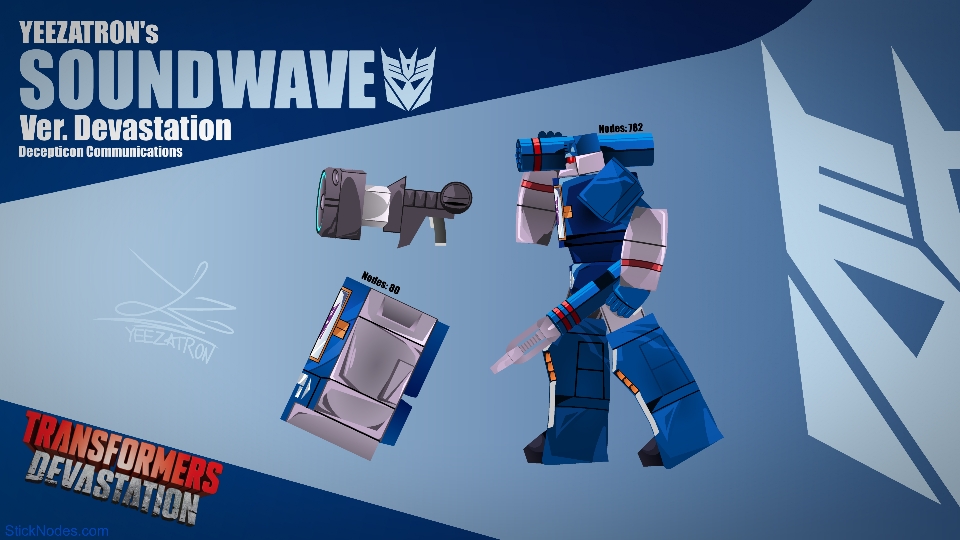
- Transformers Devastation Soundwave Movieclip
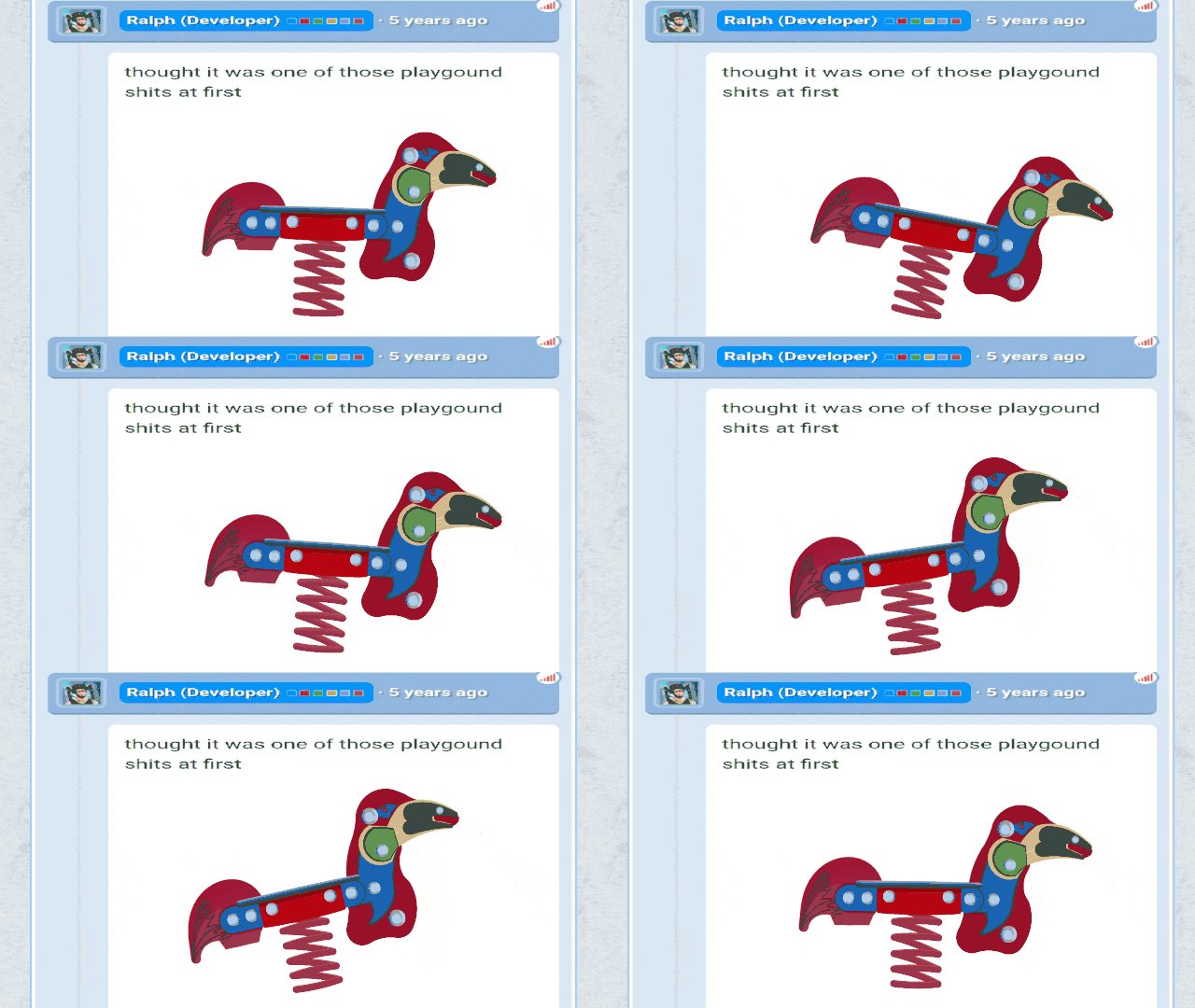
- Spring Rider
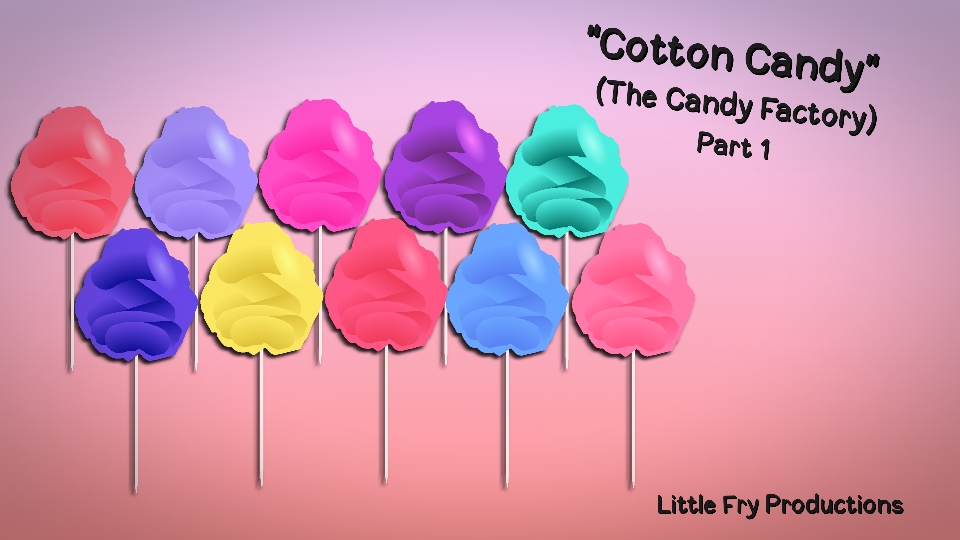
- The Candy Factory Cotton Candy Part 1 Pack
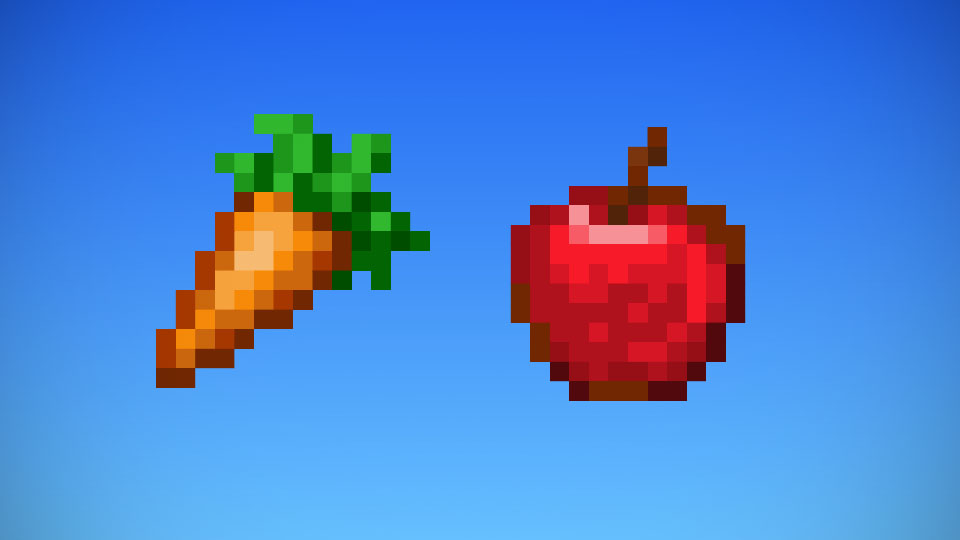
- Minecraft Food Pack
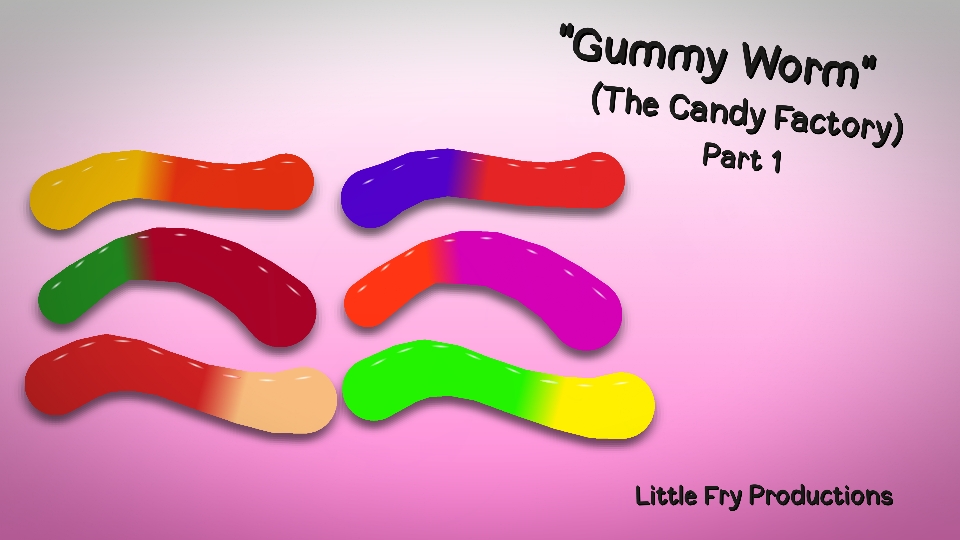
- The Candy Factory Gummy Worm Part 1 Pack
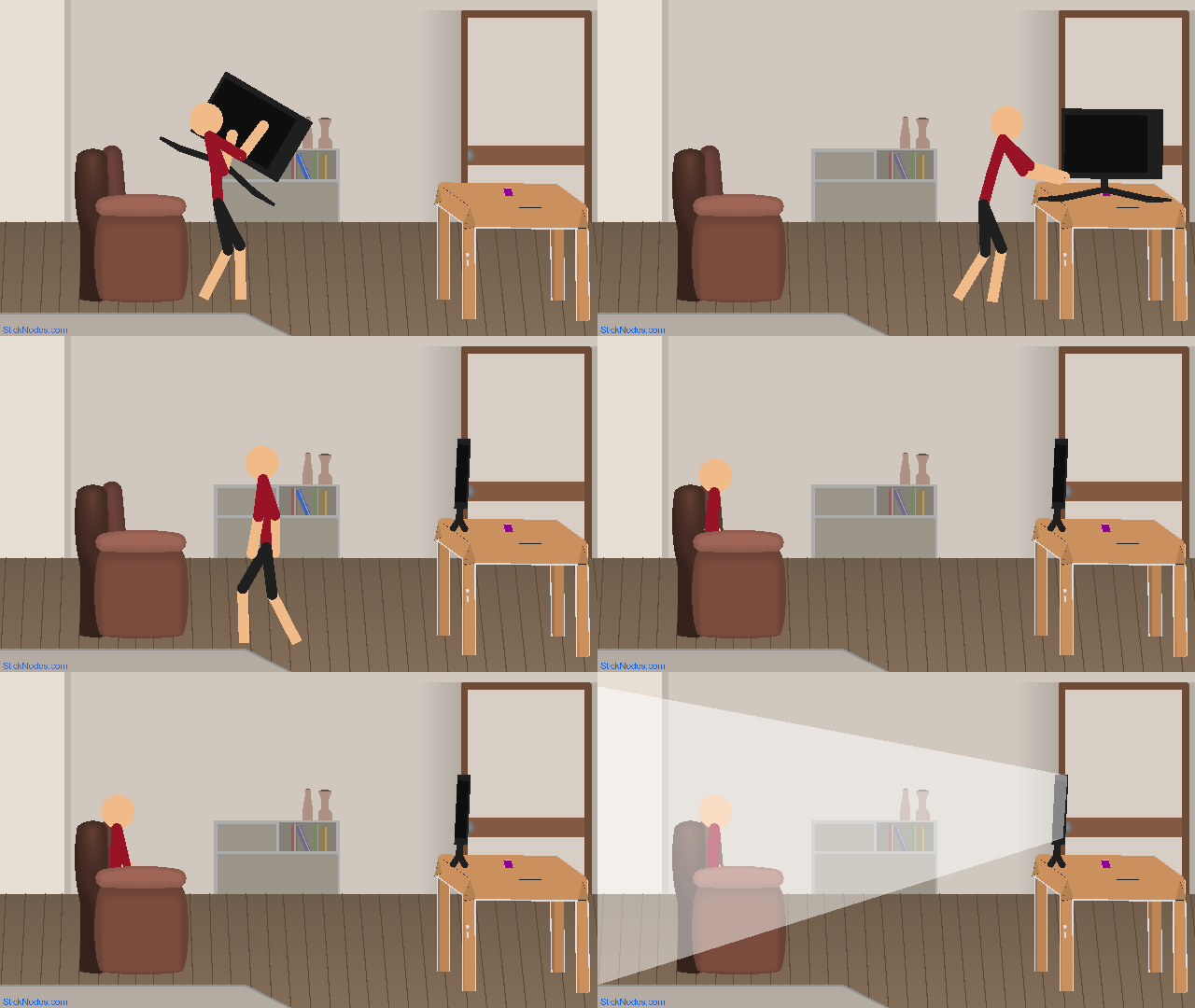
- Smart Stretch 3D TV
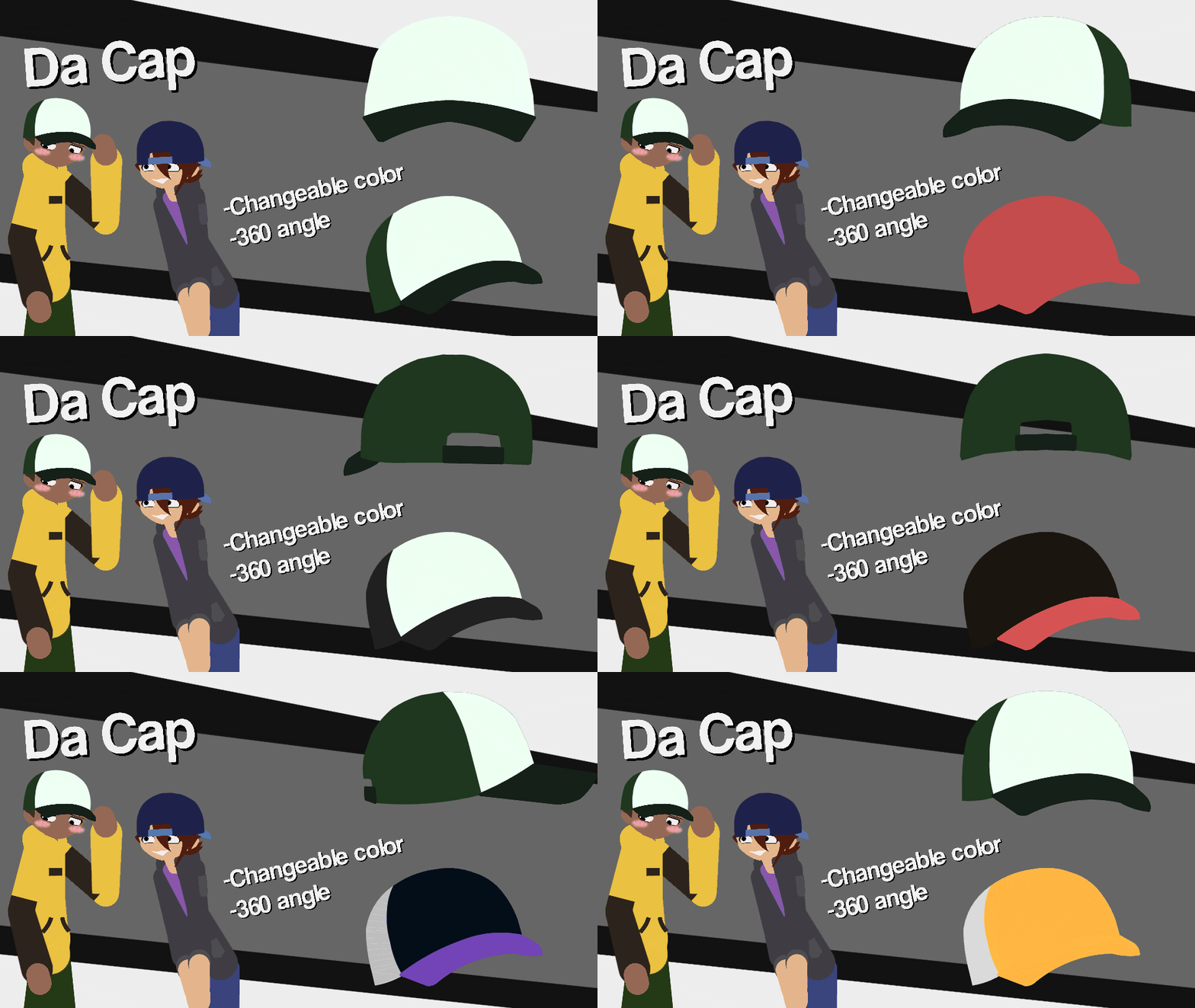
- OwN Cap Movieclip
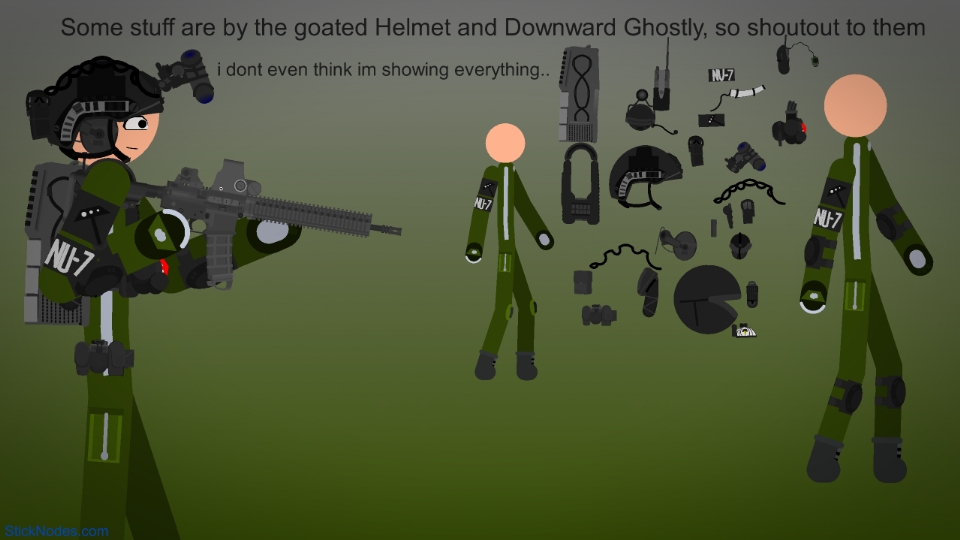
- NU-7 or Tactical Gear Movieclip
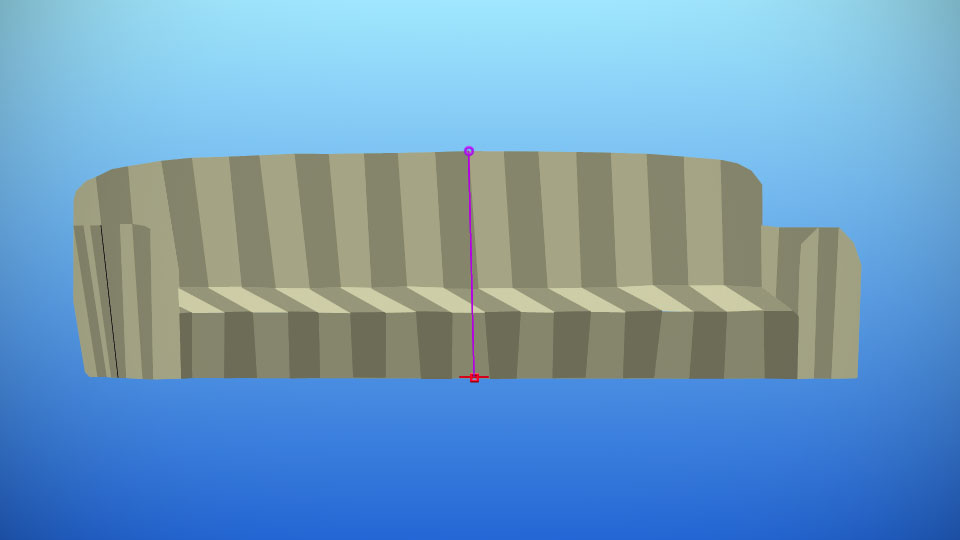
- Alan Becker Couch
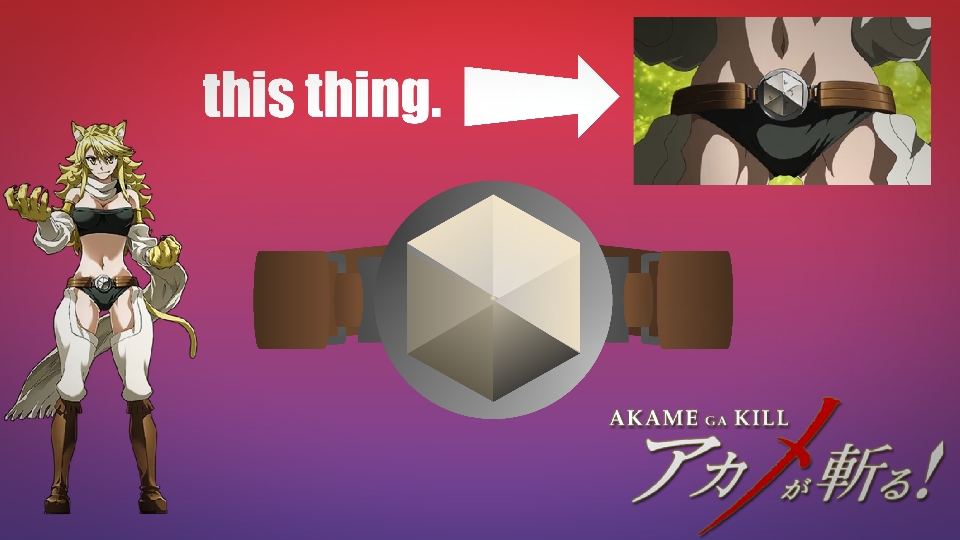
- Lionel (Teigu From Akame Ga Kill)
- Transformers Devastation Soundwave Movieclip
Other popular submissions in objects category


Trash!
Get it?
No
No, mobile isn’t even good, you just use it for mobile games only, you can’t even play Fortnite bcuz you will get a virus cuz of being dumb *also on pc unless you use the App Store of your Microsoft pc* play Xbox or PS5 instead, they are both cool
RESPECT CONSOLES!!