File:AoT-Wall-2.nodes (2.1 KB)
Date:June 28, 2019
Category:Backgrounds
Android How to download stickfigures & sounds:
- As of 3.2.0, Stick Nodes will no longer automatically find downloaded files in your /downloads/ folder. You must open the file with Stick Nodes explicitly for it to be moved into the correct folder.
- Download a NODES (or STK) or ZIP file. When done, tap it and "Open With" > "Stick Nodes". See this image for an example.
- Sounds: Download an MP3 file < 256kb. When done, tap it and "Open With" > "Stick Nodes"..
IOS 13+ How to download stickfigures & sounds:
- If using Chrome or Firefox, download a NODES (or STK) or ZIP file, select the file and "Open in Stick Nodes" after finished downloading.
- If using Safari, download a NODES (or STK) or ZIP file, follow these directions.
- Also for ZIP files, check out this quick and informative tutorial by Auto-Angel.
- Sounds: With Safari, follow these directions.
Problem with this submission?
Please log in to report this file.
- Mashle School Corridor Movieclip
- 308 Negra Arroyo Ln Movieclip
- Mashle School Arena Movieclip
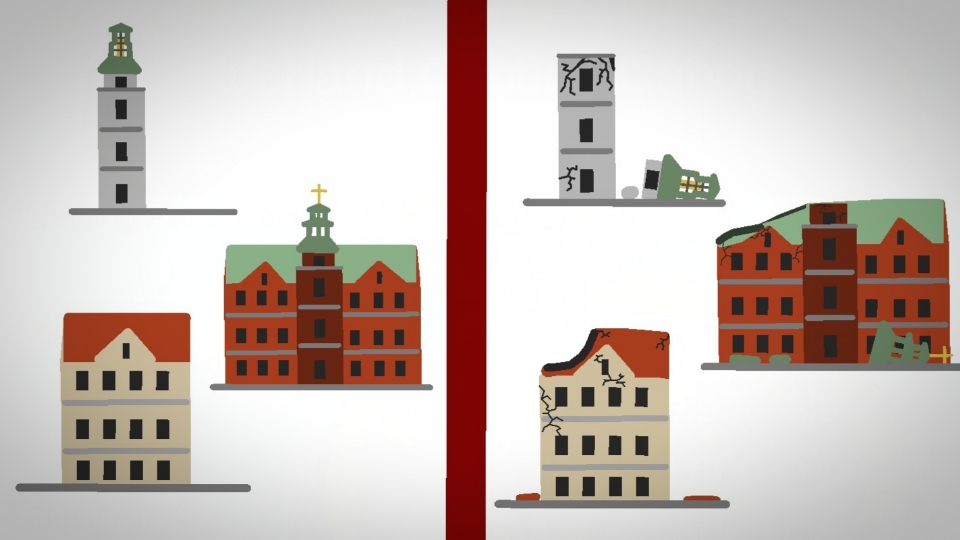
- 1800s Danish Buildings Pack
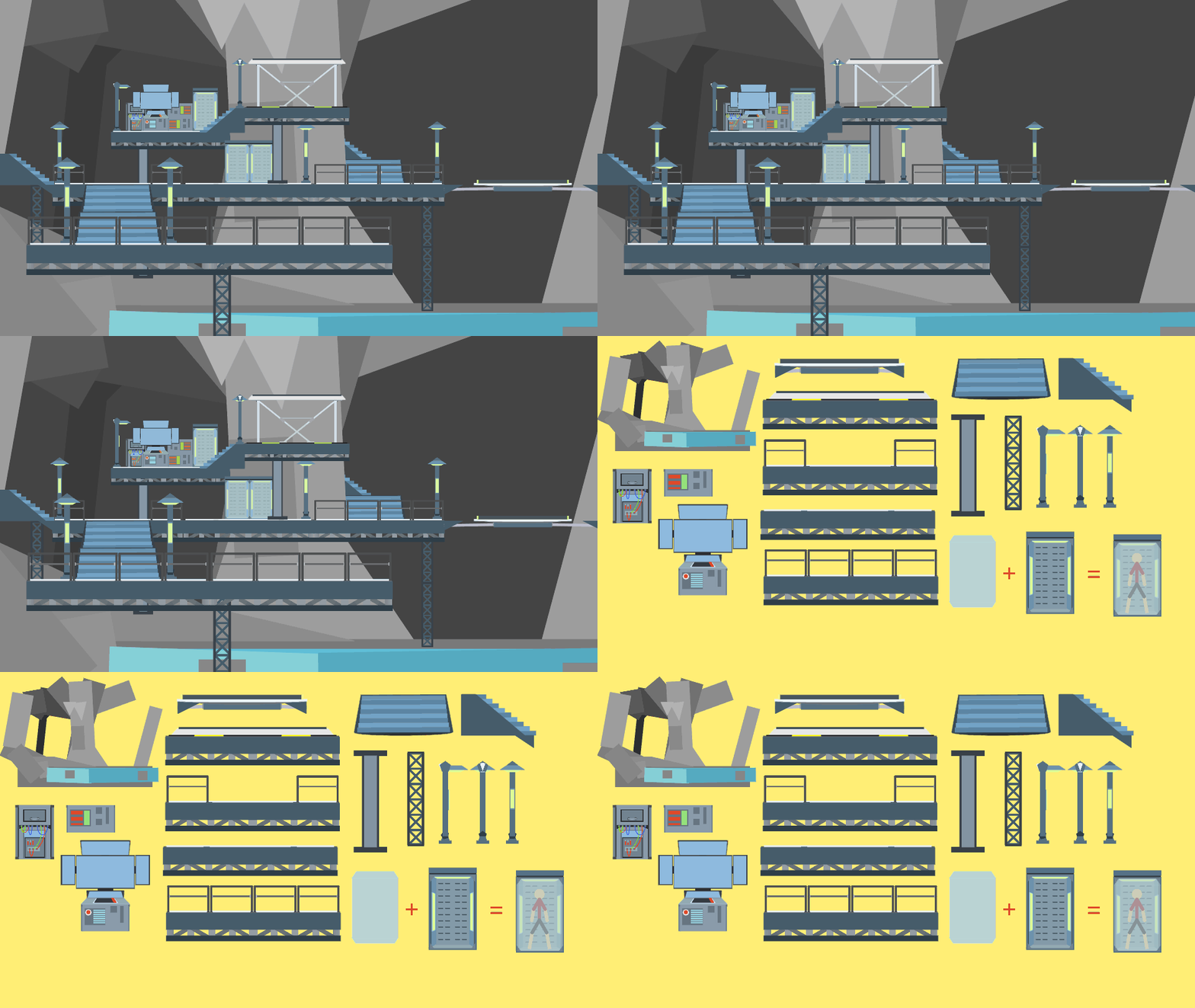
- Modular Batcave Part 1 Movieclip
- Pelican Inside Background Movieclip
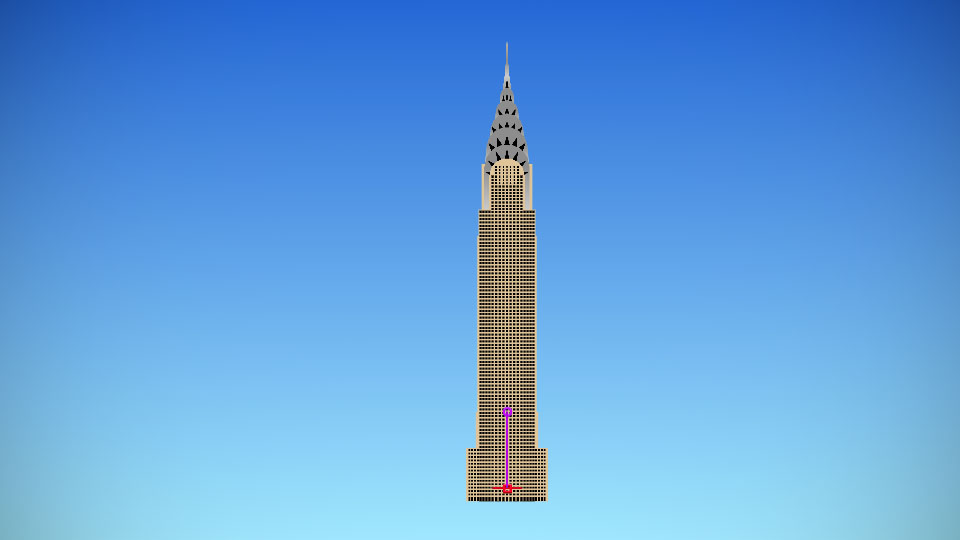
- Chrysler Building
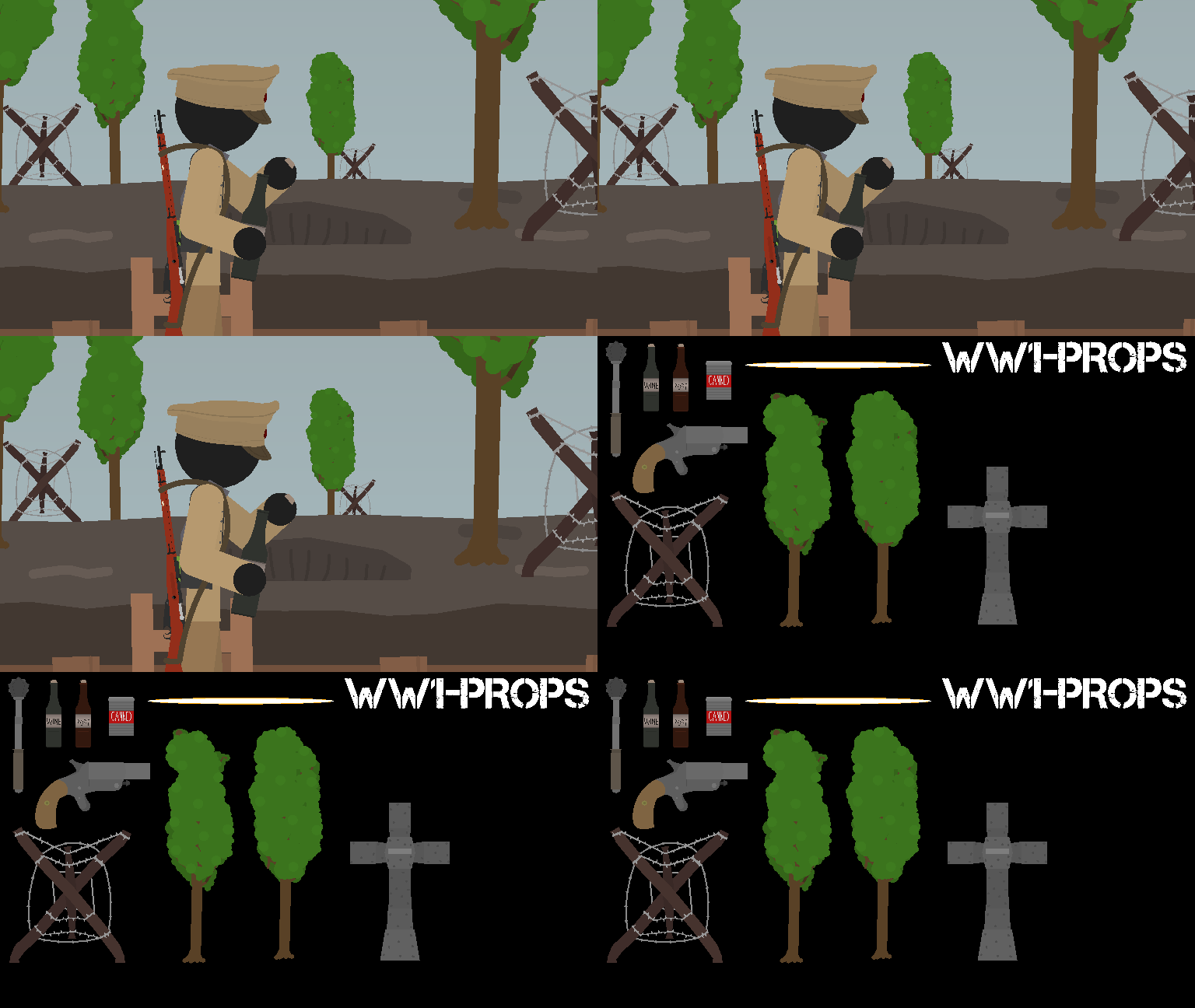
- WW1-Props Number 3 Movieclip
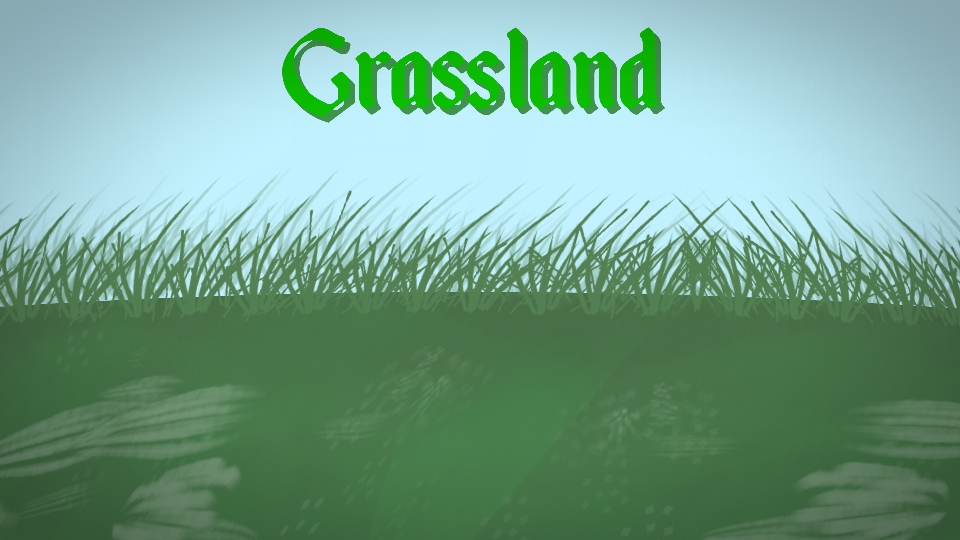
- Grassland Background Movieclip
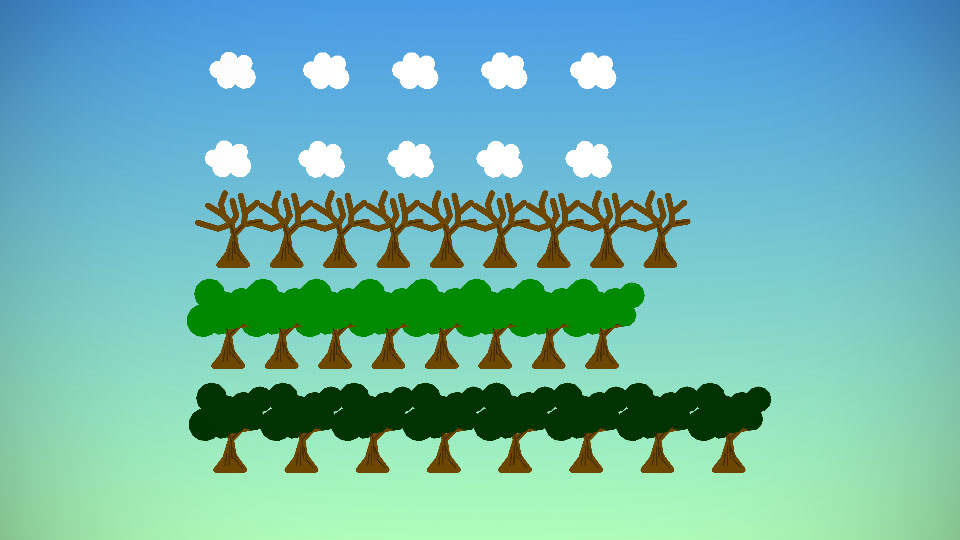
- Trees and Clouds Pack
- Mashle School Corridor Movieclip
Other popular submissions in backgrounds category


trump-thumbs-up.jpg
Such protection
I already fix itu justru wait:)