File:Different-Fantasy-Sword-Pack.zip (34.0 KB)
Date:March 6, 2021
Category:Packs
Weapons
Its just little giveaway special 60 subs...maybe if you used so lots this weapon will be pretty lag
Ralph's edit: Put the sword into a movieclip, add it as a Single-Frame (Graphic), cache it, ???, profit.
#fantasysword #sword
Ralph's edit: Put the sword into a movieclip, add it as a Single-Frame (Graphic), cache it, ???, profit.
#fantasysword #sword
This download is a ZIP of 7 files
Fantasy sword 1 (13.43kb)
Fantasy sword 2 (7.74kb)
Fantasy sword 3 (13.55kb)
Fantasy sword 4 (9.61kb)
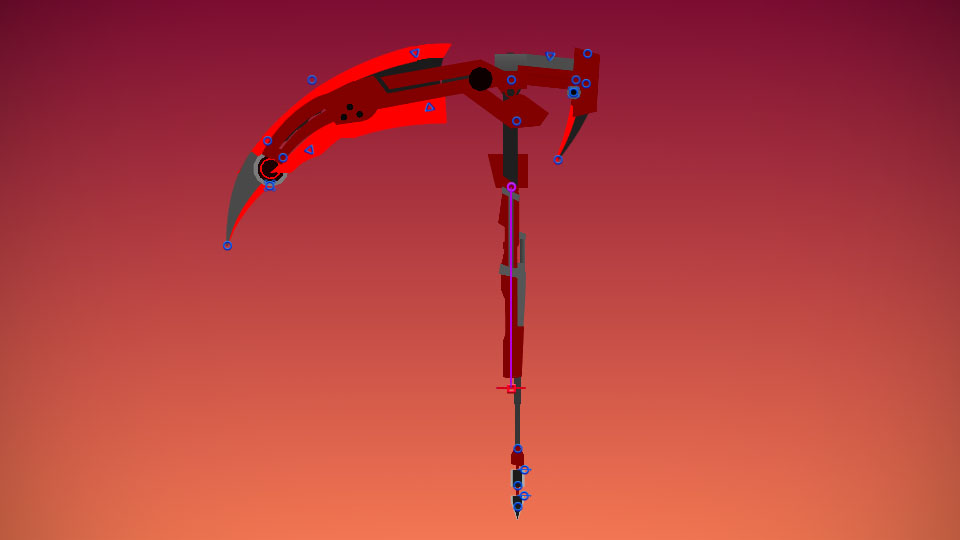
Fantasy scythe 1 (18.88kb)
Fantasy scythe 2 (12.96kb)
Fantasy shuriken (12.67kb)
Android How to download stickfigures & sounds:
- As of 3.2.0, Stick Nodes will no longer automatically find downloaded files in your /downloads/ folder. You must open the file with Stick Nodes explicitly for it to be moved into the correct folder.
- Download a NODES (or STK) or ZIP file. When done, tap it and "Open With" > "Stick Nodes". See this image for an example.
- Sounds: Download an MP3 file < 256kb. When done, tap it and "Open With" > "Stick Nodes"..
IOS 13+ How to download stickfigures & sounds:
- If using Chrome or Firefox, download a NODES (or STK) or ZIP file, select the file and "Open in Stick Nodes" after finished downloading.
- If using Safari, download a NODES (or STK) or ZIP file, follow these directions.
- Also for ZIP files, check out this quick and informative tutorial by Auto-Angel.
- Sounds: With Safari, follow these directions.
Problem with this submission?
Please log in to report this file.

Hmmm…
Stabby stab
Terraria moment
Good content 🙂