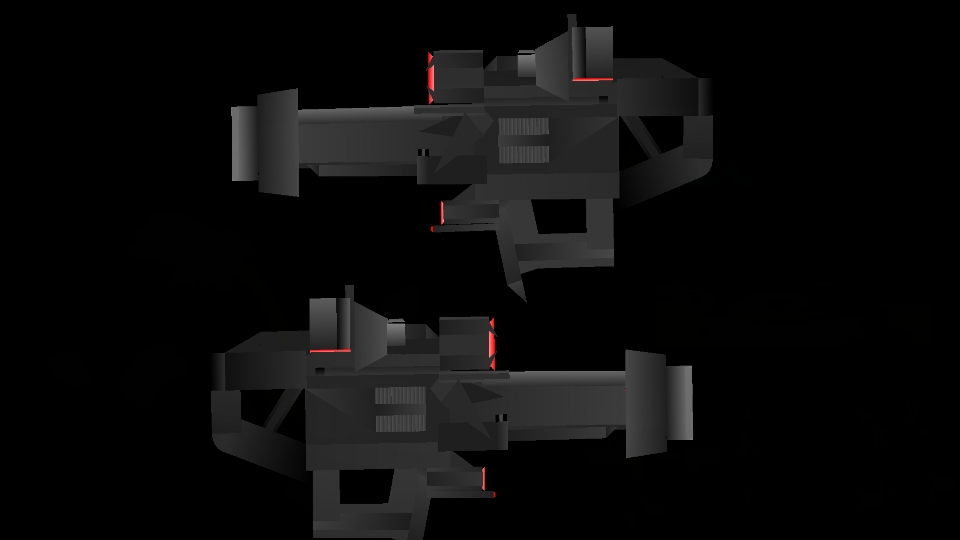
- Halo Stanchion Rifle Pack
- Transformers Devastation Shockwave Movieclip
- WL Chinese Weapons Remastered Pack
- Grox Minecraft Movieclip
- Grimlocks Expansion Set Movieclip
- Centaura Antarean Campaign Movieclip
- The Index Nursefather Rien Cadueus Pack
- Skibby Toilet Laser Gun
- MG-34 (50 Rounds) Movieclip
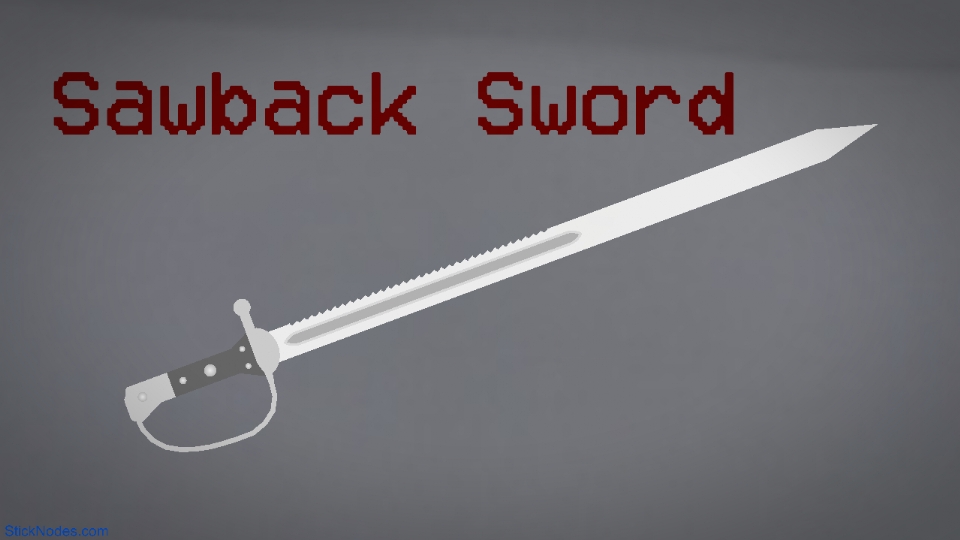
- Sawback Sword
- Halo Stanchion Rifle Pack
Other popular submissions in weapons category











Gotta add that 2 on the end there.
Fun fact, I only do that for myself really. Otherwise the upload plugin I use appends a (2) to the file if a name already exists.
I don’t like the (2) so I manually check every stickfigure before uploading and append my own number.
Okay it wasn’t that fun I’m sorry.
I can’t remember if I added the description to this… I’m sure it was me