


(Guest)
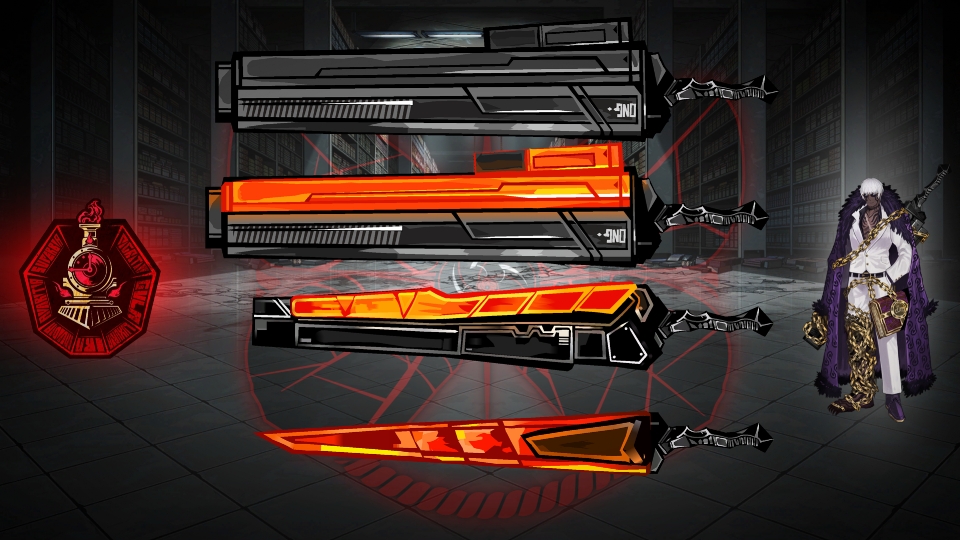
Multi-colored epic swords!
This download is a ZIP of 4 files
Epic Sword (Blue) (3.23kb)
Epic Sword (Green) (3.23kb)
Epic Sword (Orange) (3.18kb)
Epic Sword (Red) (3.18kb)
Problem with this submission?
Please log in to report this file.







Other popular submissions in weapons category


Neon
yea sure
Feels impossible to change colors to different ones like yellow, brown and more. The circle on the grip is one toughy to change the color
I just download one, and i put all the color segments the stick figure’s color, so i can change it whenever i want, and i put the circle on the middle not static, so i can change the segment color you can do it, its very simple if you understand my 2 years old english
I see what you’re saying, but that’s why he made the various colors, as they use gradients/difference colors, not just one central color that can be changed.
Cool epic swords