
Joined:Jun 25, 2022
Uploads:28
Features:8
UC Wins:10


Problem with this submission?
Please log in to report this file.
Other submissions by SamVonkly

Stick Nodes®
A stickfigure animation app created for mobile devices!
Create your own stickman animations on your Android or iOS device!
Joined:Jun 25, 2022
Uploads:28
Features:8
UC Wins:10
Problem with this submission?
Please log in to report this file.




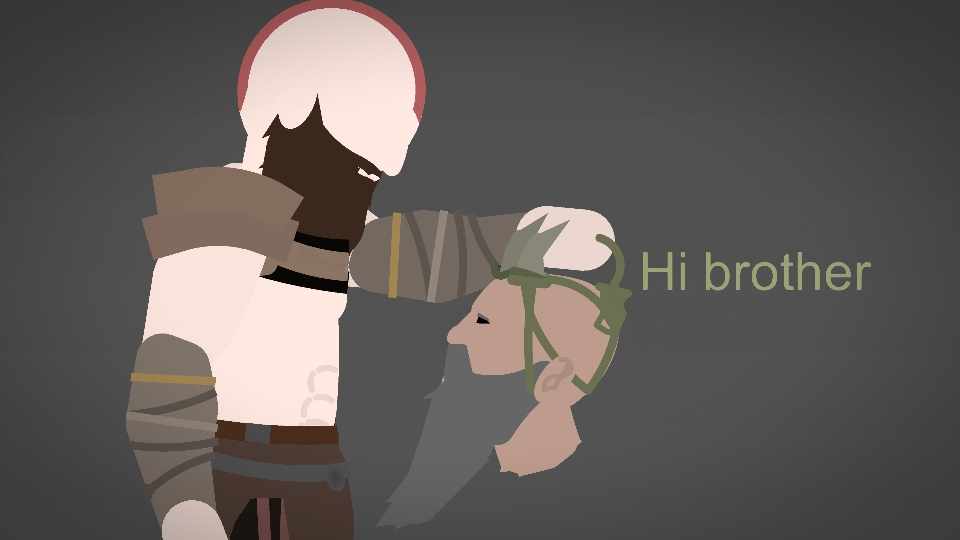
Mimir is one of the best video game side characters ever, and you can’t change my mind.
The Eyes is yellow the facial hair need detail
First of all, i didnt do the 2 yellow eyes because at the begenning that we found mimir, it didnt have left eye. And if i DETAILED the head IT WOULD ME MORE THAN 384 so YOU fix that if you want to or dont mind. And what is “eyes is” bro “eyes are”.
Boy.