


Joined:Jul 5, 2017
Uploads:143
Features:19
UC Wins:54


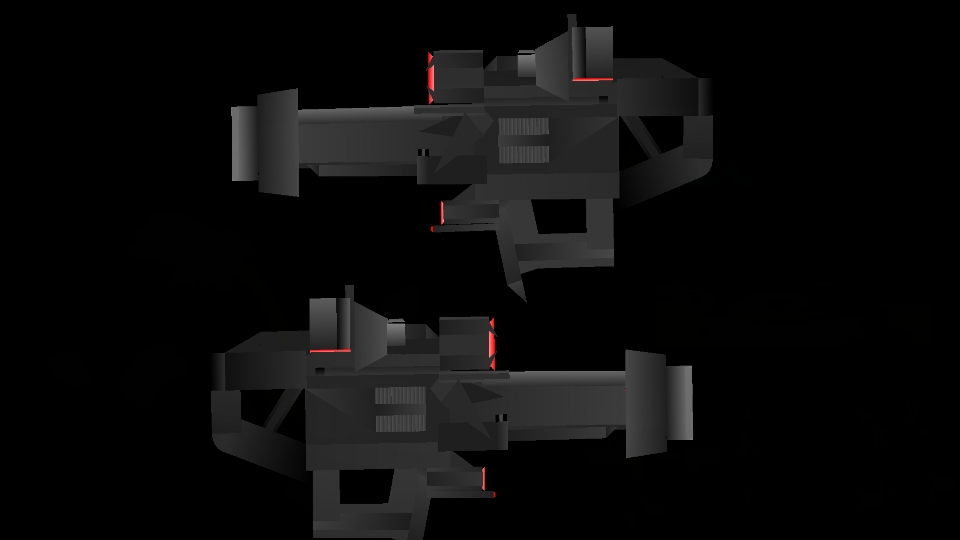
A pack with 14 attachments for any gun put on the website, it won't work well with the simple black ones (Not to be racist)
To attach the attachment to the gun, just join the main node of the attachment to the turning node of the gun. Then use the stretch tool to move the attachment into the correct place on the gun.
Here a preview of the pack I made here:
https://m.youtube.com/watch?v=ZXE8otManuY
The attachments in this pack are:
Reflex Sight Holographic Sight Rifle Foregrip Pistol Forgrip Pistol Rail Mount Pistol Laser Pointer ACOG Scope Pistol Sound Suppressor Long Sound Suppressor Carbine Iron Sights Pistol Flashlight Angled Foregrip Rifle Laser Flashlight Carry Handle
Ralph's edit: Most racist thing I've ever seen.
To attach the attachment to the gun, just join the main node of the attachment to the turning node of the gun. Then use the stretch tool to move the attachment into the correct place on the gun.
Here a preview of the pack I made here:
https://m.youtube.com/watch?v=ZXE8otManuY
The attachments in this pack are:
Reflex Sight Holographic Sight Rifle Foregrip Pistol Forgrip Pistol Rail Mount Pistol Laser Pointer ACOG Scope Pistol Sound Suppressor Long Sound Suppressor Carbine Iron Sights Pistol Flashlight Angled Foregrip Rifle Laser Flashlight Carry Handle
Ralph's edit: Most racist thing I've ever seen.
This download is a ZIP of 14 files
ACOG Scope (11.77kb)
Angled Foregrip (3.40kb)
Carbine Iron Sights (3.61kb)
Carry Handle (7.91kb)
Holographic Sight (4.04kb)
Long Sound Suppressor (1.84kb)
Pistol Flashlight (7.91kb)
Pistol Foregrip (7.80kb)
Pistol Laser Pointer (3.56kb)
Pistol Sound Suppressor (1.68kb)
Pistol Tac Rail (6.30kb)
Reflex Sight (6.19kb)
Rifle Foregrip (2.86kb)
Rifle Laser Flashlight (2.80kb)
Problem with this submission?
Please log in to report this file.









Other popular submissions in weapons category


WoW