


Joined:Oct 9, 2017
Uploads:68
Features:7
UC Wins:7


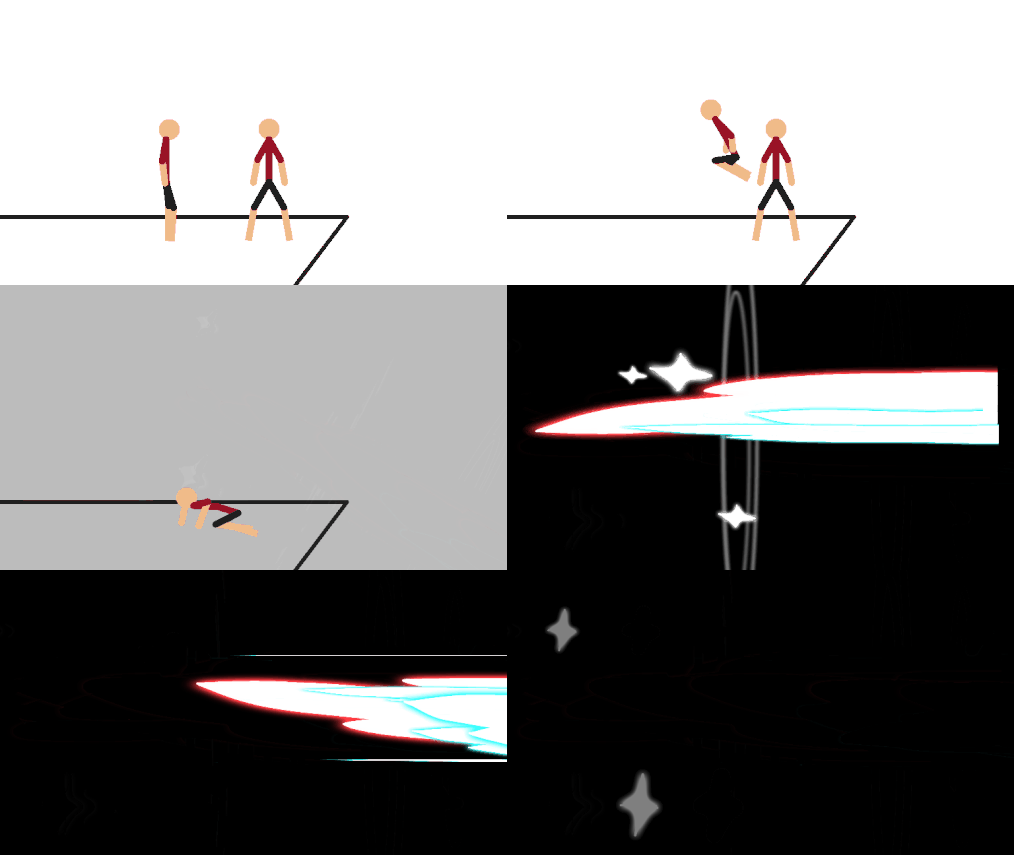
This is one of my most favorite effects, so this is how it's used. And the reason i love this, is the slash is random. The lowest fps i used this, is in 15. I do not know, if it works with no tween.
Sword
Make the slash APPEAR AFTER the slash, like after you animated a hit with the sword only apply the slash on the end, and then shrink it a bunch, not too small, then place it in the middle, or the edge of the bigger slash.
Spear/Harlbenders
The same thing but with a little difference, DO NOT place the shrinked slash in the middle but on the end, and then raise the camera then down, but not so much, to make a powerful strike/stab/slash.
Does not conditions with weapons with no sharp edges.
Can be placed at an angle, to make a much more realistic slash.
Color changeable, for RHG contrast or etc.
If you got it right, it should make a random slash.
ONLY USE ON HIGH SPEED HITS, you can use it at slow ones, but it looks bad.
Hey Ralph, what’schup duck?
Tell me, you know that reference.
Ralph's edit: No idea. Not even a little.
Sword
Make the slash APPEAR AFTER the slash, like after you animated a hit with the sword only apply the slash on the end, and then shrink it a bunch, not too small, then place it in the middle, or the edge of the bigger slash.
Spear/Harlbenders
The same thing but with a little difference, DO NOT place the shrinked slash in the middle but on the end, and then raise the camera then down, but not so much, to make a powerful strike/stab/slash.
Does not conditions with weapons with no sharp edges.
Can be placed at an angle, to make a much more realistic slash.
Color changeable, for RHG contrast or etc.
If you got it right, it should make a random slash.
ONLY USE ON HIGH SPEED HITS, you can use it at slow ones, but it looks bad.
Hey Ralph, what’schup duck?
Tell me, you know that reference.
Ralph's edit: No idea. Not even a little.
Problem with this submission?
Please log in to report this file.


Other popular submissions in effects category


If no one noticed that harlbender thing, it was a easter egg for kamikazee.