

Joined:Jan 19, 2025
Uploads:99
Features:10
UC Wins:22


Need 3 thumbs for Users Choice badge!
 1st
1st
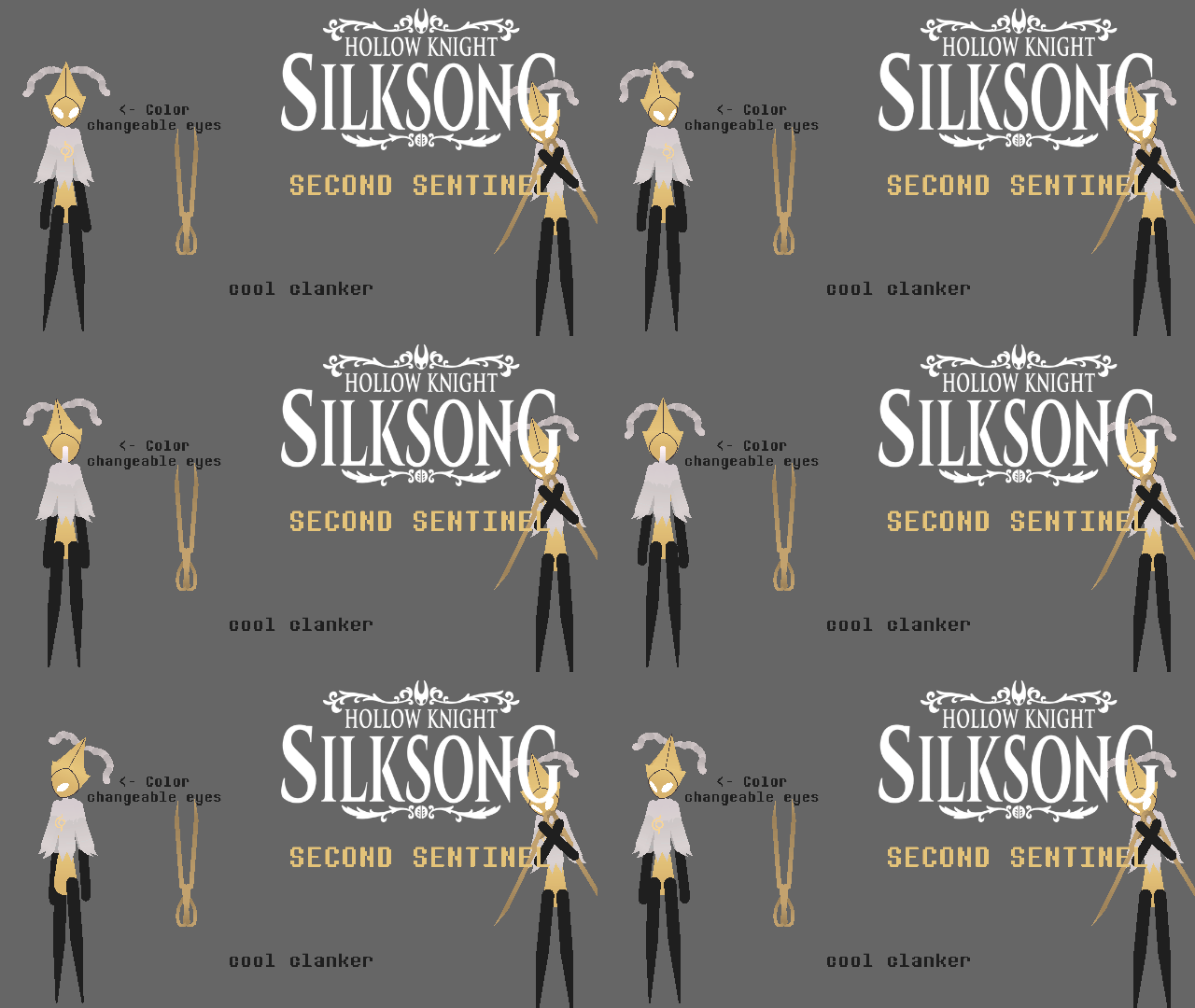
The epic cool robot guy from Silksong, they initially appear in the Cogwork Core, requiring you to get 3 mechanical heart pieces (located in Choral Chambers, Memorium, and Whispering Vaults) Once done, you can go back and put them in their chest, causing them to activate and drop sum dialogue. They initially work as a friendly NPC, helping Hornet slay down enemies and then leaving once done.
However, as Hornet progresses, the Second Sentinel mistakes Hornet as one of the bugs controlled by Grand Mother Silk, causing them to challenge her to a duel. If defeated, Hornet will be sparing them and the two become frens! and they reward Hornet with the Reserve Bind tool. Afterwards, during act lll, they help Hornet deal with enemies.
#HollowKnightSilksong #Clanker #isNice
However, as Hornet progresses, the Second Sentinel mistakes Hornet as one of the bugs controlled by Grand Mother Silk, causing them to challenge her to a duel. If defeated, Hornet will be sparing them and the two become frens! and they reward Hornet with the Reserve Bind tool. Afterwards, during act lll, they help Hornet deal with enemies.
#HollowKnightSilksong #Clanker #isNice
Need 3 thumbs for Users Choice badge!
1stHow to use: This download is a Movieclip file. If it contains a joined figure, you can access it by going into the Movieclip object (edit it) and then copying the entire assembled figure inside.Filters: Remember, Movieclip objects may use filters, and if you don't have Stick Nodes Pro these filters will not work and the Movieclip may look very different.
Download File
Downloaded 3,415 times
(Downloaded 12 times this week)
Problem with this submission?
Please log in to report this file.






Other submissions by ~⭐ Rei ⭐~


meanwhile