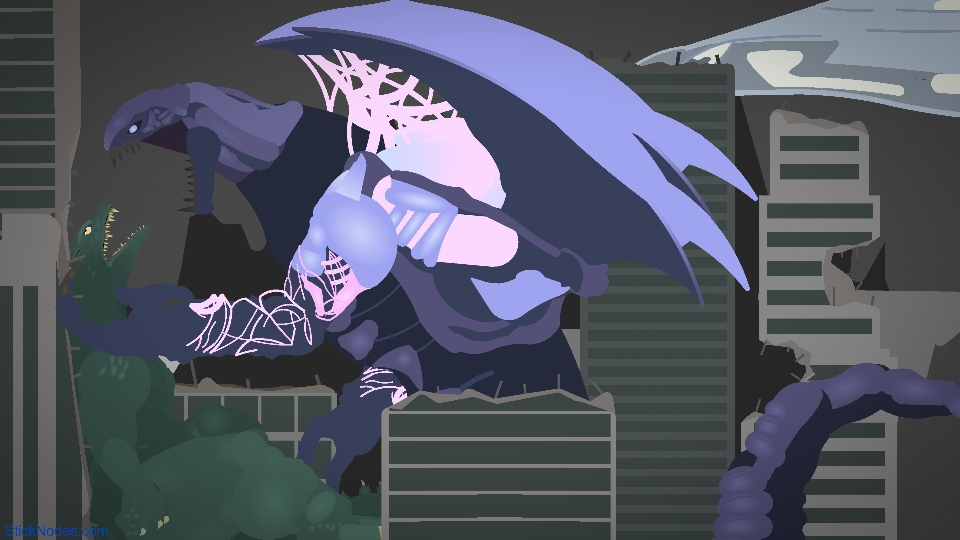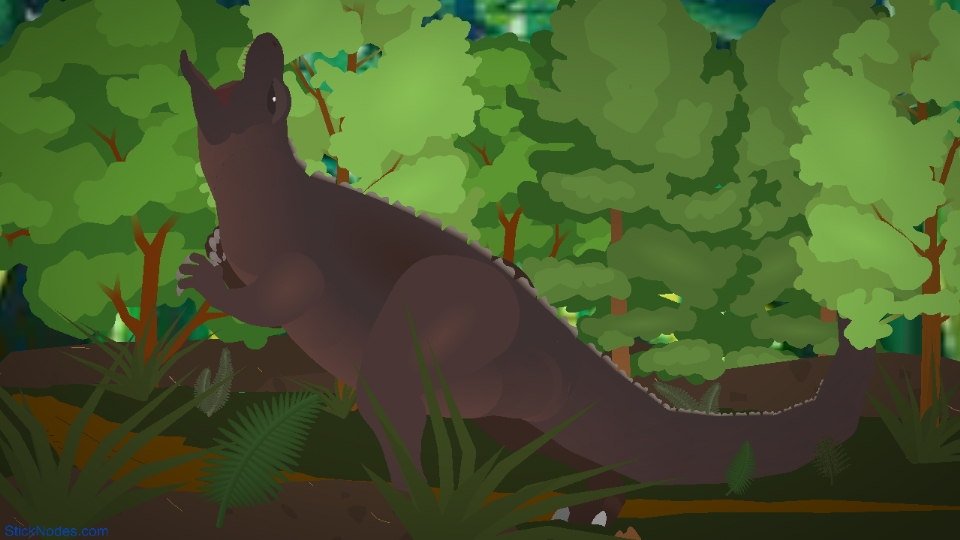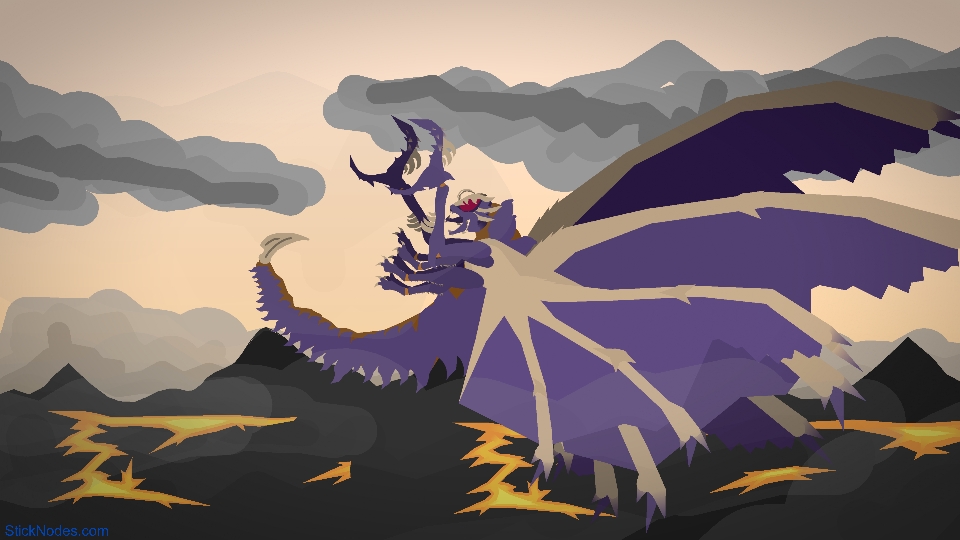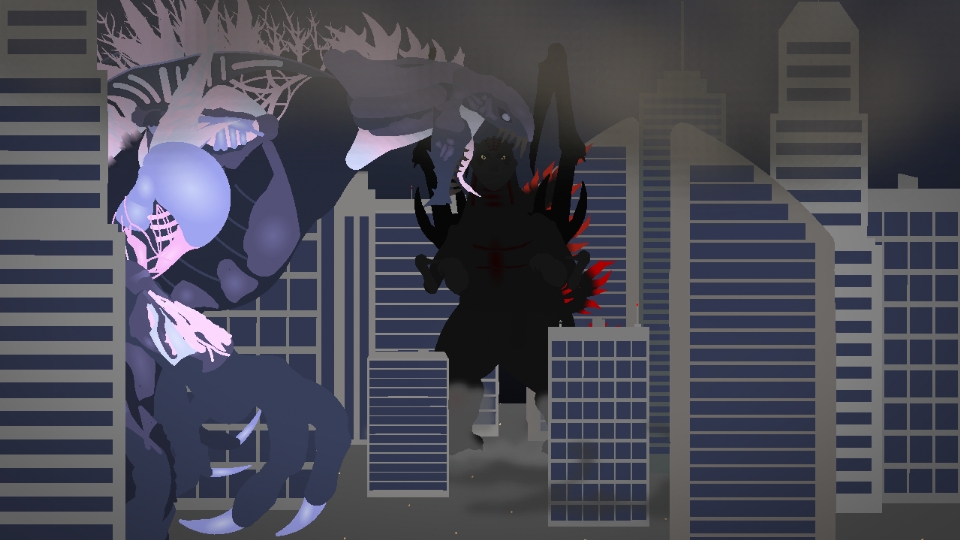
Indosuchdus Massacre Movieclip 2

Indosuchdus Massacre Movieclip 2
Miku@mikuProfile Photo

Joined:Oct 25, 2023

Uploads:39

Features:1

UC Wins:3

subscriberuc-winner-lvl1featured-lvl1pro-noder

File:Indosuchdus-Massacre-Movieclip-2.nodemc (131.4 KB)

Date:September 12, 2025

Category:Miscellaneous

I have not seen Gamera the brave but here is my version of Zedus, intro Indosuchdus Massacre, No origin yet either. Please do not claim it as yours, do not edit it, please give me credit or i will stop posting models, and enjoy the model!!!

#Zedus #Massacre #Kaiju
How to use: This download is a Movieclip file. If it contains a joined figure, you can access it by going into the Movieclip object (edit it) and then copying the entire assembled figure inside.Filters: Remember, Movieclip objects may use filters, and if you don't have Stick Nodes Pro these filters will not work and the Movieclip may look very different.

Download File

Downloaded 1,280 times

(Downloaded 2 times this week)


Rate this stickfigure!
It helps choose the daily feature.

Vote count: 12

Android How to download stickfigures & sounds:

  • As of 3.2.0, Stick Nodes will no longer automatically find downloaded files in your /downloads/ folder. You must open the file with Stick Nodes explicitly for it to be moved into the correct folder.
  • Download a NODES (or STK) or ZIP file. When done, tap it and "Open With" > "Stick Nodes". See this image for an example.
  • Sounds: Download an MP3 file < 256kb. When done, tap it and "Open With" > "Stick Nodes"..

IOS 13+ How to download stickfigures & sounds:

  • If using Chrome or Firefox, download a NODES (or STK) or ZIP file, select the file and "Open in Stick Nodes" after finished downloading.
  • If using Safari, download a NODES (or STK) or ZIP file, follow these directions.
  • Also for ZIP files, check out this quick and informative tutorial by Auto-Angel.
  • Sounds: With Safari, follow these directions.

Problem with this submission?
Please log in to report this file.


avatar
1 Comment threads
3 Thread replies
0 Followers
 
Most reacted comment
Hottest comment thread
2 Comment authors
Polyflora MikuSus Recent comment authors
Sus
Sus

You probably sent the same file twice, send a file wait a while if it is not sent try again, but do not send a file twice on almost the same day

Polyflora Miku
54
Polyflora Mikusubscriberuc-winner-lvl1featured-lvl1pro-noderIm not related to Hastune Miku

I literally wait four days before i send a new one

Sus
Sus

Good considering it takes at least a week for the file to be accepted and appear on the site…And a week has 7 days. You should wait at least seven or eight days to upload a new file, not just four.

Polyflora Miku
54
Polyflora Mikusubscriberuc-winner-lvl1featured-lvl1pro-noderIm not related to Hastune Miku

My models take three days yo be uploaded, i appreciate the help but i understand the upload system, i am just annoyed its uploading twice