
Joined:Dec 4, 2024
Uploads:5
Features:3
UC Wins:0


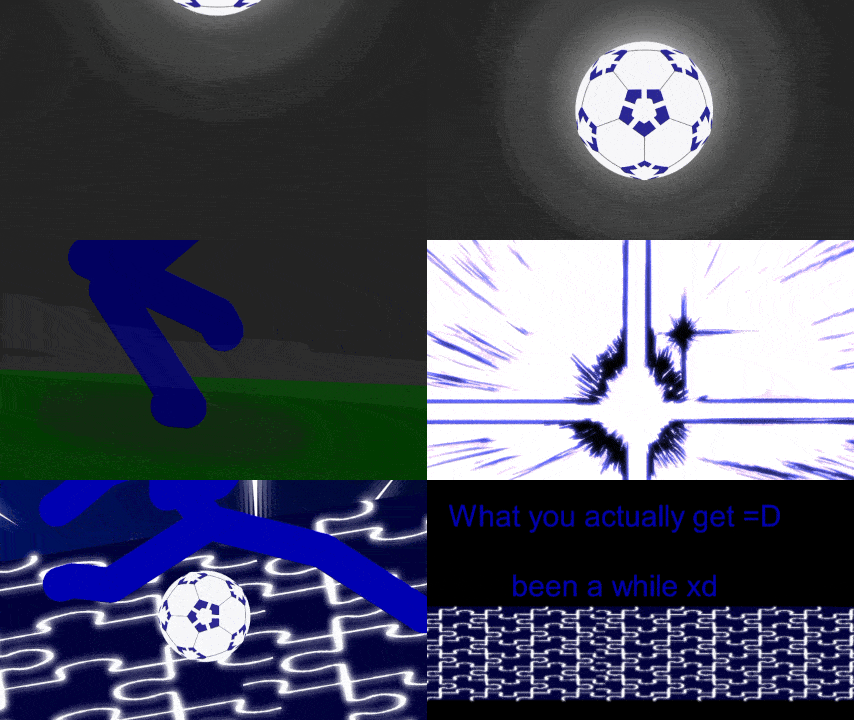
Hey yall, been a while. Sorry i havent been submitting lately. Lost interest in animating, but I'm back. And will continue making the spirit bomb Movieclip I promised a certain person 🙂 also I might make a YouTube channel, but who knows. Enough yapping, enjoy the submission!
#bluelock (Blue Lock)
#bluelock (Blue Lock)
How to use: This download is a Movieclip file. If it contains a joined figure, you can access it by going into the Movieclip object (edit it) and then copying the entire assembled figure inside.Filters: Remember, Movieclip objects may use filters, and if you don't have Stick Nodes Pro these filters will not work and the Movieclip may look very different.
Download File
Downloaded 10,862 times
(Downloaded 80 times this week)
Problem with this submission?
Please log in to report this file.
Other popular submissions in backgrounds category


How is this not up YOU FCKING COOKED