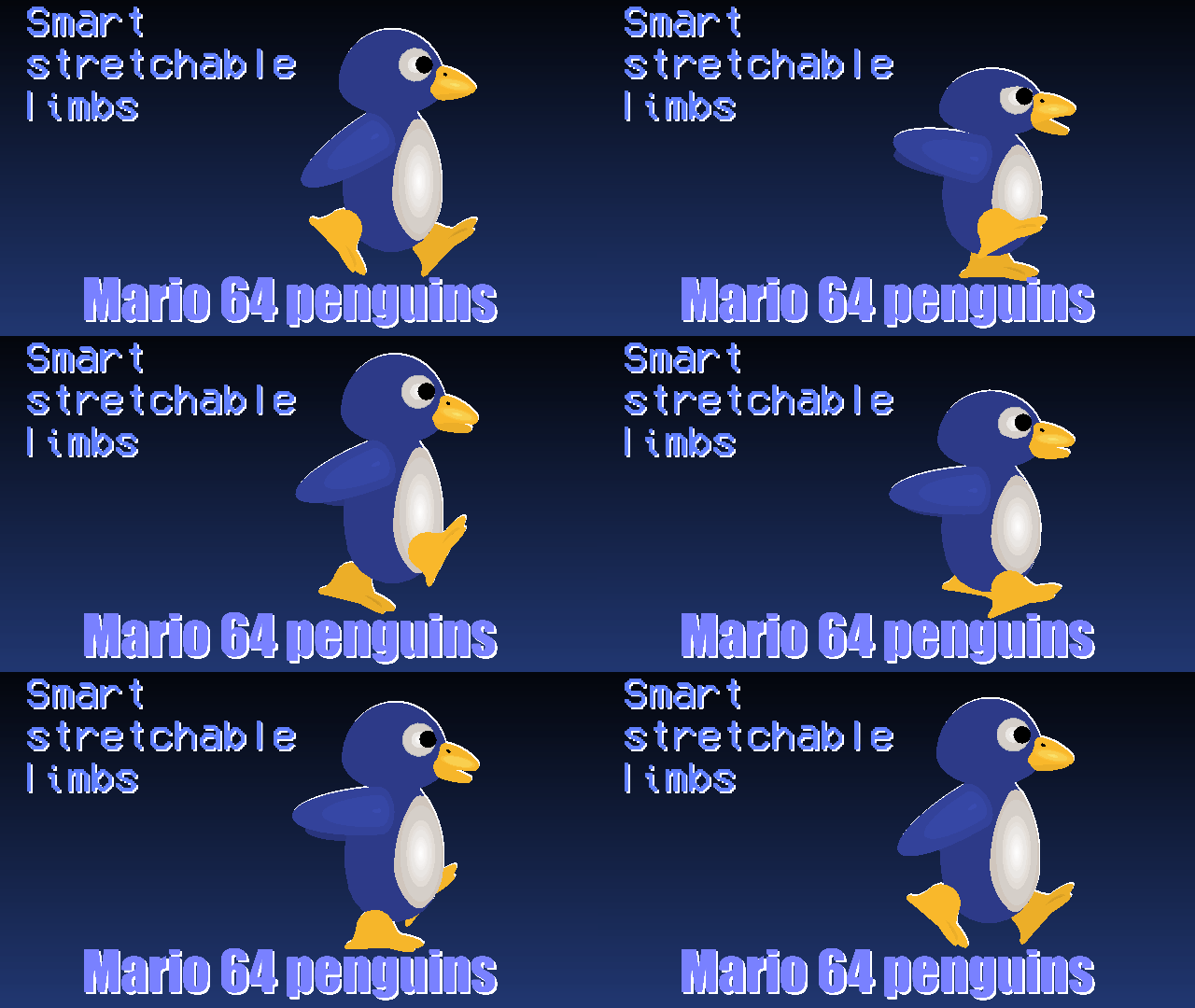

File:Penguin-SMB64.nodes (9.0 KB)
Date:October 29, 2022
Category:Miscellaneous
Android How to download stickfigures & sounds:
- As of 3.2.0, Stick Nodes will no longer automatically find downloaded files in your /downloads/ folder. You must open the file with Stick Nodes explicitly for it to be moved into the correct folder.
- Download a NODES (or STK) or ZIP file. When done, tap it and "Open With" > "Stick Nodes". See this image for an example.
- Sounds: Download an MP3 file < 256kb. When done, tap it and "Open With" > "Stick Nodes"..
IOS 13+ How to download stickfigures & sounds:
- If using Chrome or Firefox, download a NODES (or STK) or ZIP file, select the file and "Open in Stick Nodes" after finished downloading.
- If using Safari, download a NODES (or STK) or ZIP file, follow these directions.
- Also for ZIP files, check out this quick and informative tutorial by Auto-Angel.
- Sounds: With Safari, follow these directions.
Problem with this submission?
Please log in to report this file.


adorable
will use its skin for car interior
*throws off cliff*
D:
do you yield
I do not 😈
What da dog doin?
Throw it off a cliff
You know what to do.
NOOT NOOT
Do you mean “cliff throwable”?
This thing is too cute to throw off a cliff anyways