

Joined:Nov 2, 2020
Uploads:27
Features:0
UC Wins:3


Need 3 thumbs for Users Choice badge!
 1st
1stNeed 3 thumbs for Users Choice badge!
1stProblem with this submission?
Please log in to report this file.










Other popular submissions in objects category


Hey ralph put a secret
If you click on no thumbnail loading it shows a message made by vveeggeettaa
Because it takes you to the page you’d go to if you tried to hack the website
shhhhHHHHHHHH
Do it
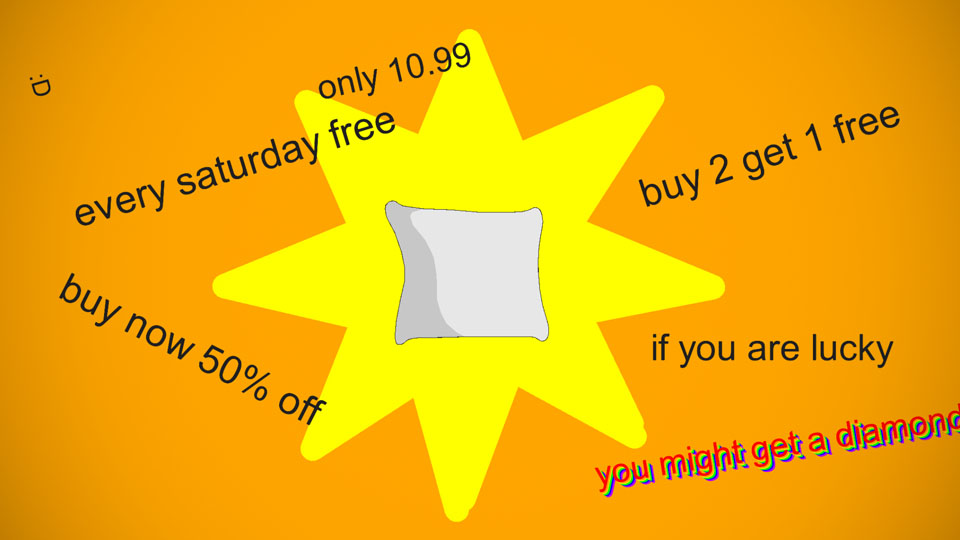
I bought a diamond and found a pillow inside it. What do I do?
Sorry we goofed up refund?
Amazin
I stared at the thumbnail for 27 seconds lol. I love this idea. but I didn’t get a diamond,I got an emerald. THIS IS JUST FALSE ADVERTISING!!!
Shoot I put the wrong item