

Joined:Feb 2, 2023
Uploads:18
Features:3
UC Wins:0


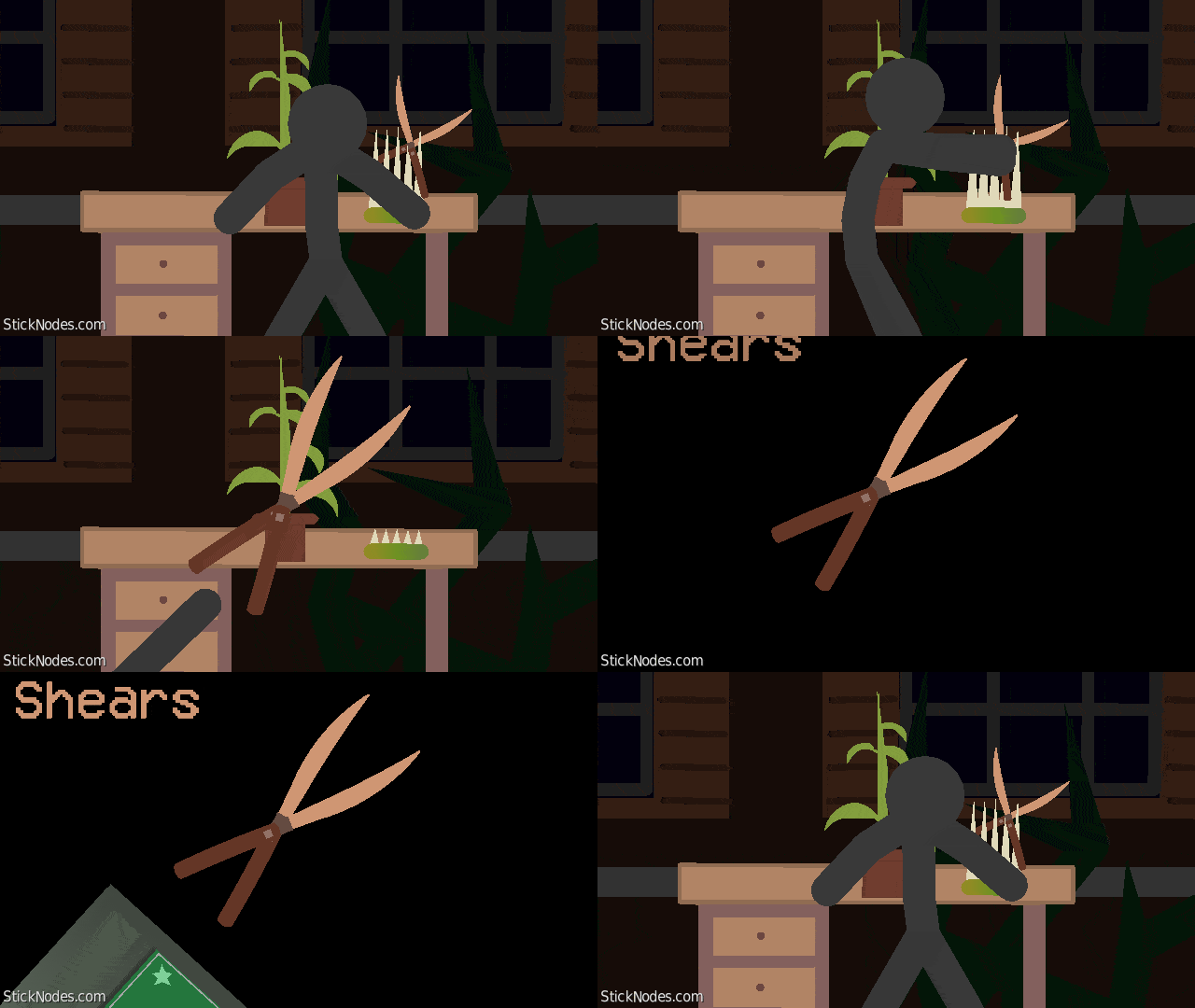
The Shears are a scrapped item that were intended to be added in the Hotel+ Update. They are found under The Courtyard (out of bounds) and are unobtainable without using exploits.
The Shears, or Garden Shears as they are sometimes called, are an item which has featured in teasers prior to the release of the Hotel+ Update. Most information about the item is unknown, but it is likely that they were intended for The Greenhouse or The Courtyard section of the game to remove vines which block the player's path. This is supported by the fact that Shears are currently categorized as a key in-game.
They currently function as useless keys but are expected to return with a unique use in the future updates, most likely to be used in The Greenhouse.
#Doors #Roblox
The Shears, or Garden Shears as they are sometimes called, are an item which has featured in teasers prior to the release of the Hotel+ Update. Most information about the item is unknown, but it is likely that they were intended for The Greenhouse or The Courtyard section of the game to remove vines which block the player's path. This is supported by the fact that Shears are currently categorized as a key in-game.
They currently function as useless keys but are expected to return with a unique use in the future updates, most likely to be used in The Greenhouse.
#Doors #Roblox
This download is a ZIP of 2 files
Shears Part (3.77kb)
Shears (7.62kb)
Problem with this submission?
Please log in to report this file.










Other popular submissions in objects category


“20 BUCKS OR OFF IT COMES!”
“AHHHHHH!!!!”
Godzilla
Nise very cool scrapt fatura