


Joined:Jun 23, 2018
Uploads:234
Features:19
UC Wins:122


Need 3 thumbs for Users Choice badge!
 1st
1stWARNING
This pack doesn’t contain ALL of Soldier’s secondary since this pack is dedicated to secondary weapons only Soldier can use :
The Shotgun : http://sticknodes.com/sticks/multi-class-weapon-pack-zip-2/
The Reserve Shooter : http://sticknodes.com/sticks/multi-class-weapon-pack-2-zip-2/
The Panic Attack : http://sticknodes.com/sticks/multi-class-weapon-pack-zip-2/
The B.A.S.E Jumper : http://sticknodes.com/sticks/multi-class-weapon-pack-zip-2/
The Manthreads : Unavailable
The Gunboats : Unavailable
All the weapons in this pack is named in a particular way for making finding a specific weapon for a class easy
example :
(Soldier)(Primary) Rocket jumper – left
(Soldier) = The class
(Primary) = The Slot
Rocket jumper = The weapon
left = The side
Some weapons are usable by multiple classes , there , the name of the STK is a little bit more complicated
example :
(Engineer_Soldier-Pyro-Heavy)(Primary_Secondary) The Panic Attack – right
Now , it’s more complicated and it’s the same as that:
(Class1_Class2-Class3)(Primary[Class1]_Secondary[Class2 and 3]) Weapon – side
Here , the Class1 has the Weapon in his Primary slot , and the Class 2 and 3 have the Weapons on their Secondary slot
If you didn’t understood this part , @ me in an update or in the comments
USE OF THIS PACK
This pack was meant to be used with ScoutTrooperAnims’ TF2 merc or my fixed mercs :
Scout’ account: http://sticknodes.com/stickfigures/author/?user=Scouttrooperanims
My fixed packs :
RED team : http://sticknodes.com/sticks/tf2-updated-red-mercenaries-pack-zip/
BLU team : http://sticknodes.com/sticks/tf2-updated-blu-mercenaries-pack-zip/
CONTENT OF THE PACK
http://sticknodes.com/wp-content/uploads/bpfb/8890_0-95289900-1595811198_7tz6n67_0001.png
http://sticknodes.com/wp-content/uploads/bpfb/8890_0-09382400-1595811199_7tz6n67_0002.png
http://sticknodes.com/wp-content/uploads/bpfb/8890_0-35104700-1595811199_7tz6n67_0003.png
http://sticknodes.com/wp-content/uploads/bpfb/8890_0-48440200-1595811199_7tz6n67_0004.png
http://sticknodes.com/wp-content/uploads/bpfb/8890_0-74378500-1595811212_7tz6n67_0005.png
CREDITS
Team Fortress 2™, created by Valve™ – 2007
Team Fortress™ Community
#tf2 (Team Fortress)
Need 3 thumbs for Users Choice badge!
1stThis download is a ZIP of 16 files
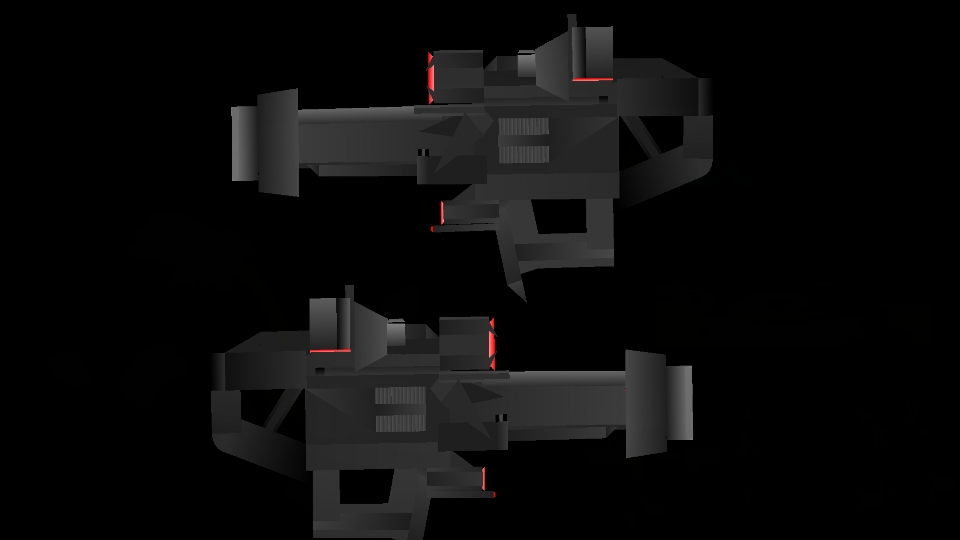
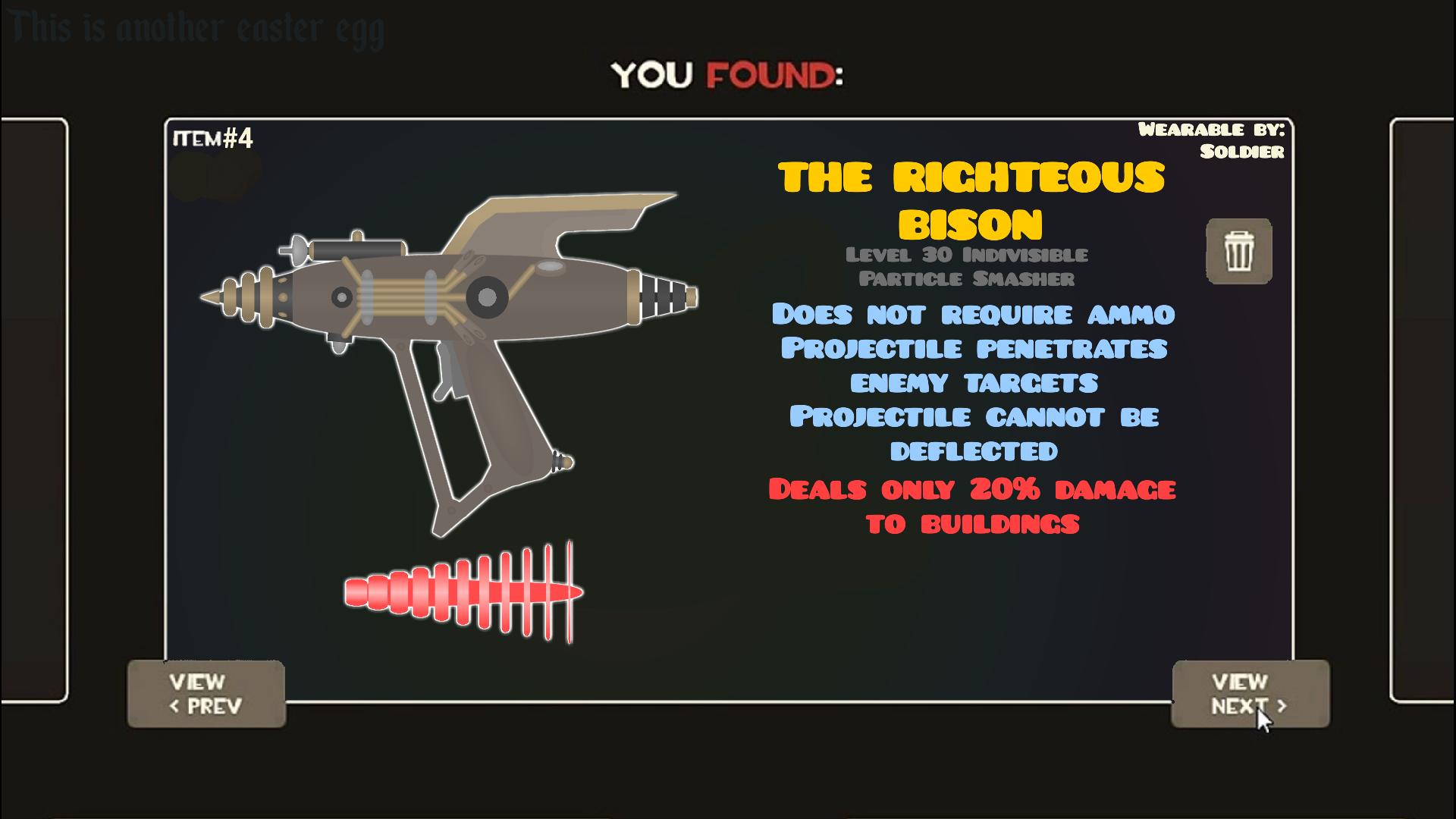
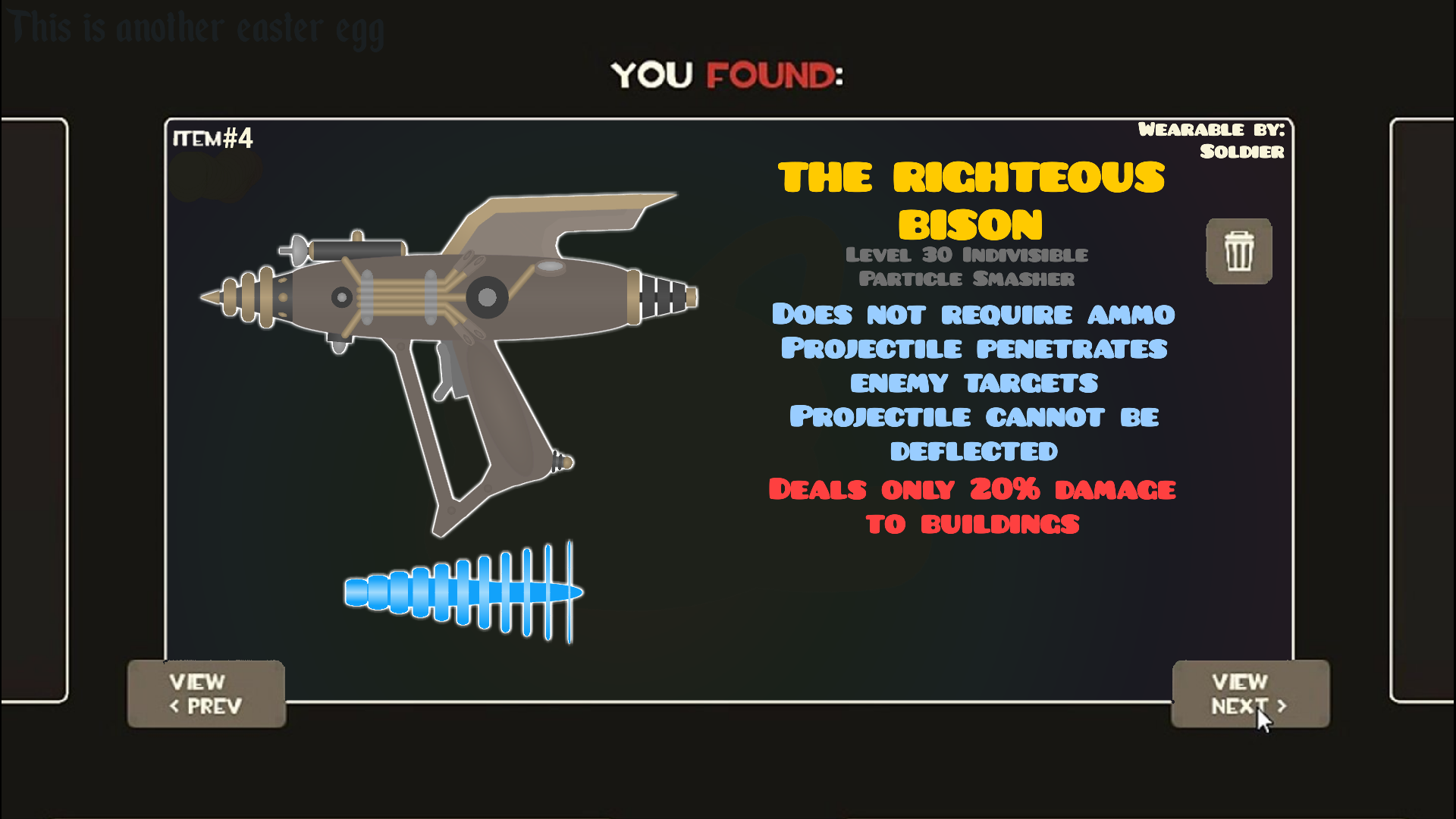
(Soldier)(Secondary) Righteous bison (24.82kb)
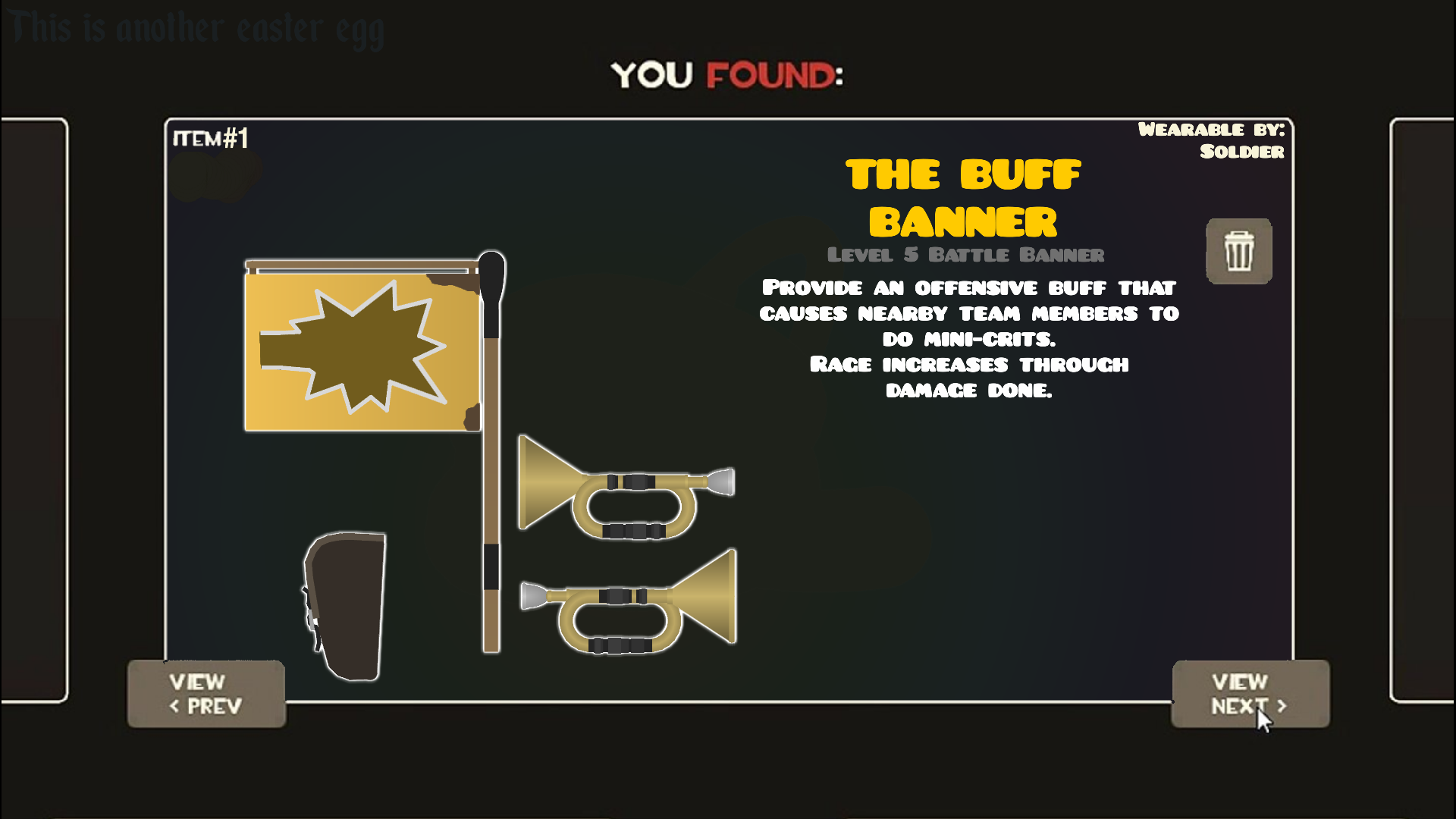
(Soldier)(Secondary) Buff backpack (3.10kb)
(Soldier)(Secondary) Buff horn - right (13.38kb)
(Soldier)(Secondary) Buff horn - left (12.83kb)
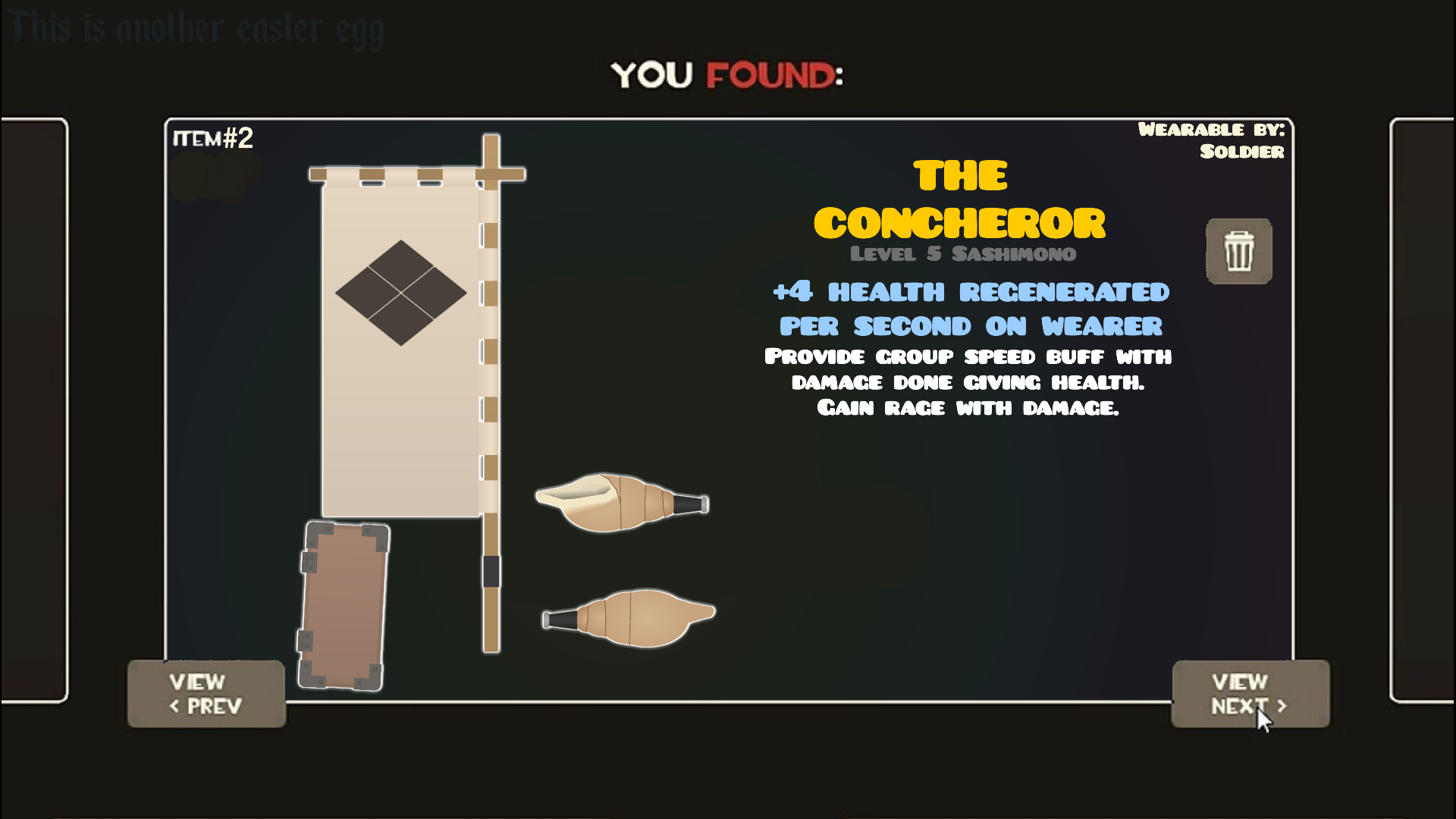
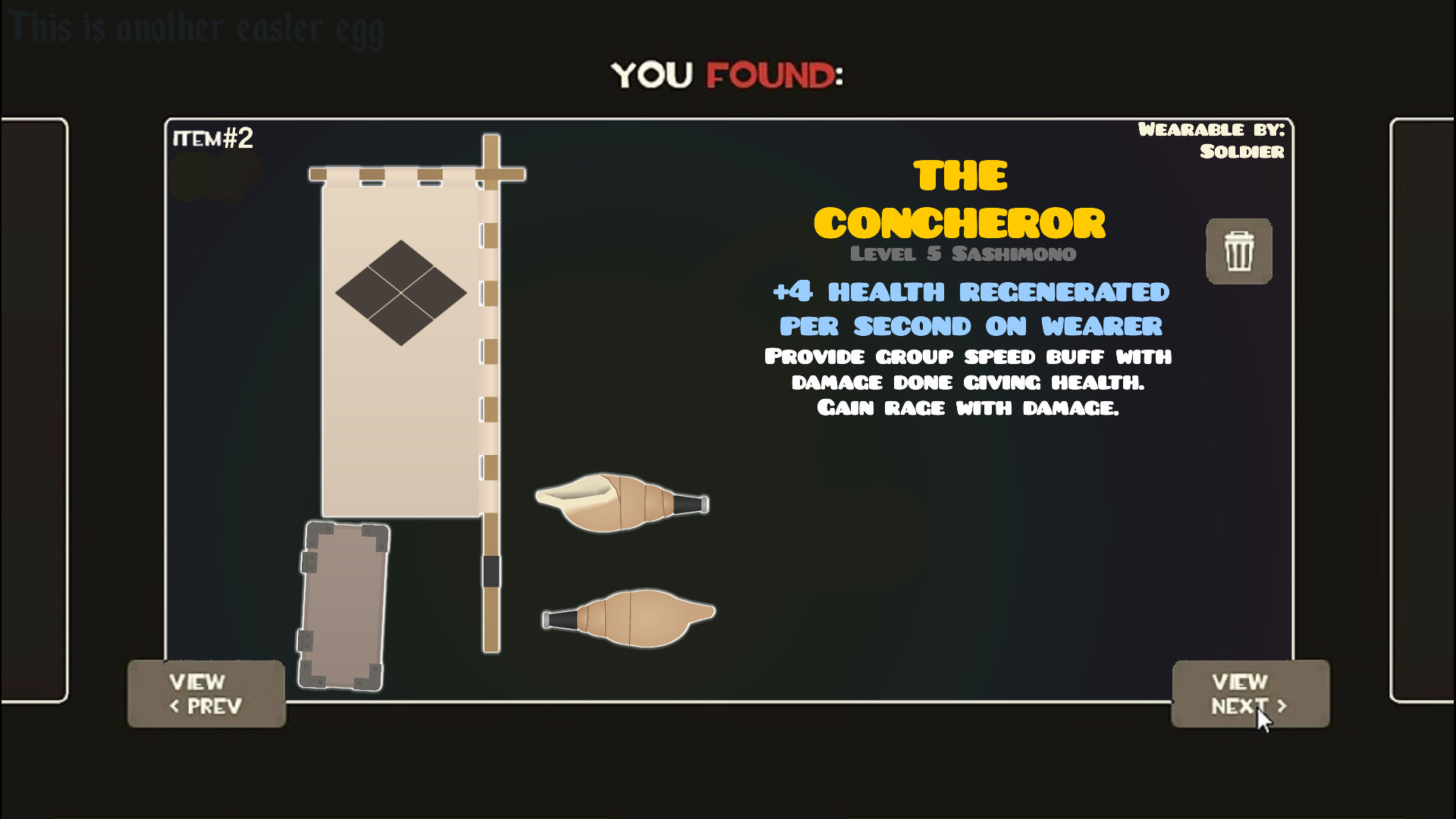
(Soldier)(Secondary) Concheror horn - right (2.59kb)
(Soldier)(Secondary) Concheror horn - left (4.08kb)
(Soldier)(Secondary) BLU Concheror backpack (4.70kb)
(Soldier)(Secondary) RED Concheror backpack (4.70kb)
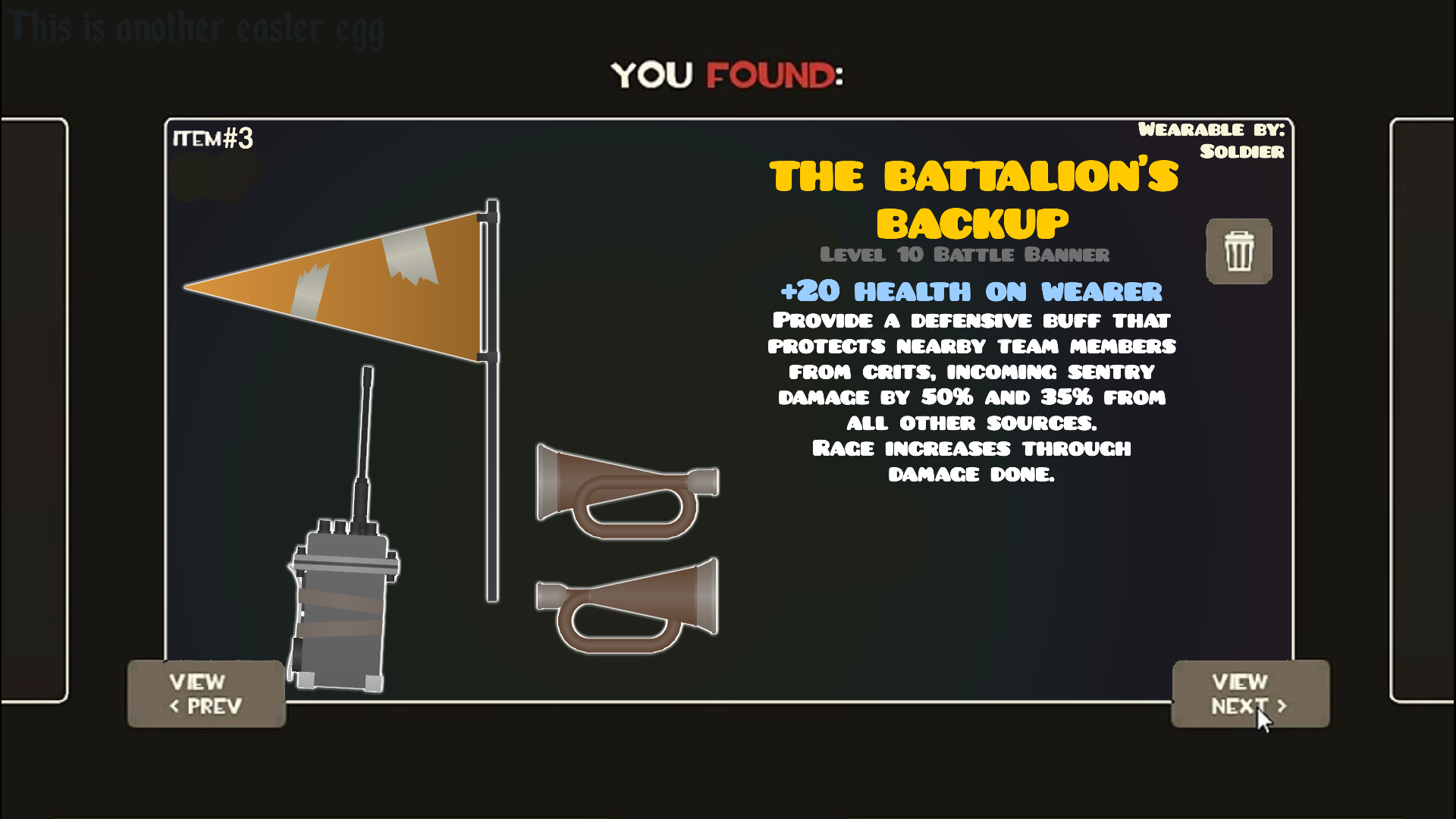
(Soldier)(Secondary) Battalion s backup backpack (7.52kb)
(Soldier)(Secondary) Battalion s backup horn - right (10.17kb)
(Soldier)(Secondary) Battalion s backup horn - left (11.89kb)
(Soldier)(Secondary) Buff banner (4.97kb)
(Soldier)(Secondary) Concheror banner (3.92kb)
(Soldier)(Secondary) Battalion s backup banner (2.28kb)
(Soldier)(Projectile) BLU Righteous bison (6.42kb)
(Soldier)(Projectile) RED Righteous bison (6.42kb)
Problem with this submission?
Please log in to report this file.











i love how you actually put the mouse cursor in the thumbnail as well
ps I keep seeing the “another easter egg” which leads me to believe there’s others but I’ve never seen them :/
take a look at the thumbnail of Soldier’s primary pack
and the cursor was alredy there but it looks good so :
https://s2.dmcdn.net/v/G28Lp1NNjUZzJJPtr/x1080
Where’s the gunboats and mantreads?
eh i bet it almost seems stupid or hard to make clothing (e.g boots) as a separate figure
Yes , they’ll be avalible when I’ll do an updated Soldier pack
Nice.