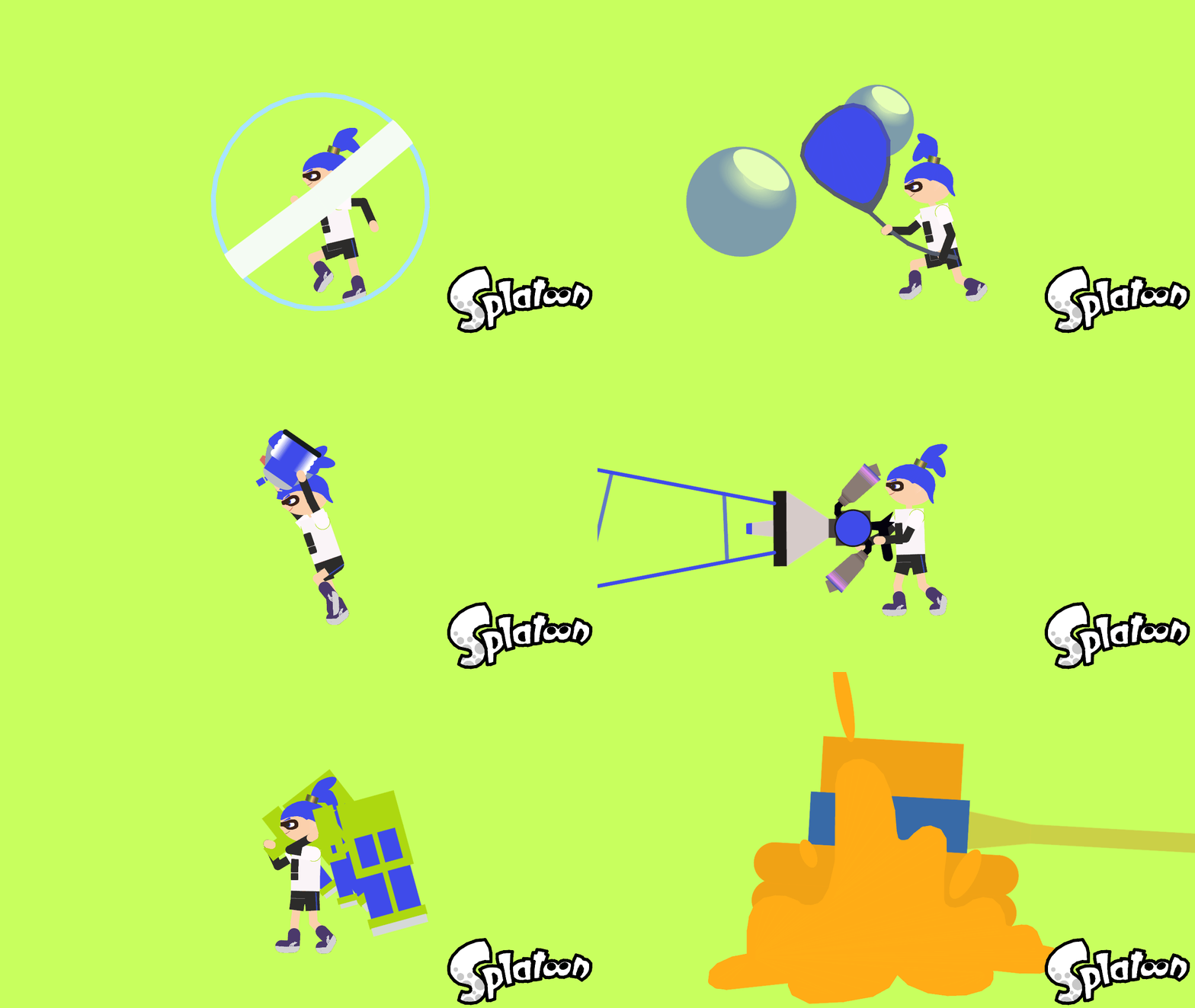
Special Weapons (Splatoon) Pack

Special Weapons (Splatoon) Pack
Me, that's who@me-thatswho-2Profile Photo

Joined:Mar 29, 2020

Uploads:182

Features:15

UC Wins:45

subscriberlegendary-noderuc-winner-lvl3featured-lvl3uc-votercrusaderoccifer

File:Special-Weapons-Splatoon-Pack.zip (20.5 KB)

Date:November 25, 2020

Category:Packs
Weapons

Im not describing every single Special here, if you want to know about the things the Specials do just go to the Special Weapon article of the Splatoon Wikia or Inkipedia

#Splatoon #Splatoon2
Download File

Downloaded 1,024 times

(Downloaded 0 times this week)


Rate this stickfigure!
It helps choose the daily feature.

Vote count: 12

This download is a ZIP of 20 files

  • Baller - Splatoon (3.53kb)

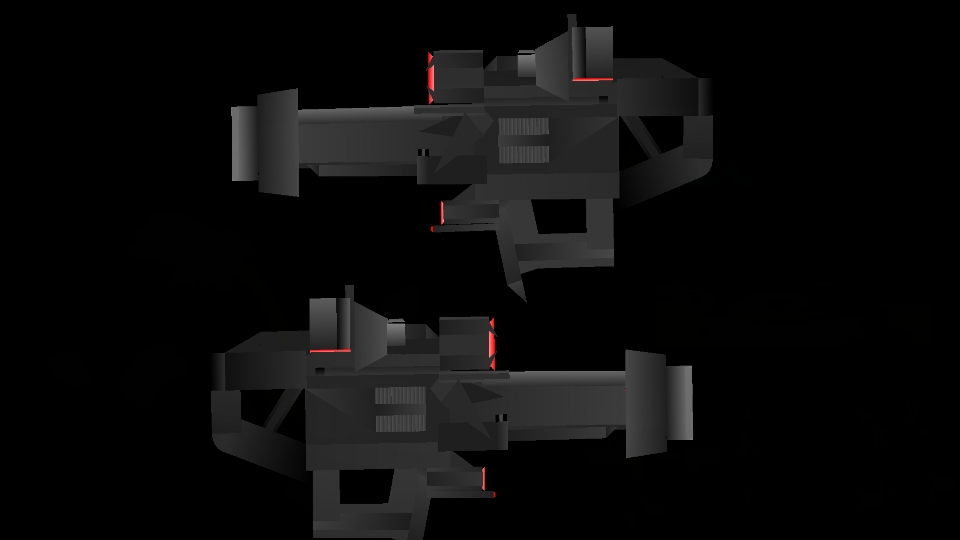
  • Bomb Launcher - Splatoon (2.72kb)

  • Bomb Launcher Pod - Splatoon (1.65kb)

  • Booyah Bomb - Splatoon (7.30kb)

  • Bubble Blower - Splatoon (2.58kb)

  • Bubble Blower Bubble - Splatoon (0.48kb)

  • Bubbler - Splatoon (4.59kb)

  • Echolocator Arrows - Splatoon (0.95kb)

  • Ink Storm - Splatoon (4.25kb)

  • Inkjet - Splatoon (2.44kb)

  • Inkjet Blaster - Splatoon (2.52kb)

  • Inkstrike - Splatoon (4.01kb)

  • Inkzooka - Splatoon (2.20kb)

  • Killer Wail - Splatoon (2.83kb)

  • Killer Wail Funnel - Splatoon (0.48kb)

  • Killer Wail Wave - Splatoon (0.25kb)

  • Kraken - Splatoon (4.56kb)

  • Sting Ray - Splatoon (8.63kb)

  • Tenta Missiles - Splatoon (2.05kb)

  • Ultra Stamp - Splatoon (1.27kb)

Android How to download stickfigures & sounds:

  • As of 3.2.0, Stick Nodes will no longer automatically find downloaded files in your /downloads/ folder. You must open the file with Stick Nodes explicitly for it to be moved into the correct folder.
  • Download a NODES (or STK) or ZIP file. When done, tap it and "Open With" > "Stick Nodes". See this image for an example.
  • Sounds: Download an MP3 file < 256kb. When done, tap it and "Open With" > "Stick Nodes"..

IOS 13+ How to download stickfigures & sounds:

  • If using Chrome or Firefox, download a NODES (or STK) or ZIP file, select the file and "Open in Stick Nodes" after finished downloading.
  • If using Safari, download a NODES (or STK) or ZIP file, follow these directions.
  • Also for ZIP files, check out this quick and informative tutorial by Auto-Angel.
  • Sounds: With Safari, follow these directions.

Problem with this submission?
Please log in to report this file.


avatar
1 Comment threads
1 Thread replies
0 Followers
 
Most reacted comment
Hottest comment thread
2 Comment authors
??jolly CQ??Ralph (Developer) Recent comment authors