Hawkkilla

(Guest)
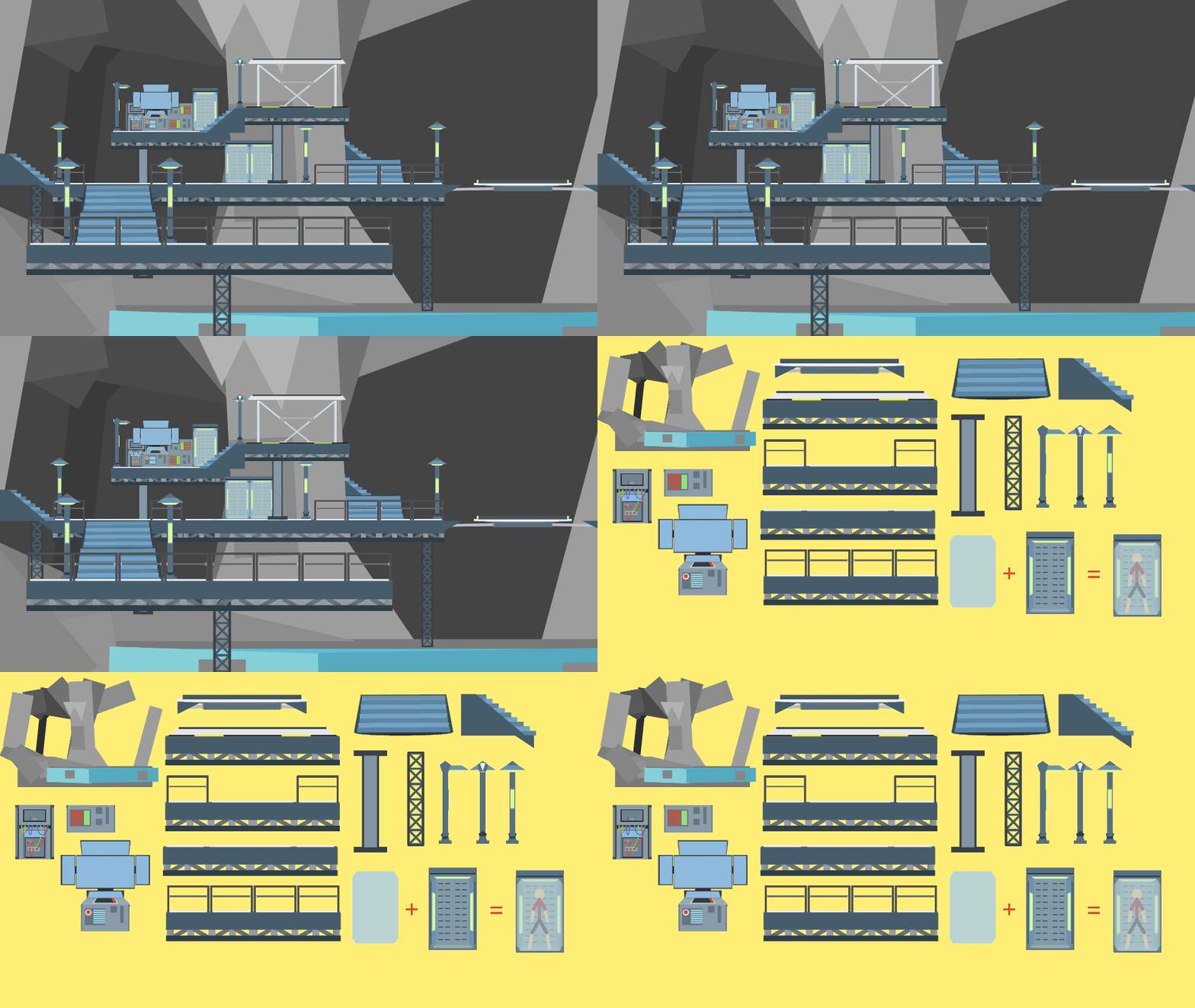
File:Steel Doors.nodes (1.9 KB)
Date:October 14, 2015
Category:Backgrounds
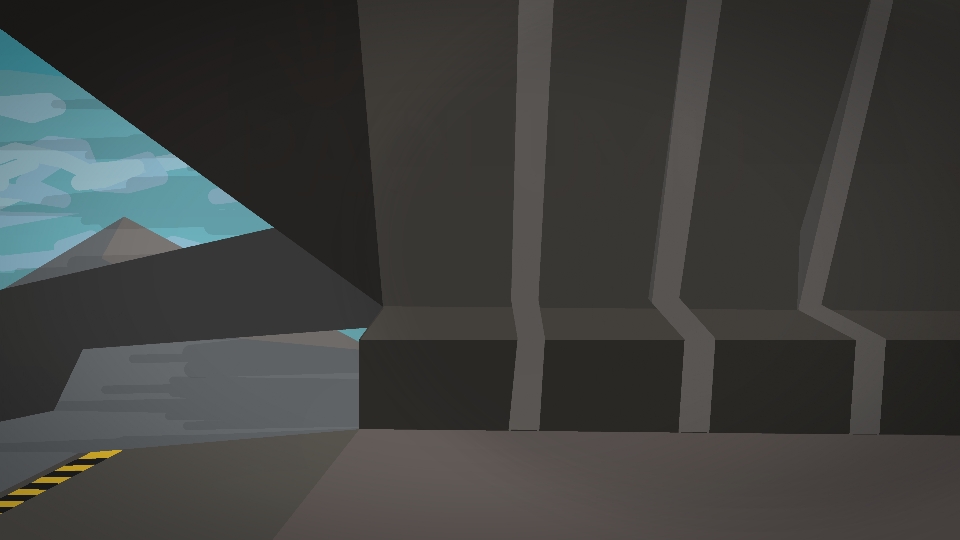
When using, is important to set the angle at 180 for the left and 0 for the right.
Android How to download stickfigures & sounds:
- As of 3.2.0, Stick Nodes will no longer automatically find downloaded files in your /downloads/ folder. You must open the file with Stick Nodes explicitly for it to be moved into the correct folder.
- Download a NODES (or STK) or ZIP file. When done, tap it and "Open With" > "Stick Nodes". See this image for an example.
- Sounds: Download an MP3 file < 256kb. When done, tap it and "Open With" > "Stick Nodes"..
IOS 13+ How to download stickfigures & sounds:
- If using Chrome or Firefox, download a NODES (or STK) or ZIP file, select the file and "Open in Stick Nodes" after finished downloading.
- If using Safari, download a NODES (or STK) or ZIP file, follow these directions.
- Also for ZIP files, check out this quick and informative tutorial by Auto-Angel.
- Sounds: With Safari, follow these directions.
Problem with this submission?
Please log in to report this file.
Cool
Noice.
I can’t use it, It lets me download and put it into Stick Nodes, but It says “Stick Nodes Ran Into An Error Importing This Stick figure” Can anyone tell me what it means?.. Or.. Why it happens?
Wait never mind. Sorry.
Time to send a stickman out the airlock!