

Joined:Aug 12, 2018
Uploads:204
Features:0
UC Wins:18


Wiki facts here
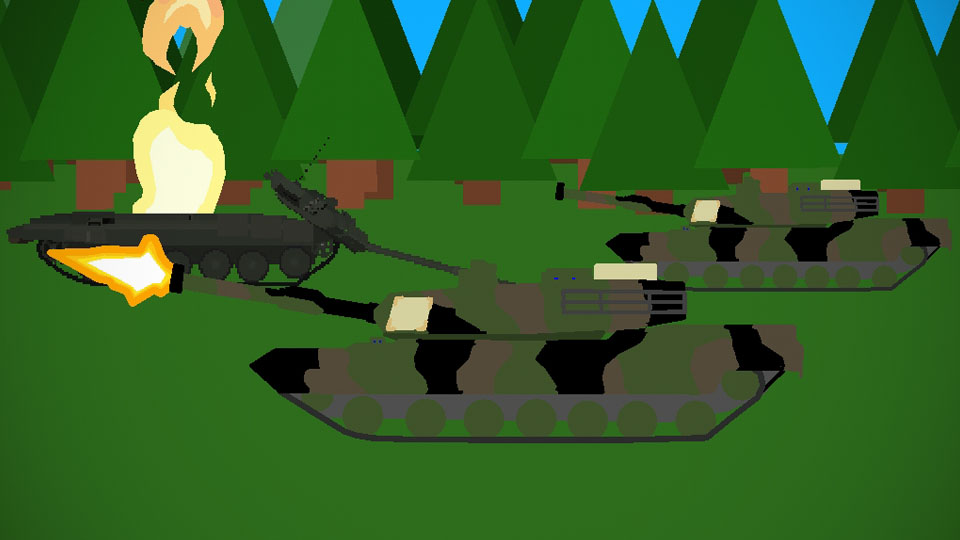
The M1 Abrams is a third-generation American main battle tank named after General Creighton Abrams and designed by Chrysler Defense (now General Dynamics Land Systems). Designed as a highly mobile main-battle tank for modern armored ground warfare,[14] the M1 is well armed and heavily armored. The Abrams introduced several notable and innovative features such as a powerful 1500 hp AGT1500 multifuel turbine engine, sophisticated Chobham composite armor, a computer fire control system and separate ammunition storage in a blow-out compartment along with NBC protection for crew safety. While the initial models of the M1 were armed with a licensed-produced 105 mm Royal Ordnance L7 gun, later variants feature a licensed Rheinmetall 120 mm L/44 for increased firepower. Weighing nearly 68 short tons (almost 62 metric tons), it is one of the heaviest main battle tanks in service.
#war #tank
The M1 Abrams is a third-generation American main battle tank named after General Creighton Abrams and designed by Chrysler Defense (now General Dynamics Land Systems). Designed as a highly mobile main-battle tank for modern armored ground warfare,[14] the M1 is well armed and heavily armored. The Abrams introduced several notable and innovative features such as a powerful 1500 hp AGT1500 multifuel turbine engine, sophisticated Chobham composite armor, a computer fire control system and separate ammunition storage in a blow-out compartment along with NBC protection for crew safety. While the initial models of the M1 were armed with a licensed-produced 105 mm Royal Ordnance L7 gun, later variants feature a licensed Rheinmetall 120 mm L/44 for increased firepower. Weighing nearly 68 short tons (almost 62 metric tons), it is one of the heaviest main battle tanks in service.
#war #tank
This download is a ZIP of 2 files
M1A2 SEP Woodland hull (25.17kb)
M1A2 SEP Woodland Turret (28.02kb)
Problem with this submission?
Please log in to report this file.



Other popular submissions in vehicles category


camo needs more sploochiness but still good
Splooch inbound
This is awesome.
58mm of frontal upper plate *laughs in Russian*
Cool!!