

Joined:Apr 19, 2020
Uploads:42
Features:1
UC Wins:8


Problem with this submission?
Please log in to report this file.
Other submissions by Enter500

Stick Nodes®
A stickfigure animation app created for mobile devices!
Create your own stickman animations on your Android or iOS device!
Joined:Apr 19, 2020
Uploads:42
Features:1
UC Wins:8
Problem with this submission?
Please log in to report this file.


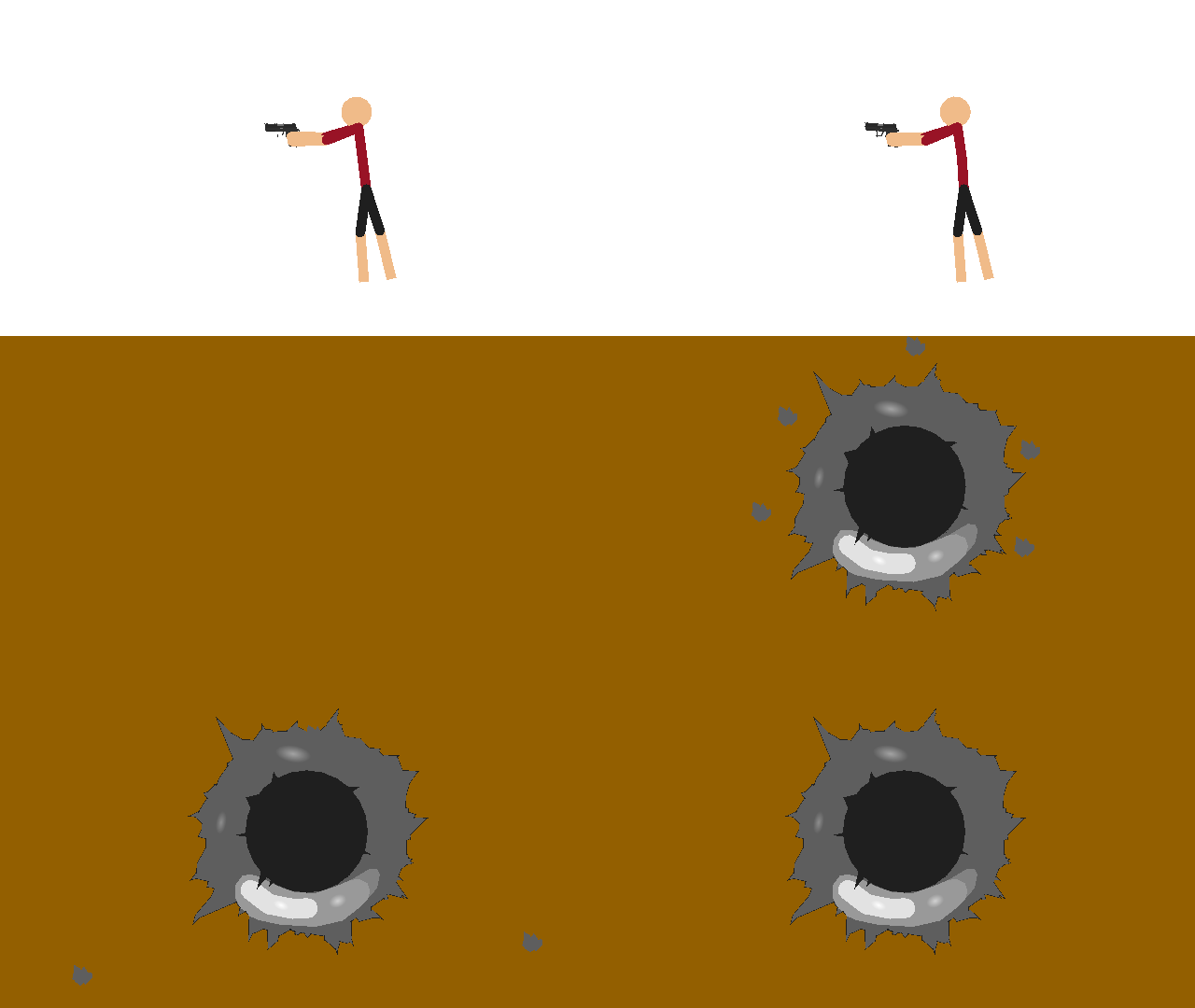


Wrong ™️
Wrong
How do you do this??? Pls someone tell me
You stare at the regular ralph for three hours, then let your imagination do the rest.
Oh, i see ralph’s edit. The real question is, why not?!
WHAAAAA
yep!
Ralph is sus, vote him out
I dunno Ralph
The original anti-node ralph
omg the thumbnail i made for this