


(Guest)
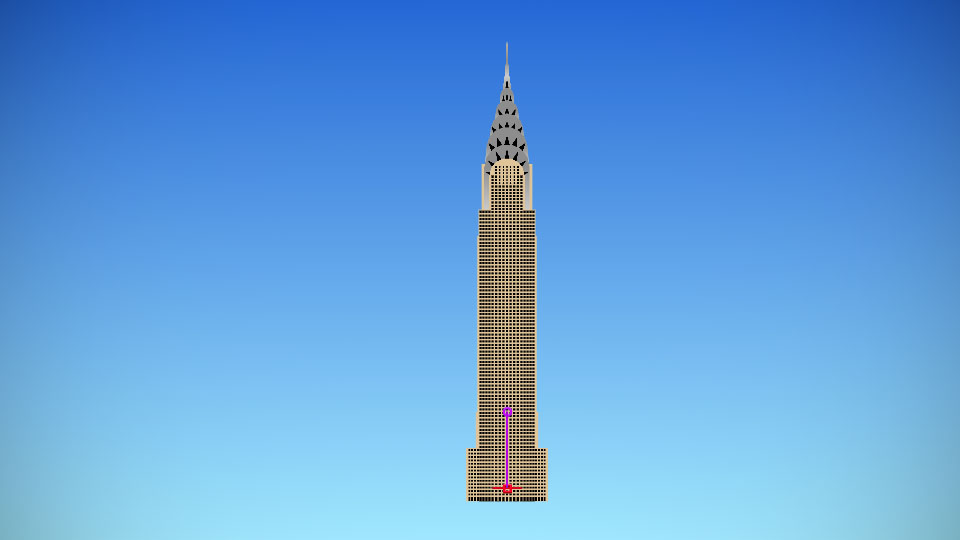
A background from one of the famous Xiao Xiao animations.
Problem with this submission?
Please log in to report this file.

Other popular submissions in backgrounds category


Thanks
I really like this one. I want to see some cool animations made with this guys. Guys, please.
It won’t let me download it I tried everything and I’m using a android not a ios I’m really in a cenundrum
What happens when you click Download?
I made one!But,when I try to sign in,it says “No answer given to maths question”
Sign in where?
Why can I download stick figures
See the third tutorial video on the tutorials page.
no he needs THE FAQ PAGE
Omg I love this animation so so so much plz check my yt channel I’ve subbed to u my channel is Skulogun7 Gamee
That’s my map
It will not let me download it
Check that fabulous FAQ page!
I like you.
Yes, as DmLan said, see the FAQ page, specifically this section here.
Yay gokus house
Fascinating,you even add some interactions to doors and such??????
Everyone loves interactable backgrounds.