


Joined:Nov 28, 2017
Uploads:100
Features:53
UC Wins:58


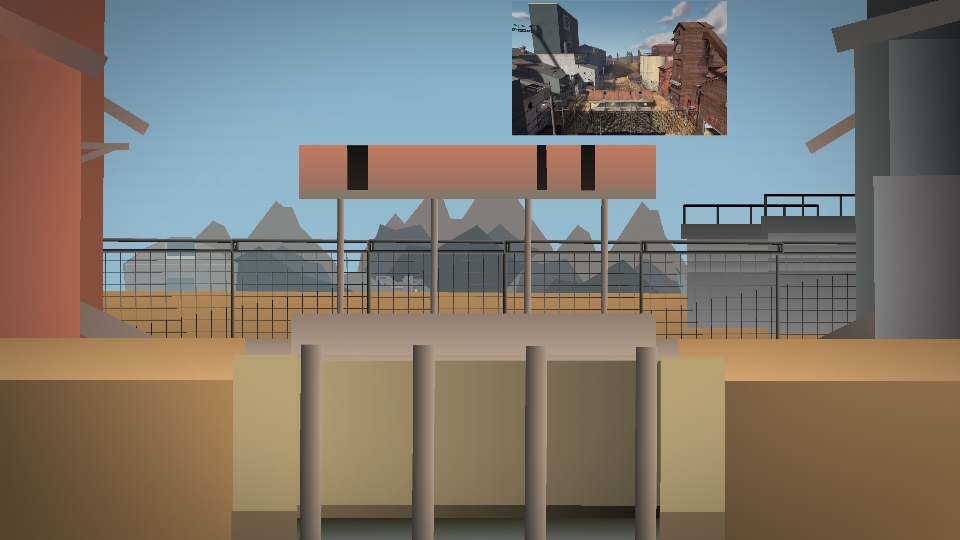
This isn't a pack of bases, this is just a pack for a single base to make it easier to use.
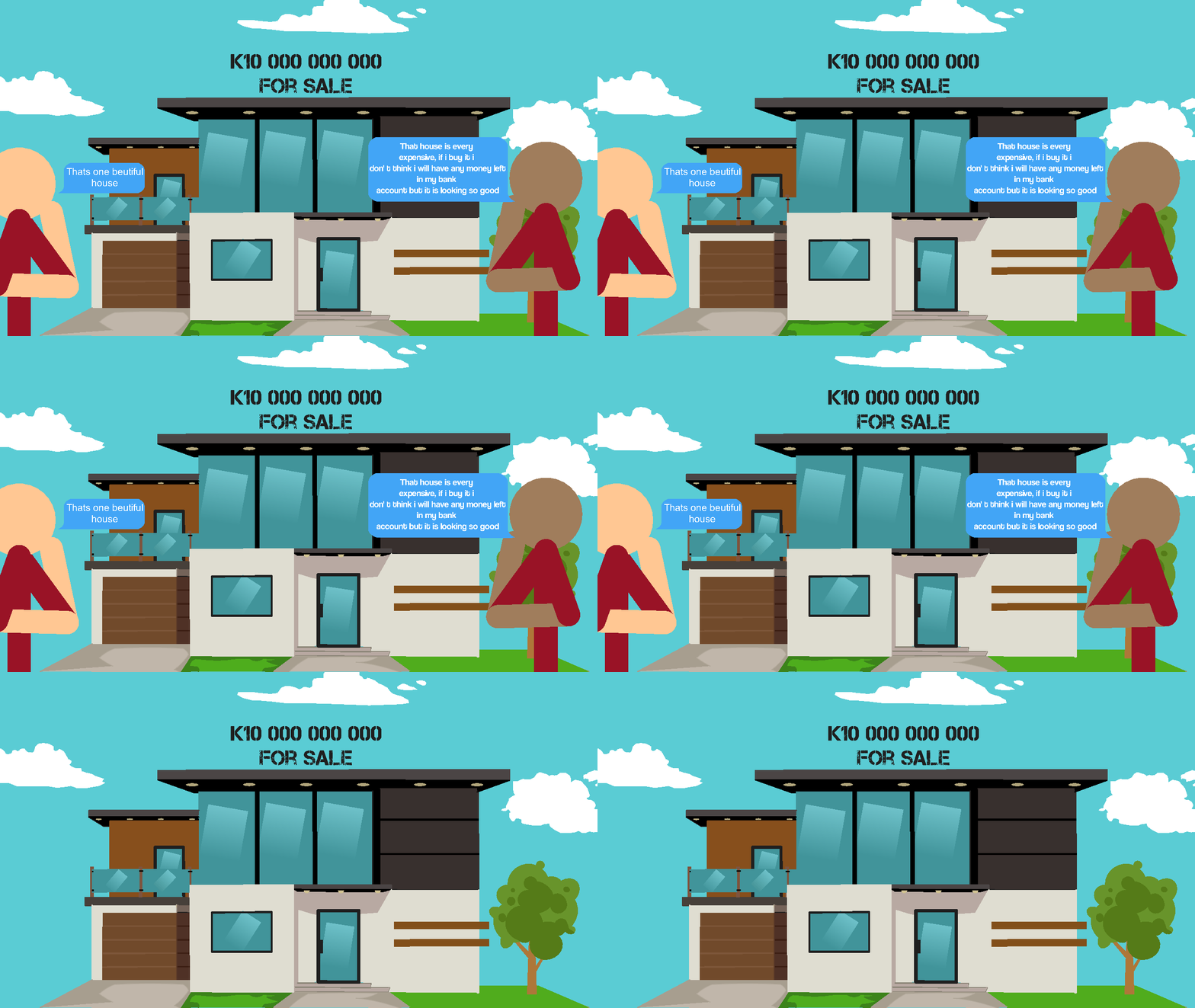
So, the way it works is you can either use just the base, as you see it in the thumbnail, or you can add a few extra parts, do some layering, and make your animation look better. Use “Join Stickfigure To...” with the extra parts and they will fit perfectly with the background. I added a gif as an example but idk if Ralph will add it or not.
Ralph's edit: He will.

So, the way it works is you can either use just the base, as you see it in the thumbnail, or you can add a few extra parts, do some layering, and make your animation look better. Use “Join Stickfigure To...” with the extra parts and they will fit perfectly with the background. I added a gif as an example but idk if Ralph will add it or not.
Ralph's edit: He will.
This download is a ZIP of 4 files
Madness Base (3.18kb)
Madness Center (0.34kb)
Madness Left (0.34kb)
Madness Right (0.34kb)
Problem with this submission?
Please log in to report this file.


Other popular submissions in backgrounds category


How do you do the middle door?