Joined:Nov 2, 2017
Uploads:91
Features:1
UC Wins:0


Other submissions by Snipper

Stick Nodes®
A stickfigure animation app created for mobile devices!
Create your own stickman animations on your Android or iOS device!
Joined:Nov 2, 2017
Uploads:91
Features:1
UC Wins:0


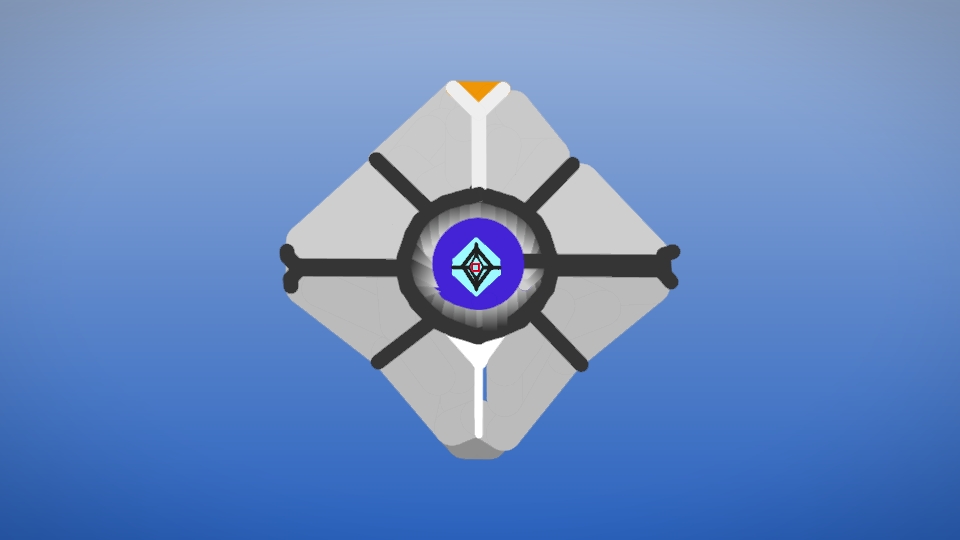
PL Team Slave OwnerThe detail in the eye. Wow.
Idk… But I found it cool
its a ghost not a spectre
and i coulda added lots of lore to this description
Spierr, In spanish is pronounced “Espectro” which is traduced as “Spectre”. They are sorta the same
I was on a rush and publishing all the things I could, because my phone was getting reseted, so I didn’t care on adding any type of lore, if you want me to edit it, tell me what you would’ve wanted and I tell ralph to edit it