As of 3.2.0, Stick Nodes will no longer automatically find downloaded files in your /downloads/ folder. You must open the file with Stick Nodes explicitly for it to be moved into the correct folder.
Download a NODES (or STK) or ZIP file. When done, tap it and "Open With" > "Stick Nodes". See this image for an example.
Sounds: Download an MP3 file < 256kb. When done, tap it and "Open With" > "Stick Nodes"..
IOS 13+ How to download stickfigures & sounds:
If using Chrome or Firefox, download a NODES (or STK) or ZIP file, select the file and "Open in Stick Nodes" after finished downloading.
If using Safari, download a NODES (or STK) or ZIP file, follow these directions.
You’re getting an import error with this stickfigure?
I know you said you have 1.6.3, but forgive me, others have told me the same thing and they did in fact NOT have 1.6.3. That’s the only reason a NODES file won’t import, if it was made with a later version of the app than you have.
Please make sure you have 1.6.3, even uninstall the app and re-download it (if you’re on iOS, back up your projects/stickfigures before you uninstall).
Alperen
Not working import errorr on all Benco. stickfigures


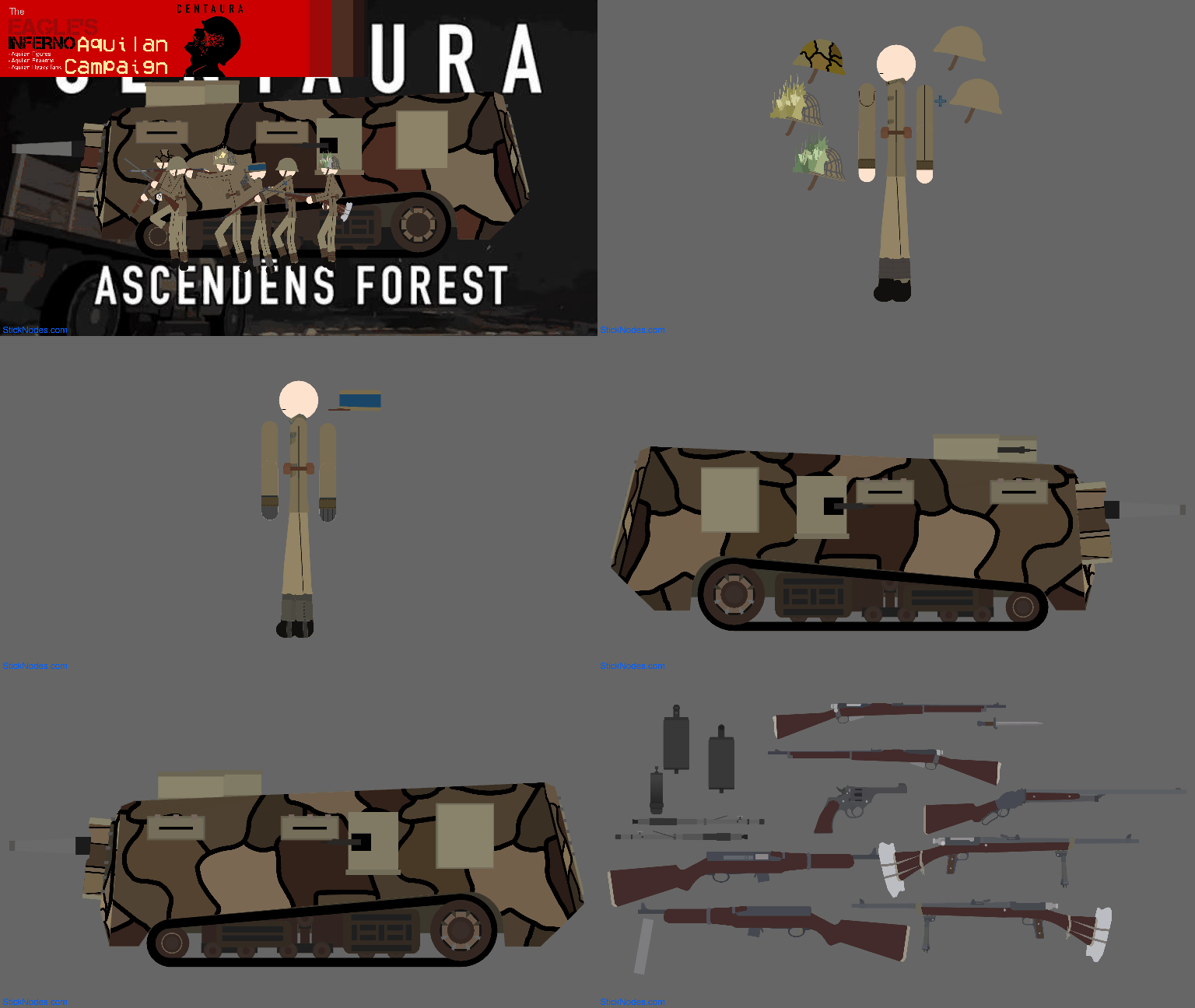


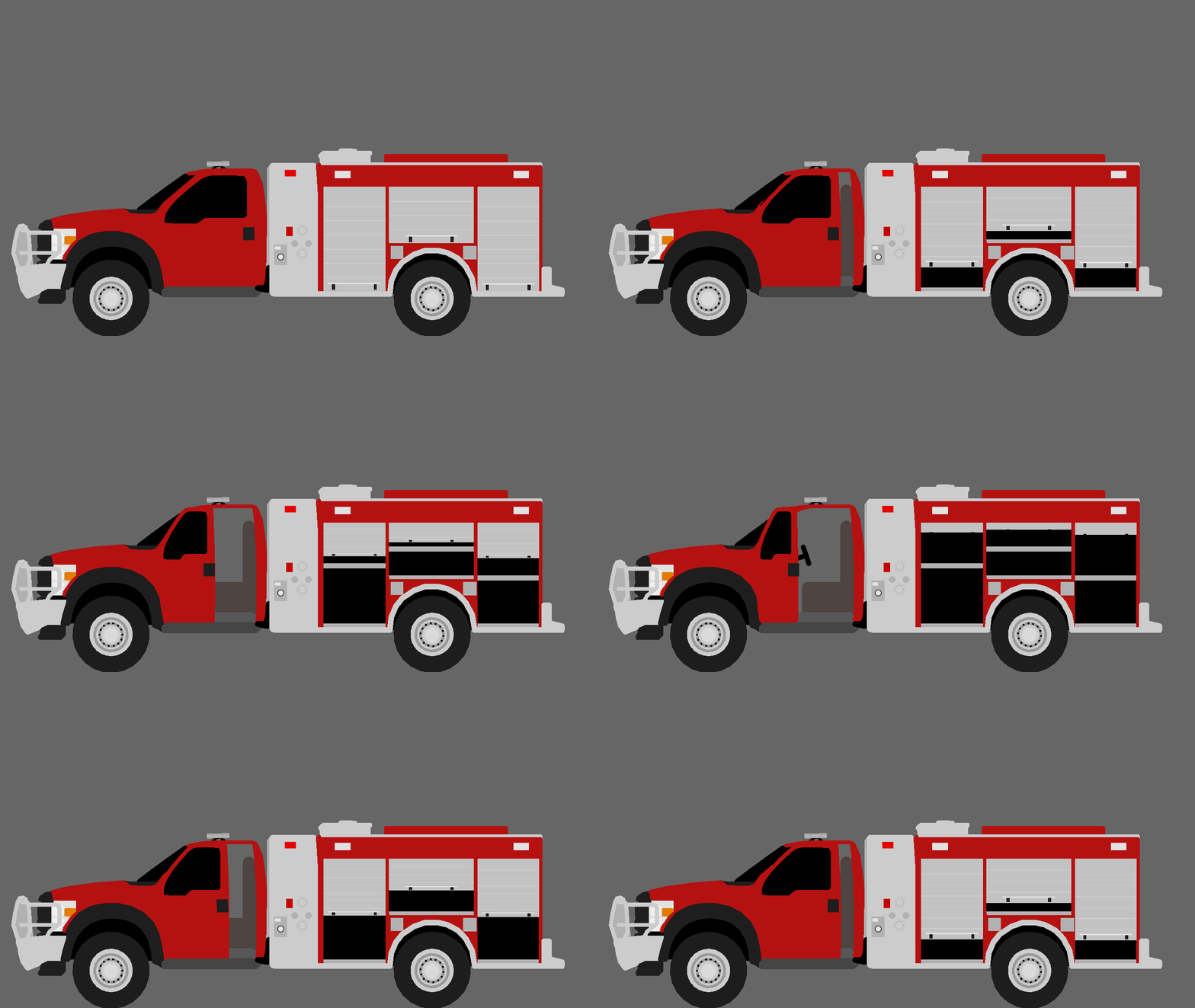
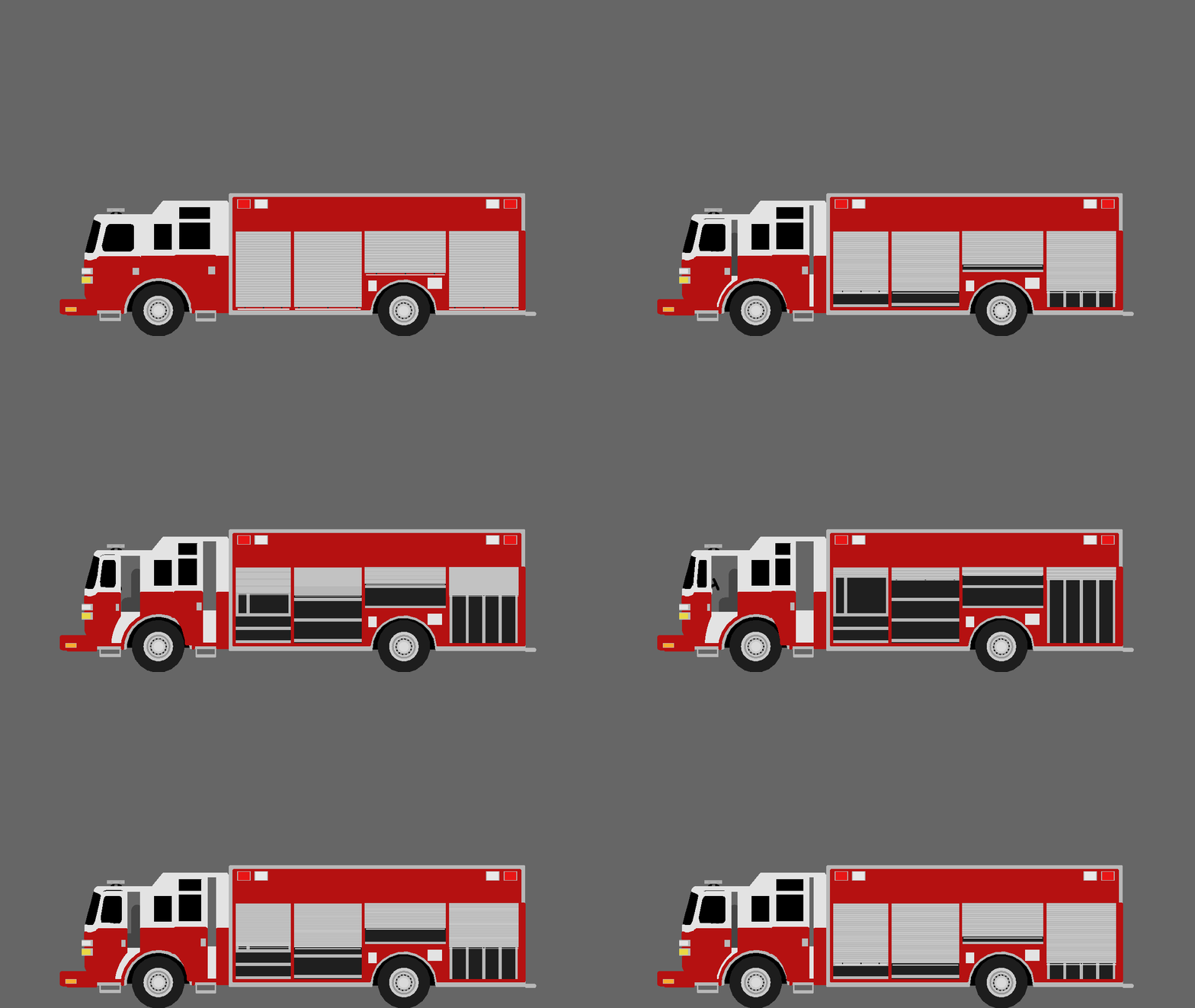


My app latest version import error help me (app ver 1.6.3)
You’re getting an import error with this stickfigure?
I know you said you have 1.6.3, but forgive me, others have told me the same thing and they did in fact NOT have 1.6.3. That’s the only reason a NODES file won’t import, if it was made with a later version of the app than you have.
Please make sure you have 1.6.3, even uninstall the app and re-download it (if you’re on iOS, back up your projects/stickfigures before you uninstall).
Not working import errorr on all Benco. stickfigures