As of 3.2.0, Stick Nodes will no longer automatically find downloaded files in your /downloads/ folder. You must open the file with Stick Nodes explicitly for it to be moved into the correct folder.
Download a NODES (or STK) or ZIP file. When done, tap it and "Open With" > "Stick Nodes". See this image for an example.
Sounds: Download an MP3 file < 256kb. When done, tap it and "Open With" > "Stick Nodes"..
IOS 13+ How to download stickfigures & sounds:
If using Chrome or Firefox, download a NODES (or STK) or ZIP file, select the file and "Open in Stick Nodes" after finished downloading.
If using Safari, download a NODES (or STK) or ZIP file, follow these directions.
I’m sorry but this sucks I gave it a thumbs up before I downloaded it the pinching bag moves with the circle on the floor so it looks horrible in anime. But I know this is your first figure so just try to fix that then I can use it.


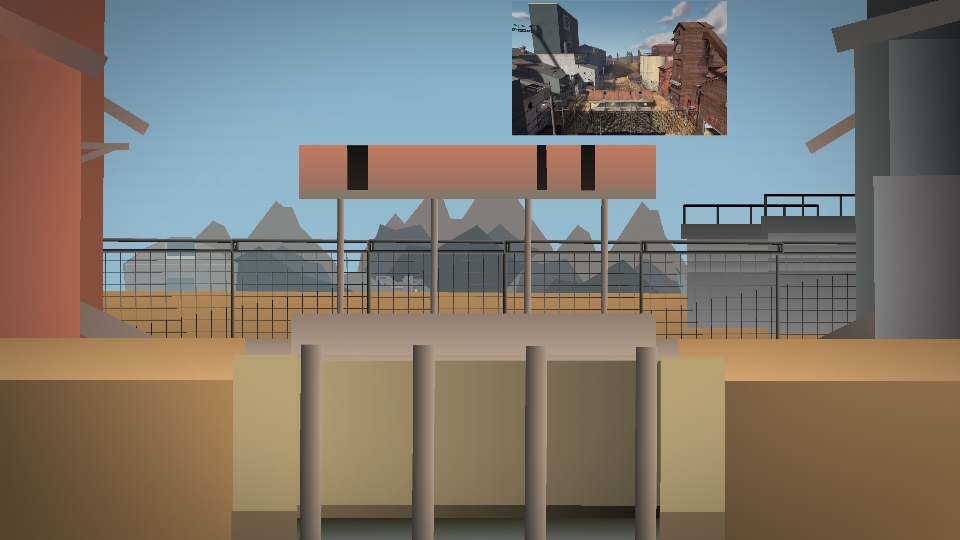




*rocky music intensifies*
*eye of the tiger starts playing*
Dang thats good
I’m sorry but this sucks I gave it a thumbs up before I downloaded it the pinching bag moves with the circle on the floor so it looks horrible in anime. But I know this is your first figure so just try to fix that then I can use it.
Yea I got it
Uau just a super strong and brave man to train on this jail oh sorry this room
Ok
I want to learn something