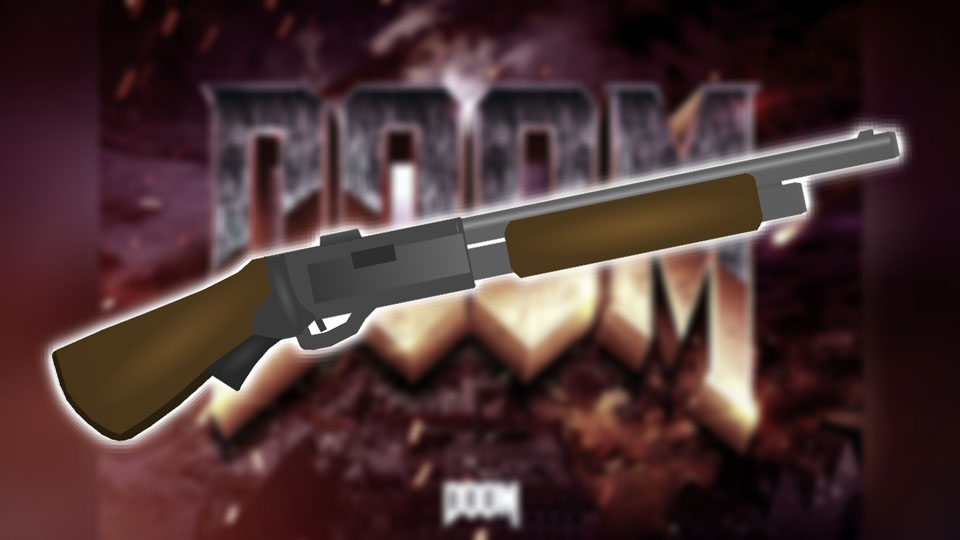

File:DOOM-Classic-Shotgun.nodes (9.4 KB)
Date:May 21, 2020
Category:Weapons
Android How to download stickfigures & sounds:
- As of 3.2.0, Stick Nodes will no longer automatically find downloaded files in your /downloads/ folder. You must open the file with Stick Nodes explicitly for it to be moved into the correct folder.
- Download a NODES (or STK) or ZIP file. When done, tap it and "Open With" > "Stick Nodes". See this image for an example.
- Sounds: Download an MP3 file < 256kb. When done, tap it and "Open With" > "Stick Nodes"..
IOS 13+ How to download stickfigures & sounds:
- If using Chrome or Firefox, download a NODES (or STK) or ZIP file, select the file and "Open in Stick Nodes" after finished downloading.
- If using Safari, download a NODES (or STK) or ZIP file, follow these directions.
- Also for ZIP files, check out this quick and informative tutorial by Auto-Angel.
- Sounds: With Safari, follow these directions.
Problem with this submission?
Please log in to report this file.
- Work Desk and Swivel Chair Pack
- The Epic Ban Hammer
- Araki the Huntress (Huntress Outfit) Pack
- Roadblock Objects Pack
- The Stew Man 2020 (Armored) Pack
- The Reverse Beartrap
- Poltergeist Pack
- Stew RHG Pack
- GTA Vice City Overlays Pack
- DOOM Classic Shotgun
- Work Desk and Swivel Chair Pack
Other submissions by Mr. Stewman


Rip and tear in 144 quality.
If your gonna make all the doom 90’s weapons,make the old doom guy from the 90’s so these weapons would have some use for em
