

Joined:Jul 11, 2018
Uploads:174
Features:7
UC Wins:51


Need 3 thumbs for Users Choice badge!
 1st
1st 2nd
2ndNeed 3 thumbs for Users Choice badge!
1st2ndProblem with this submission?
Please log in to report this file.








Other popular submissions in objects category


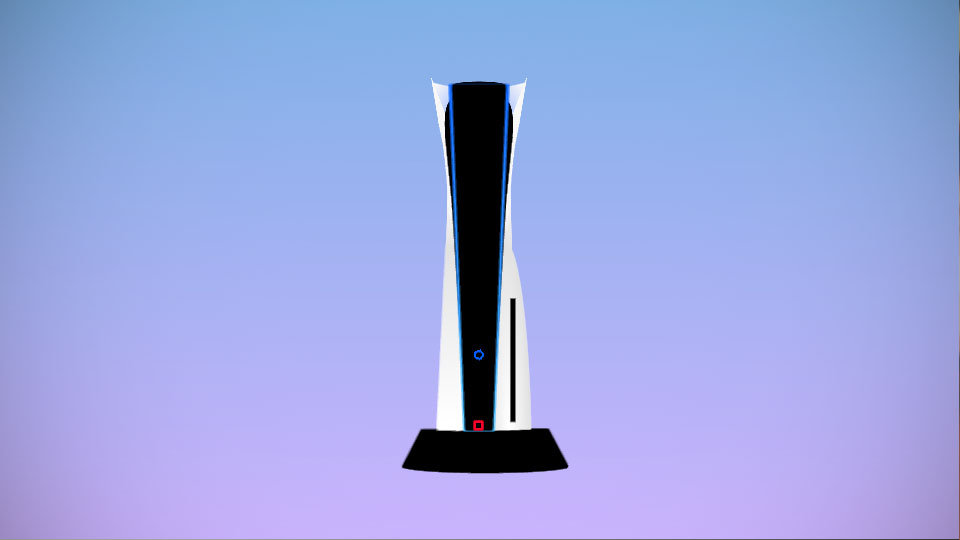
it honestly looks like a computer from the 90s trying to look like a computer from the future
aka old mac computers
Pretty clear by the wallpaper that this computer was made while the Apple Office was being gassed with hallucinogens
Futuristic box coming through
Perfect Name™️
One of the twin towers
ya… no more a’ those buildings… *sigh*
It’s a ps5
lol sucks to be you
So this is where the ps5 got their idea from
I actually downloaded this thinking it was router for my animation
I downloaded it thinking it was a WiFi router then I just recreated it as a PlayStation
Why your wifi router is a PS5