

Joined:Aug 5, 2018
Uploads:25
Features:0
UC Wins:5


Need 3 thumbs for Users Choice badge!
 1st
1stWinter versions will eventually get made
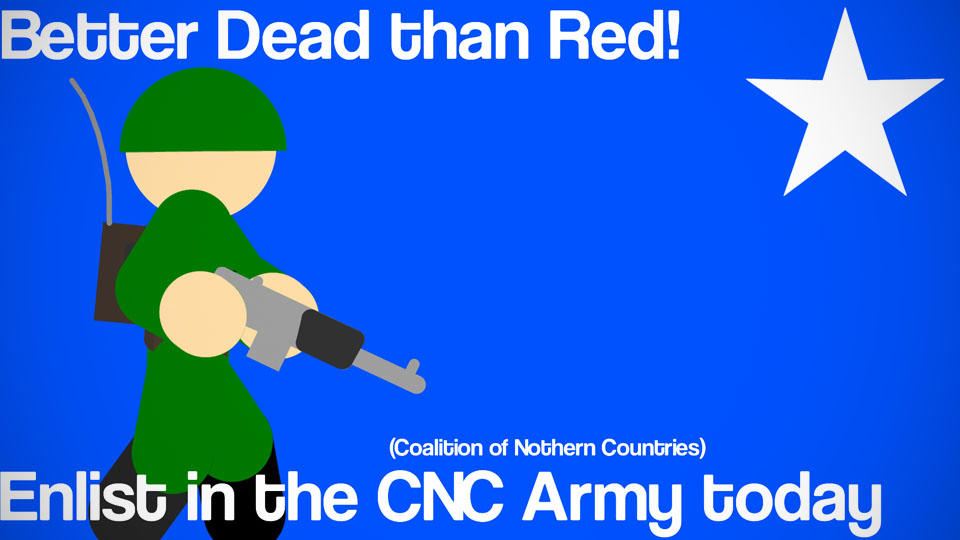
#ColdWar #1960 #NATO #war #soldier
Need 3 thumbs for Users Choice badge!
1stThis download is a ZIP of 18 files
CCSColdWar2_Soldier (unarmed) (2.83kb)
CCSColdWar2_Sniper (4.94kb)
CCSColdWar2_SMG-Soldier (3.92kb)
CCSColdWar2_Shotgunner (3.92kb)
CCSColdWar2_Rifleman (3.92kb)
CCSColdWar2_Pistol-soldier (3.06kb)
CCSColdWar2_Grenadier (4.00kb)
CCSColdWar2_Carbine-Rifleman (3.84kb)
CCSColdWar2_Bazooka-Soldier (4.47kb)
CCSColdWar2_Assault-Rifleman (9.39kb)
CCSColdWar2_M2-Browning-Gunner (4.00kb)
CCSColdWar2_M113 APC (4.99kb)
CCSColdWar2_M13-Hawk Airborne-SPG (fictional) (5.28kb)
CCSColdWar2_M30-Fox (fictional) (7.42kb)
CCSColdWar2_M31-SPG (fictional) (4.50kb)
CCSColdWar2_M31-Viper (fictional) (7.26kb)
CCSColdWar2_M31A1-Viper (fictional) (8.04kb)
CCSColdWar2_M31A2-Viper (fictional) (9.76kb)
Problem with this submission?
Please log in to report this file.






Look, my country is one of the NATO
Nice
Sorry for the late reply but thanks
What did you design the CNC LMG after?
Nvm I was confusing figures, I was looking at a USRN fig