


Joined:Jul 5, 2017
Uploads:143
Features:19
UC Wins:54


Aug 17th, 2021
Aug 16th, 2021
( 10 thumbs )
( 10 thumbs )
 1st
1st 2nd
2nd 3rd
3rd
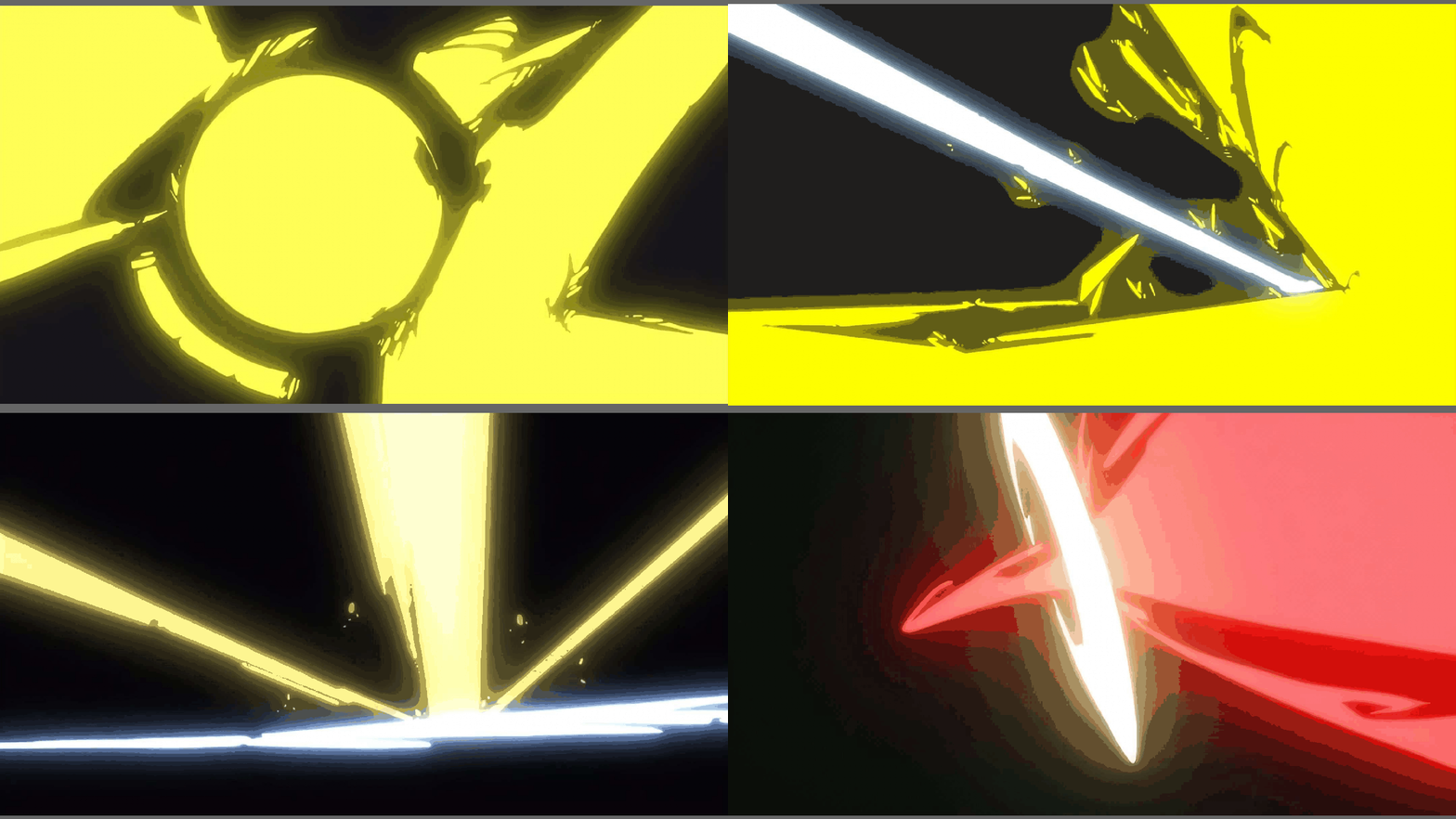
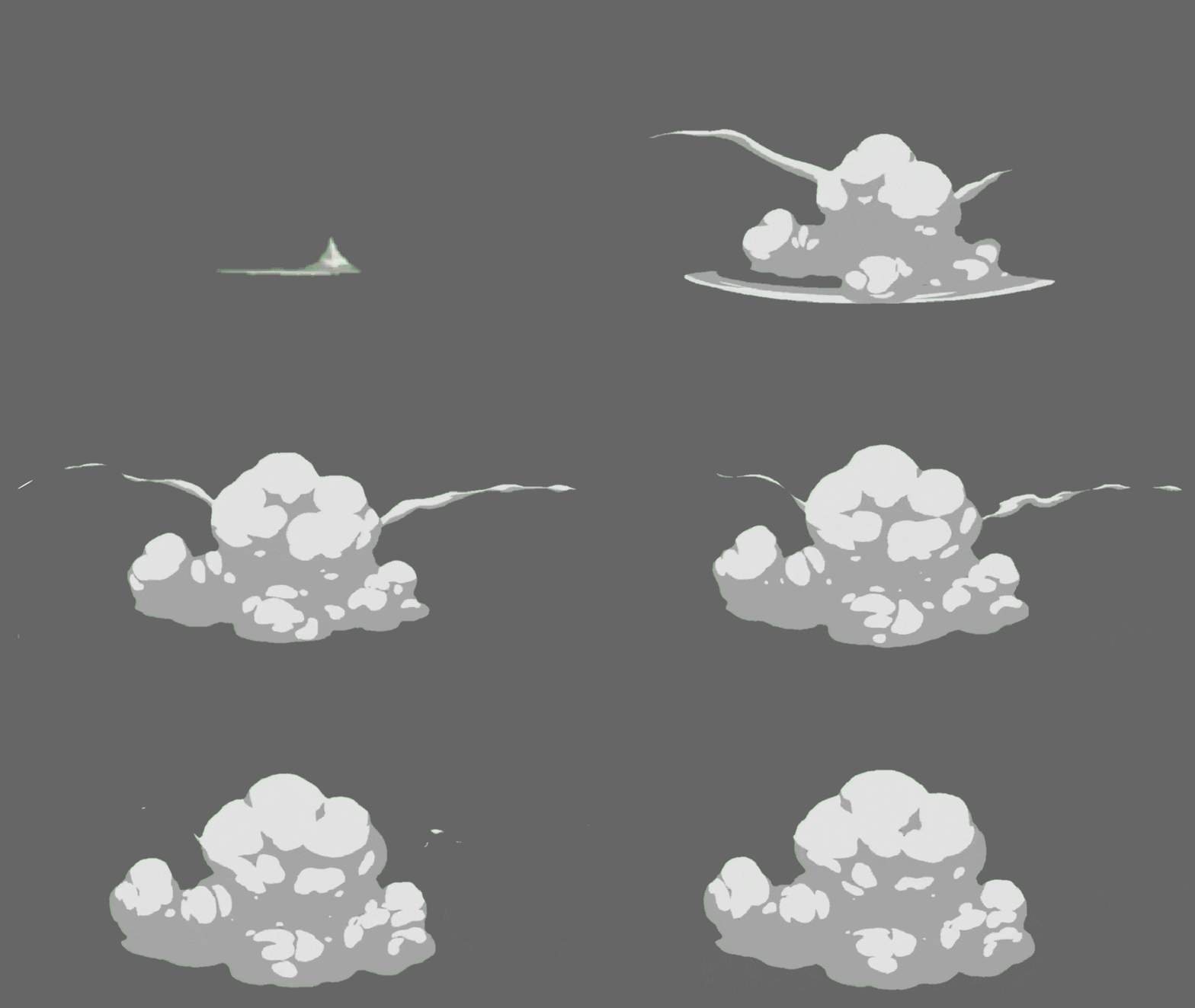
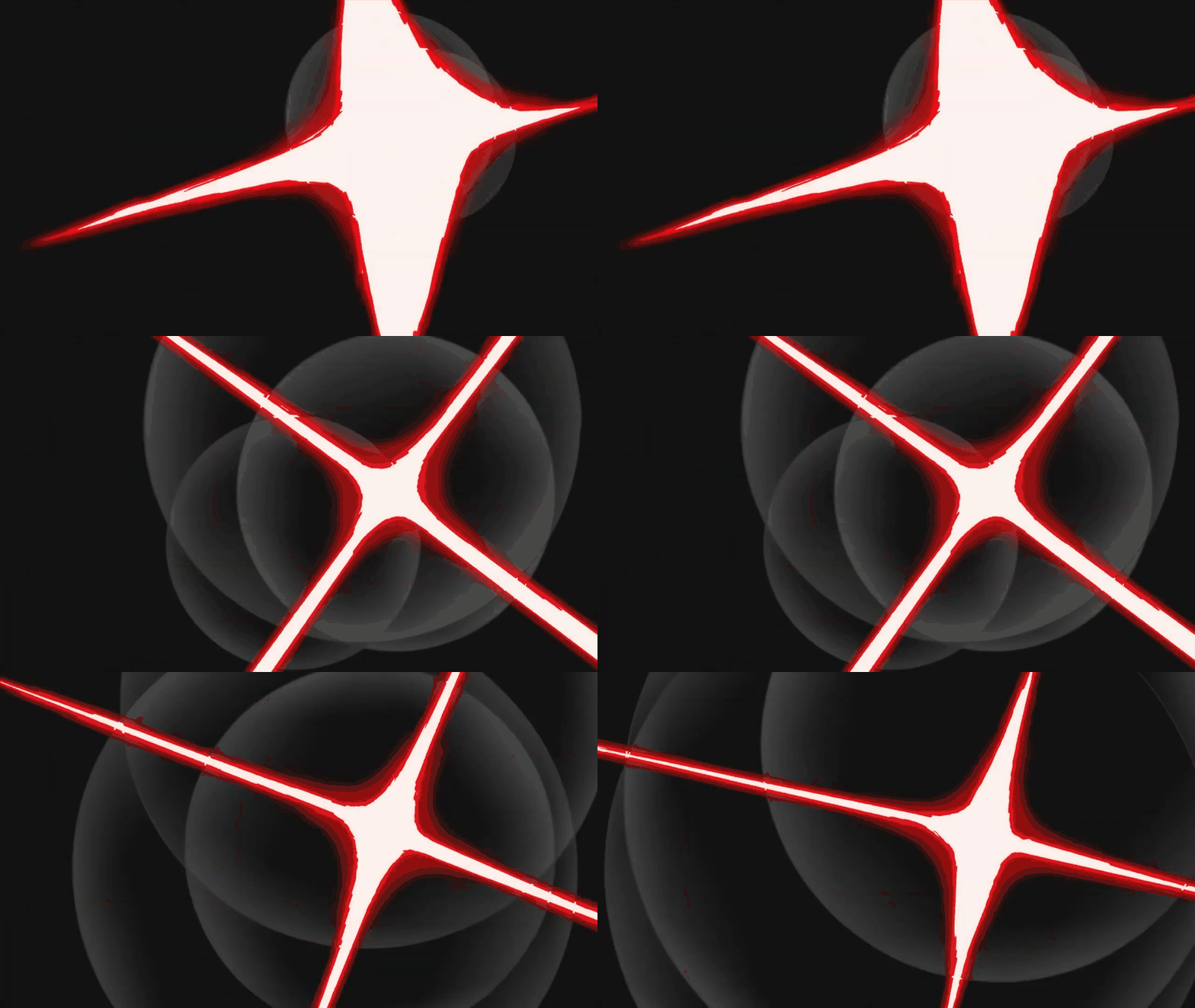
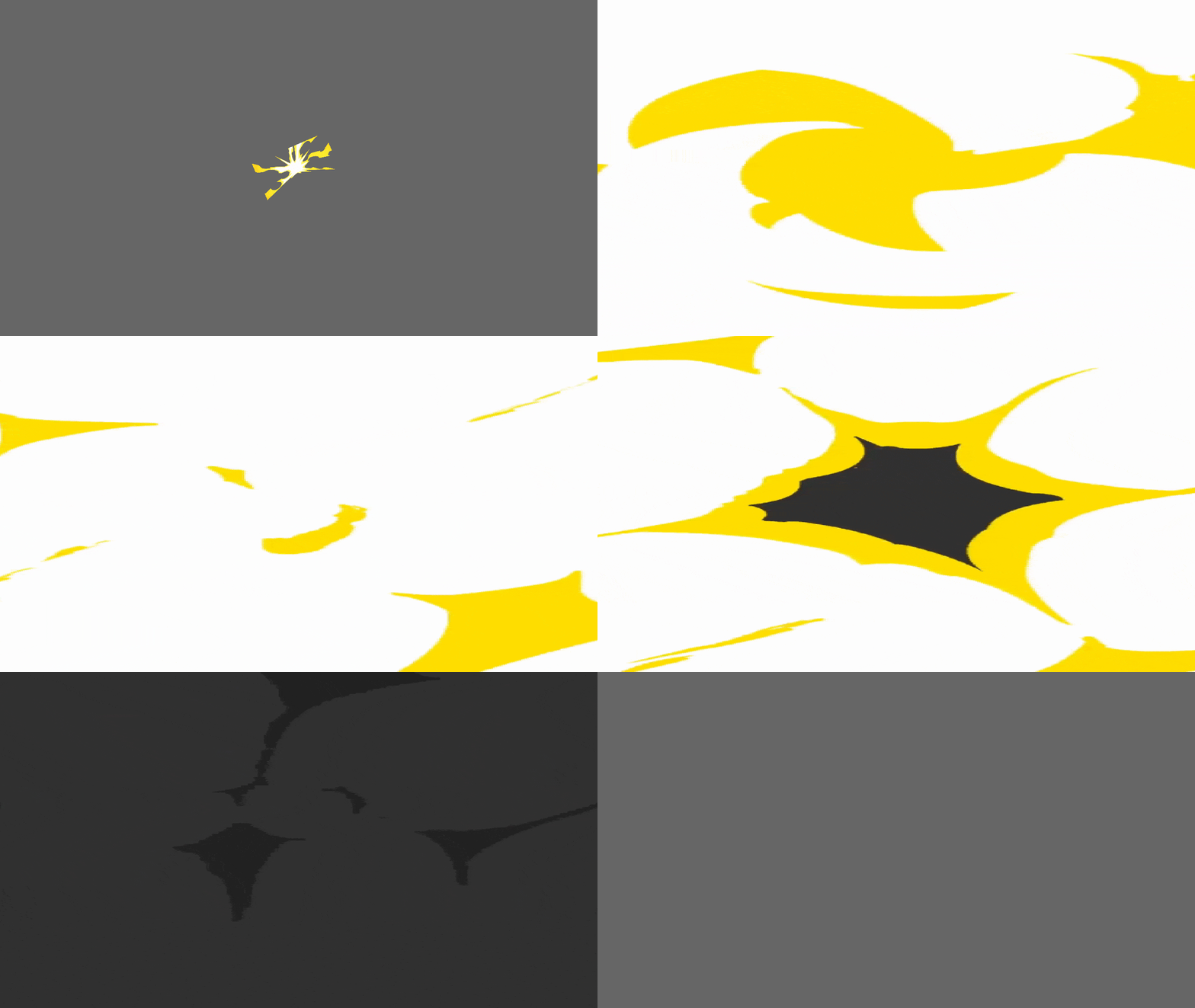
A pack that I decided to make to replace my old dated 3 node gunshot effects which were used on repeat since 2016. With 11 muzzle flashes and 5 smoke effects I can really come up with something unique every time a bullet is fired, and so can you!
Just one kick with this: STICK NODES PRO IS REQUIRED
The generic figure is very rough and simply imitates the shape of the reference muzzle flashes in a geometric style using just the shapes in SN and no tracing. This just saves a load of nodes, especially for something I will cook up with effects anyway. I will recommend you do the same too as without stickfigure effects, they don't look appealing compared to the other muzzle effects that imitate cascades and bloom of a gunshot. That doesn't convert all that well to node count and doesn't fair well against the rather flexible stickfigure effects that do all that stuff for you. (With better results.)
Instruction:
Add glow to however much you feel is necessary and add glow to however much you feel is necessary. Smoke just requires blur and opacity when it dissipates. After fire smoke is a tedious one to add. I recommend having a cycle of subtle movement in a movieclip and replacing that movieclip when drastic movements are made with a stickfigure which can follow and freely be animated according to airflow.
I recommend one frame for the flash and 3 or so frames for the smoke dispersion. Even desaturating the muzzle effect and dispersing it outwards as smoke could work as well. There's plenty of freedom with how to use these effects.
Ring of fire effect is made for cool little details like on the desert eagle which is famous for it's ring of fire when it is shot.
#gunshot #muzzle #flash #gun #shot #gunshot
Just one kick with this: STICK NODES PRO IS REQUIRED
The generic figure is very rough and simply imitates the shape of the reference muzzle flashes in a geometric style using just the shapes in SN and no tracing. This just saves a load of nodes, especially for something I will cook up with effects anyway. I will recommend you do the same too as without stickfigure effects, they don't look appealing compared to the other muzzle effects that imitate cascades and bloom of a gunshot. That doesn't convert all that well to node count and doesn't fair well against the rather flexible stickfigure effects that do all that stuff for you. (With better results.)
Instruction:
Add glow to however much you feel is necessary and add glow to however much you feel is necessary. Smoke just requires blur and opacity when it dissipates. After fire smoke is a tedious one to add. I recommend having a cycle of subtle movement in a movieclip and replacing that movieclip when drastic movements are made with a stickfigure which can follow and freely be animated according to airflow.
I recommend one frame for the flash and 3 or so frames for the smoke dispersion. Even desaturating the muzzle effect and dispersing it outwards as smoke could work as well. There's plenty of freedom with how to use these effects.
Ring of fire effect is made for cool little details like on the desert eagle which is famous for it's ring of fire when it is shot.
#gunshot #muzzle #flash #gun #shot #gunshot
Aug 17th, 2021
Aug 16th, 2021
( 10 thumbs )
( 10 thumbs )
1st2nd3rdThis download is a ZIP of 18 files
Muzzle Smoke 05 (1.98kb)
Muzzle Flash (Ring of Fire) (2.44kb)
Muzzle Flash 01 (2.72kb)
Muzzle Flash 02 (1.57kb)
Muzzle Flash 03 (2.72kb)
Muzzle Flash 04 (1.08kb)
Muzzle Flash 05 (1.00kb)
Muzzle Flash 06 (2.15kb)
Muzzle Flash 07 (1.41kb)
Muzzle Flash 08 (1.33kb)
Muzzle Flash 09 (1.74kb)
Muzzle Flash 10 (1.16kb)
Muzzle Flash 11 (1.57kb)
Muzzle Smoke (After Fire) (0.88kb)
Muzzle Smoke 01 (1.08kb)
Muzzle Smoke 02 (1.66kb)
Muzzle Smoke 03 (1.25kb)
Muzzle Smoke 04 (1.98kb)
Problem with this submission?
Please log in to report this file.


Other popular submissions in effects category


Can you make bullet trails By any chance or you wouldn’t recommend?
Just use an ellipse. It looks good.
What’s the glow and blur on the ones on the thumbnail
You need stkn pro for blur and glow.
MY EYES!
This a good thing
Very Cool! I like it
Very cool! I love it!
pro required 😢