

Joined:Jan 16, 2022
Uploads:76
Features:0
UC Wins:5


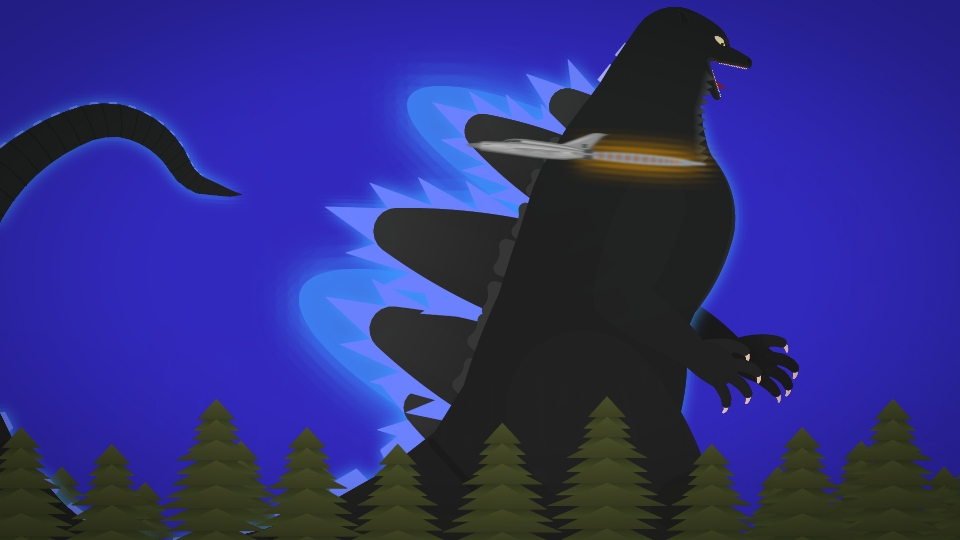
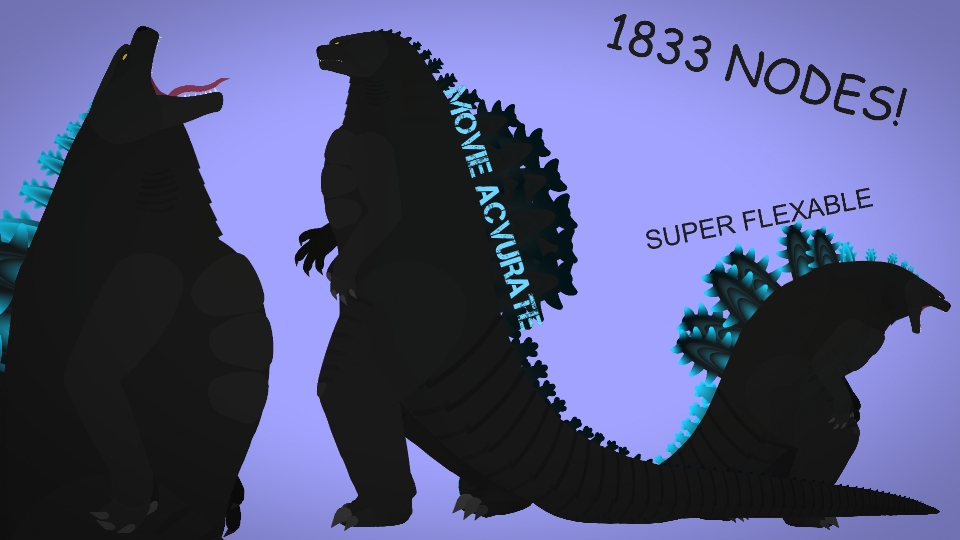
Definitely NOT one of my best works but hey godzilla is a very strange creature from a posture perspective.
Ngl this design is one of my favs in fact i've made a kiryugoji even before curved segments was a thing(which has been a thing since may 2021 btw) and was really due for an update
#godzilla #kaiju #retrowashere
Ngl this design is one of my favs in fact i've made a kiryugoji even before curved segments was a thing(which has been a thing since may 2021 btw) and was really due for an update
#godzilla #kaiju #retrowashere
This download is a ZIP of 9 files
tsr-kiryugoji(farm)v2 (6.33kb)
tsr-kiryugoji(fleg)v2 (7.56kb)
tsr-kiryugoji(head)v2 (30.07kb)
tsr-kiryugoji(body)v2 (31.11kb)
tsr-kiryugoji(bleg)v2 (7.64kb)
tsr-kiryugoji(barm)v2 (6.33kb)
tsr-kiryugoji(effect 1)v2 (0.26kb)
tsr-kiryugoji(effect 2)v2 (0.26kb)
tsr-kiryugoji(effect 3)v2 (0.26kb)
Problem with this submission?
Please log in to report this file.





Other submissions by The Sticknodes Revolutionist


