

Joined:Jan 15, 2025
Uploads:27
Features:2
UC Wins:4


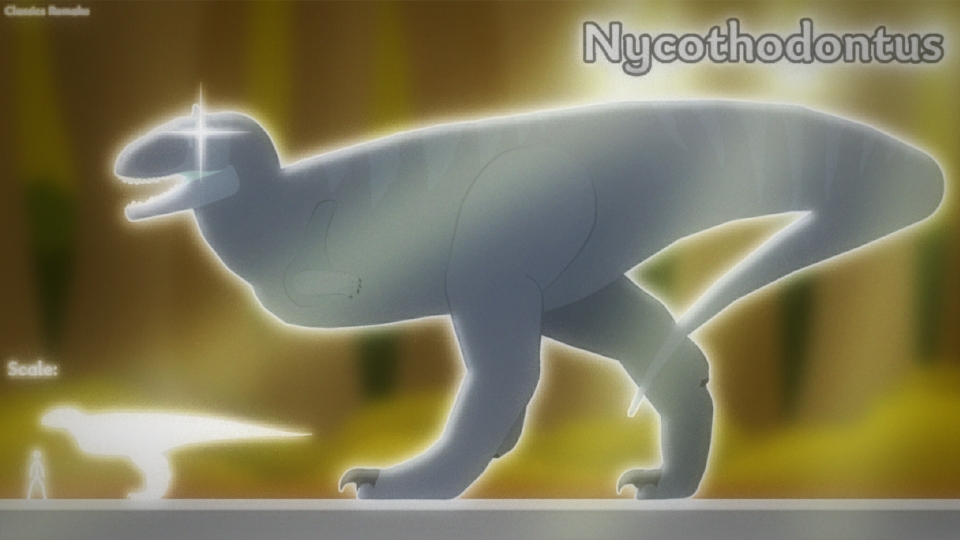
Alright so this is the 5th member and the 2nd largest member in the Nyxanethosauridae family I decided to give this stk it's own thumbnail unlike the previous ones and the last one will also have it's own thumbnail whether is unique or not who knows anyways Don forget to credit me when using this Stickfigure so have fun messing with this Stickfigure and do not use this stk for bad or malicious purposes
Anyways the background was made by my friend Apeasemint which I got it from discord DMs and hopefully I'll start working on the Khunnophidae remake if you don't know what that is you'll eventually find out soon so please be patient...
#ClassicsRemake #Theropod #Fictional #dinosaur
Anyways the background was made by my friend Apeasemint which I got it from discord DMs and hopefully I'll start working on the Khunnophidae remake if you don't know what that is you'll eventually find out soon so please be patient...
#ClassicsRemake #Theropod #Fictional #dinosaur
How to use: This download is a Movieclip file. If it contains a joined figure, you can access it by going into the Movieclip object (edit it) and then copying the entire assembled figure inside.Filters: Remember, Movieclip objects may use filters, and if you don't have Stick Nodes Pro these filters will not work and the Movieclip may look very different.
Download File
Downloaded 1,075 times
(Downloaded 3 times this week)
Problem with this submission?
Please log in to report this file.







Other popular submissions in miscellaneous category


