


Joined:Feb 19, 2026
Uploads:6
Features:0
UC Wins:5


Jun 26th, 2026
( 3 thumbs )
( 3 thumbs )
 1st
1st 2nd
2nd 3rd
3rd
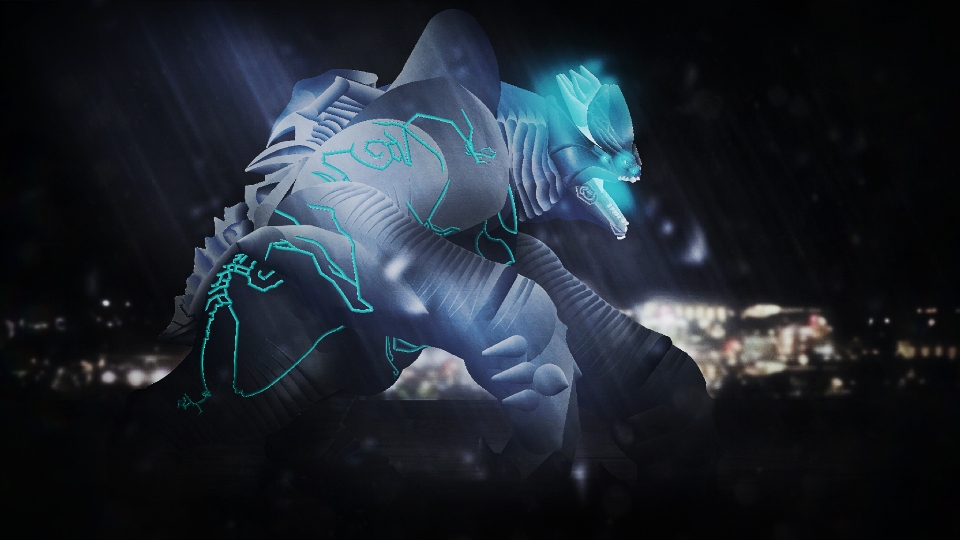
If you're not careful and you noclip out of reality in the wrong areas, you'll end up in the Backrooms, where it's nothing but the stink of old moist carpet, the madness of mono-yellow, the endless background noise of fluorescent lights at maximum hum-buzz, and approximately six hundred million square miles of randomly segmented empty rooms to be trapped in.
God save you if you hear something wandering around nearby, because it sure as hell has heard you.
Includes:
side view front view back view photo/thumbnail from found footage 1 the don't move stay still text hay bacillius pile
#bacteria #backrooms #kaneparsons
God save you if you hear something wandering around nearby, because it sure as hell has heard you.
Includes:
side view front view back view photo/thumbnail from found footage 1 the don't move stay still text hay bacillius pile
#bacteria #backrooms #kaneparsons
Jun 26th, 2026
( 3 thumbs )
( 3 thumbs )
1st2nd3rdHow to use: This download is a Movieclip file. If it contains a joined figure, you can access it by going into the Movieclip object (edit it) and then copying the entire assembled figure inside.Filters: Remember, Movieclip objects may use filters, and if you don't have Stick Nodes Pro these filters will not work and the Movieclip may look very different.
Download File
Downloaded 2,114 times
(Downloaded 170 times this week)
Problem with this submission?
Please log in to report this file.







Other popular submissions in miscellaneous category


 wpDiscuz


