


Joined:Dec 14, 2022
Uploads:36
Features:0
UC Wins:2


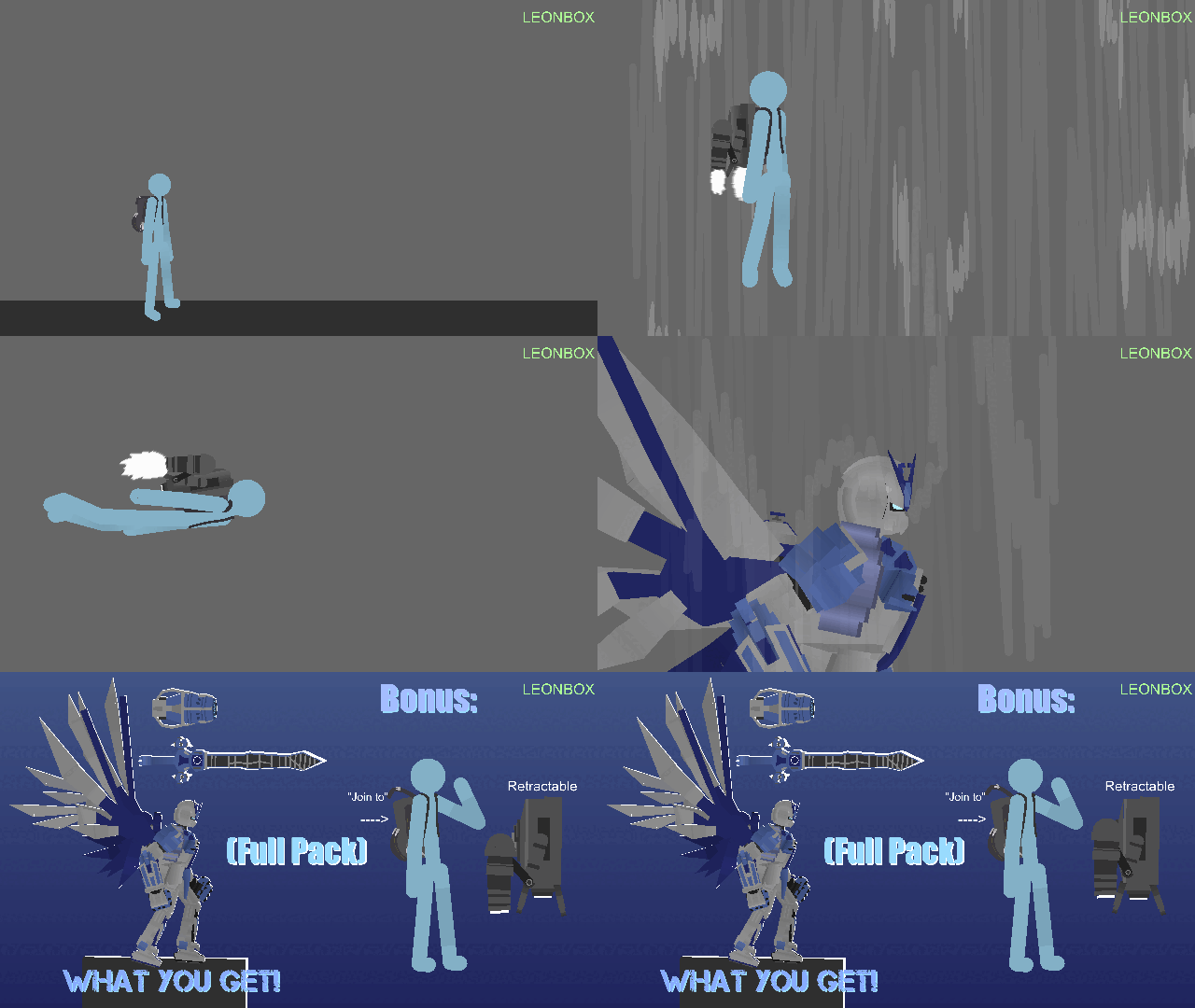
A state-of-the-art mobile fighter made by Neo Hong Kong, and a developmental improvement of the Kowloon Gundam. Its body is made up of DG cells, allowing it to disguise itself as the Kowloon Gundam. Although its body is made up of DG cells, it is completely controlled by Master Asia's strong mental power, so it does not self-propagate or self-evolve, and uses its abilities only for self-regeneration. This machine has strong characteristics as a dedicated fighting machine developed from the Kowloon Gundam, and its flexible joint structure and thrusters allow it to move in a variety of ways, reproducing many of the techniques of Master Asia. It is a member of the Devil Gundam Legion, and is treated as the leader of the Four Heavenly Kings subgroup that consisted of four Gundams.
#gundam #mech #mecha
#gundam #mech #mecha
How to use: This download is a Movieclip file. If it contains a joined figure, you can access it by going into the Movieclip object (edit it) and then copying the entire assembled figure inside.Filters: Remember, Movieclip objects may use filters, and if you don't have Stick Nodes Pro these filters will not work and the Movieclip may look very different.
Download File
Downloaded 974 times
(Downloaded 7 times this week)
Problem with this submission?
Please log in to report this file.




Other popular submissions in people category


Every word can be understood, but it can’t be combined together💀💀💀