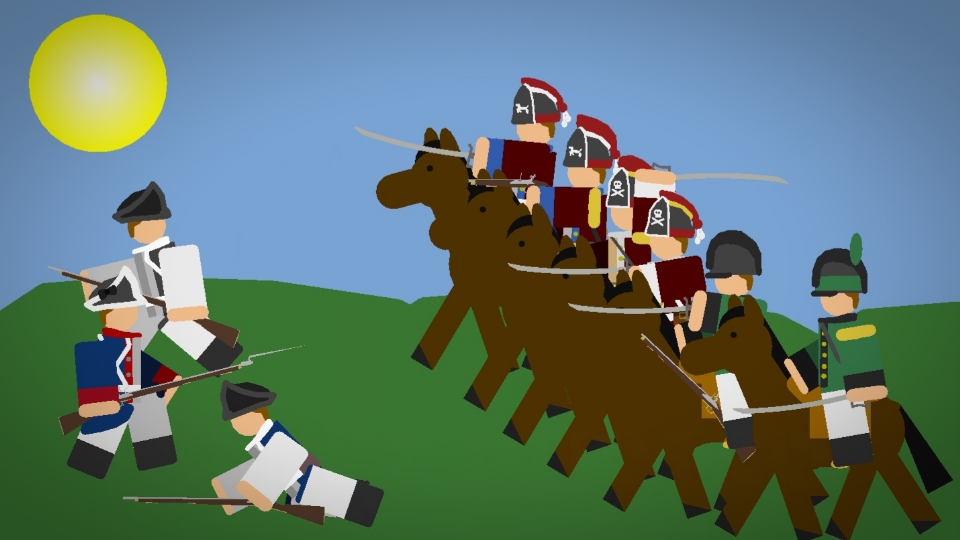

British 1770s Cavalry Pack

British 1770s Cavalry Pack
gibby101@gibby101Profile Photo

Joined:Jan 8, 2026

Uploads:54

Features:0

UC Wins:0

subscribermaster-noder

File:British-1770s-Cavalry-Pack.zip (51.1 KB)

Date:May 20, 2026

Category:Packs
People

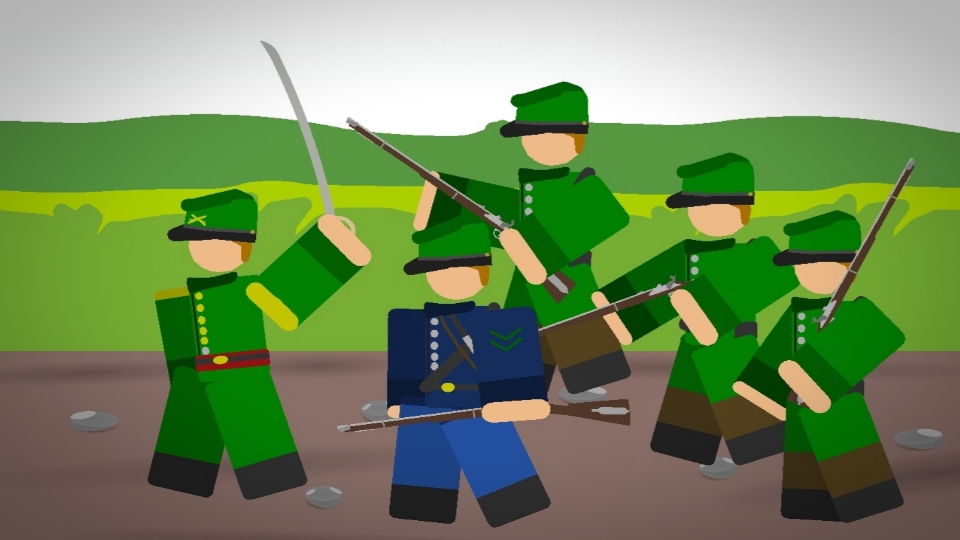
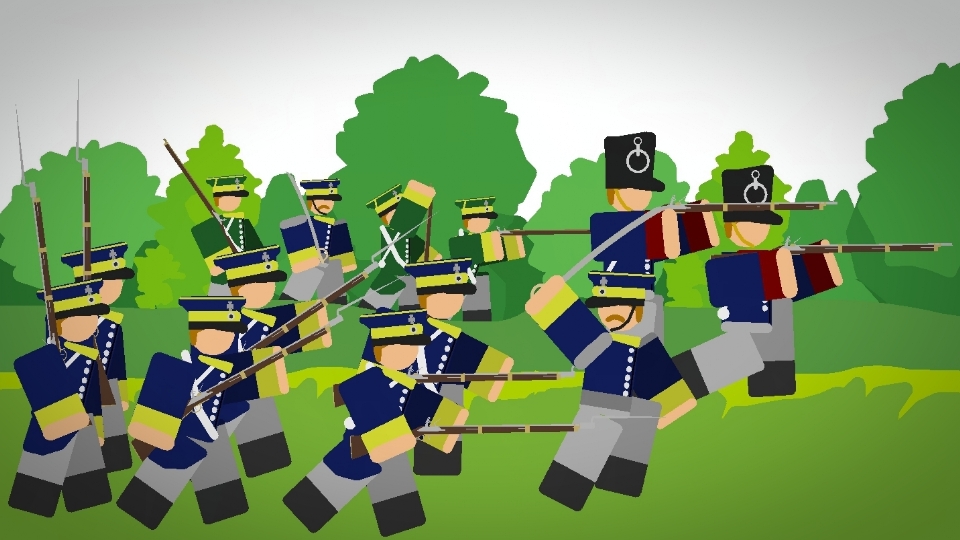
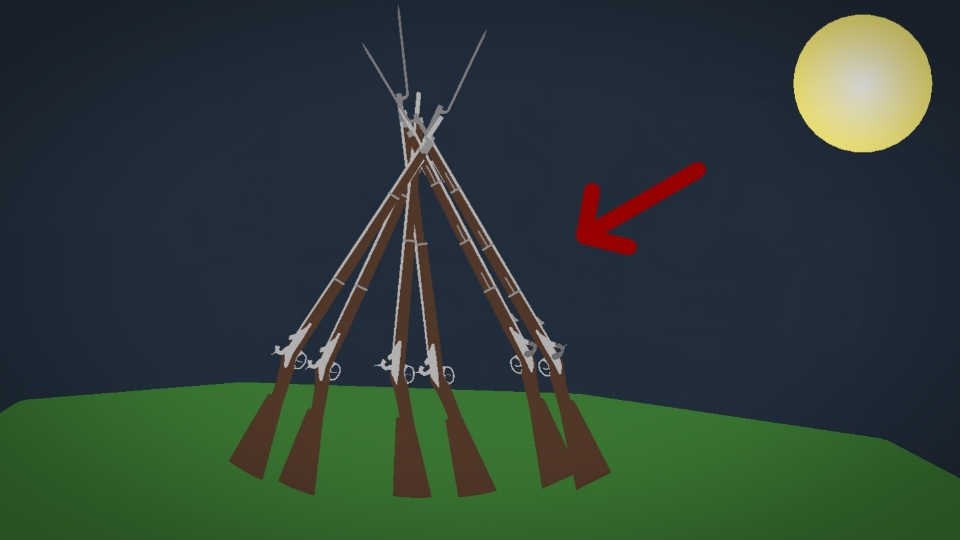
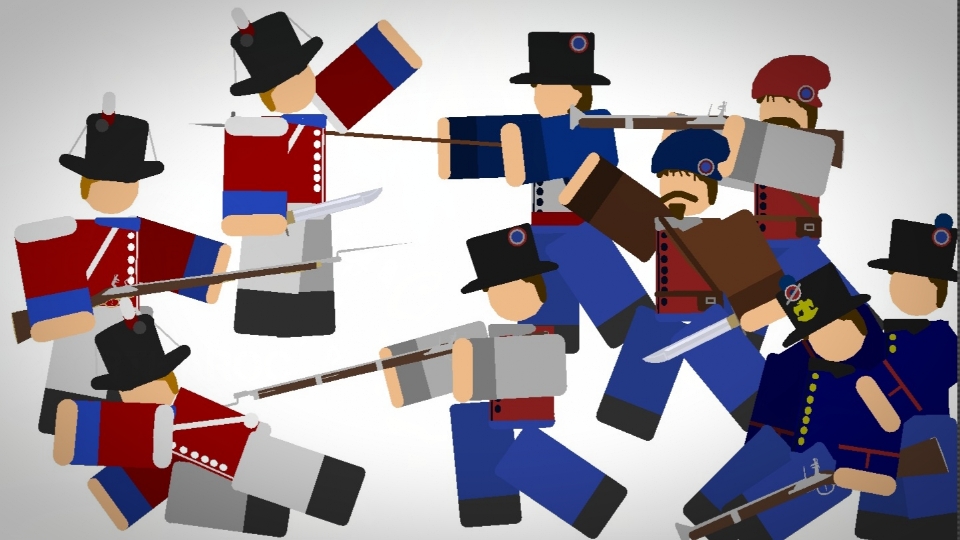
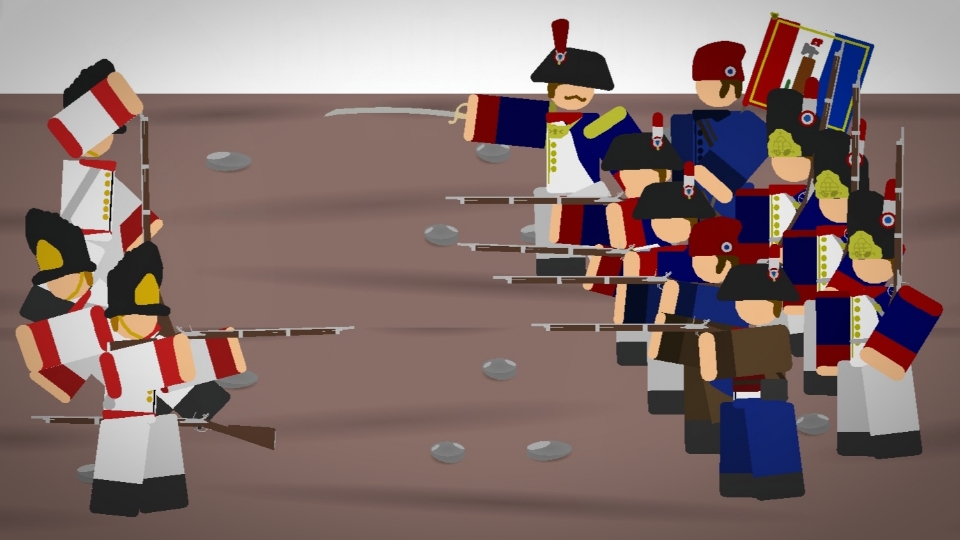
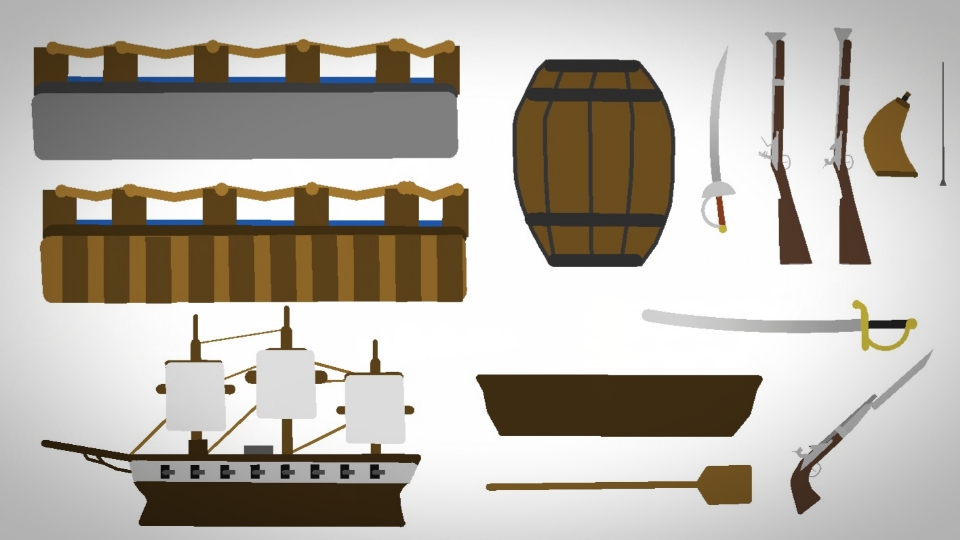
This pack has the regiments of Light dragoons (the green ones), the 17th regiment of Cavalry, and regular dragoon. these cavalry units saw pure action against the colonists from Concord and Lexington to Yorktown, "God Save the King" and this pack HAS WEAPONS like the brown bess carbine, british cavalry saber and cavalry pistol.

#military #soldier #roblox
Download File

Downloaded 1,204 times

(Downloaded 27 times this week)


Rate this stickfigure!
It helps choose the daily feature.

Vote count: 6

This download is a ZIP of 15 files

  • British Infantry (1770s Dragoons) (28.49kb)

  • British Infantry (17th Dragoons) (29.78kb)

  • British Infantry (Light Dragoons) (23.89kb)

  • British Infantry Arm (1770s Dragoons) (1.04kb)

  • British Infantry Arm (17th Dragoons) (1.04kb)

  • British Infantry Arm (Light Dragoons) (1.04kb)

  • British Officer (1770s Dragoons) (25.18kb)

  • British Officer (17th Dragoons) (26.36kb)

  • British Officer (Light Dragoons) (19.19kb)

  • British Officer Arm (1770s Dragoons) (1.04kb)

  • British Officer Arm (17th Dragoons) (1.04kb)

  • British Officer Arm (Light Dragoons) (1.04kb)

  • Brown Bess Carbine (12.61kb)

  • British Cavalry Saber (4.08kb)

  • Cavalry Pistol (16.78kb)

Android How to download stickfigures & sounds:

  • As of 3.2.0, Stick Nodes will no longer automatically find downloaded files in your /downloads/ folder. You must open the file with Stick Nodes explicitly for it to be moved into the correct folder.
  • Download a NODES (or STK) or ZIP file. When done, tap it and "Open With" > "Stick Nodes". See this image for an example.
  • Sounds: Download an MP3 file < 256kb. When done, tap it and "Open With" > "Stick Nodes"..

IOS 13+ How to download stickfigures & sounds:

  • If using Chrome or Firefox, download a NODES (or STK) or ZIP file, select the file and "Open in Stick Nodes" after finished downloading.
  • If using Safari, download a NODES (or STK) or ZIP file, follow these directions.
  • Also for ZIP files, check out this quick and informative tutorial by Auto-Angel.
  • Sounds: With Safari, follow these directions.

Problem with this submission?
Please log in to report this file.


avatar
1 Comment threads
0 Thread replies
0 Followers
 
Most reacted comment
Hottest comment thread
1 Comment authors
Noodlewithaura on sticknodes Recent comment authors
Noodlewithaura on sticknodes

Bo Of WAt ER