

Joined:Jan 8, 2026
Uploads:54
Features:0
UC Wins:0


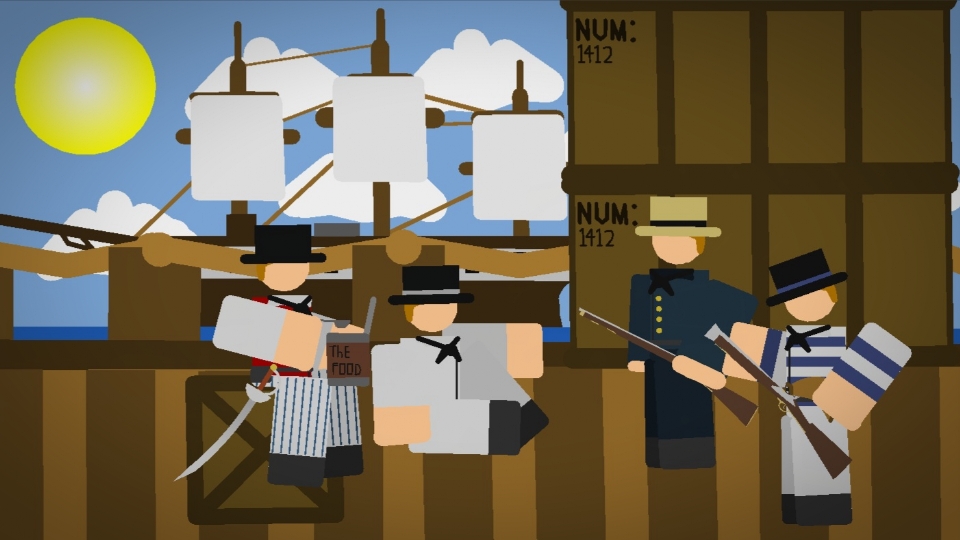
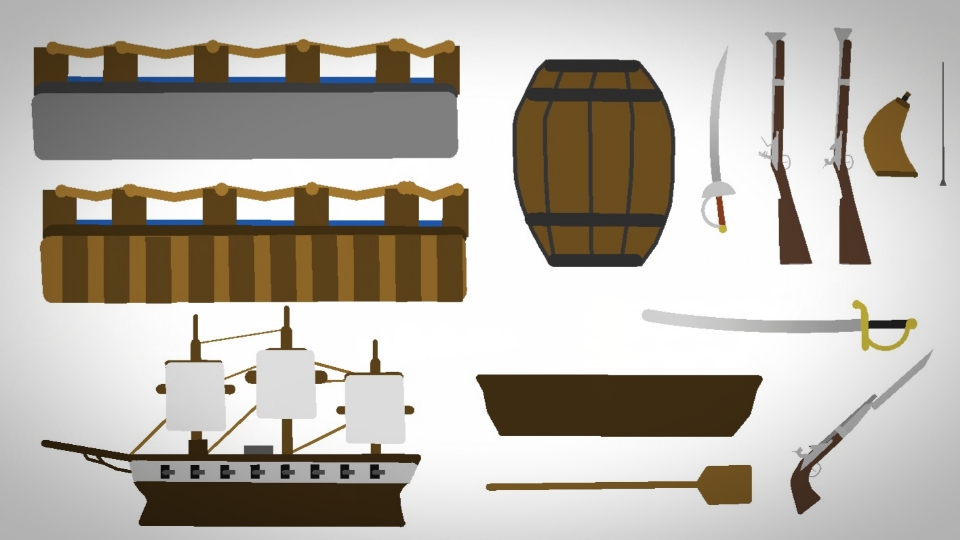
During the War of 1812, U.S. Navy sailors typically wore blue jackets, scarlet waistcoats, blue trousers, neckerchiefs, and glazed hats, reflecting a degree of uniformity despite the lack of strict regulations. They also had jobs like raiding ships, in other words boarding parties, they also defended their own ships with artillery, close hand to hand combat, and gun volleys, overall these sailors played a key role in the war of 1812 for the USA, "Dont Give Up the Ship" also this pack DOES have the guns in the photo.
#US #Navy #USA #soldier #roblox
#US #Navy #USA #soldier #roblox
This download is a ZIP of 14 files
US Infantry (1812 Sailor 1) (22.74kb)
US Infantry (1812 Sailor 2) (16.27kb)
US Infantry (1812 Sailor 3) (17.54kb)
US Infantry (1812 Sailor 4) (17.92kb)
US Infantry Arm (1812 Sailor 1) (1.04kb)
US Infantry Arm (1812 Sailor 2) (1.04kb)
US Infantry Arm (1812 Sailor 3) (1.04kb)
US Infantry Arm (1812 Sailor 4) (1.54kb)
Grand Blunderbuss Ram Rod (0.53kb)
Grand Blunderbuss (12.36kb)
Blunderbuss Gunpowder Horn (5.48kb)
Brown Bess Carbine (12.61kb)
Carbine Ram Rod (0.53kb)
Naval Cutlass (5.48kb)
Problem with this submission?
Please log in to report this file.

Other submissions by Gibby


