
Joined:Jun 8, 2019
Uploads:17
Features:12
UC Wins:14


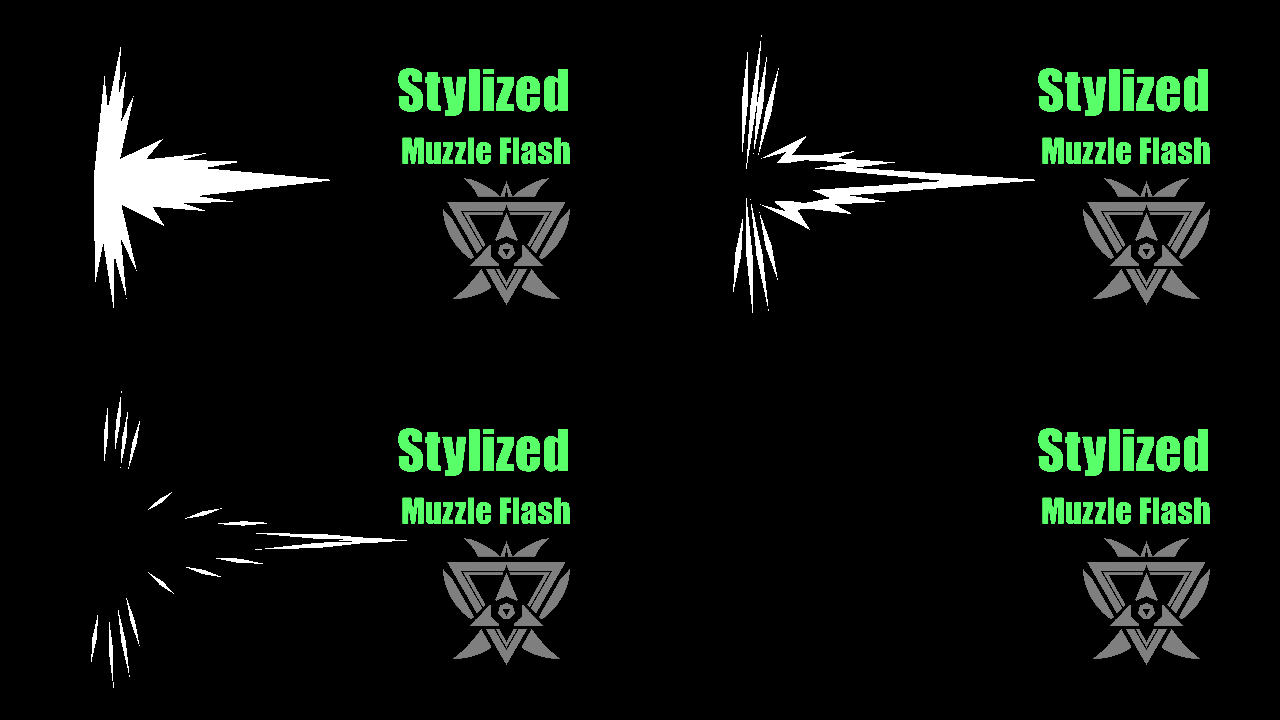
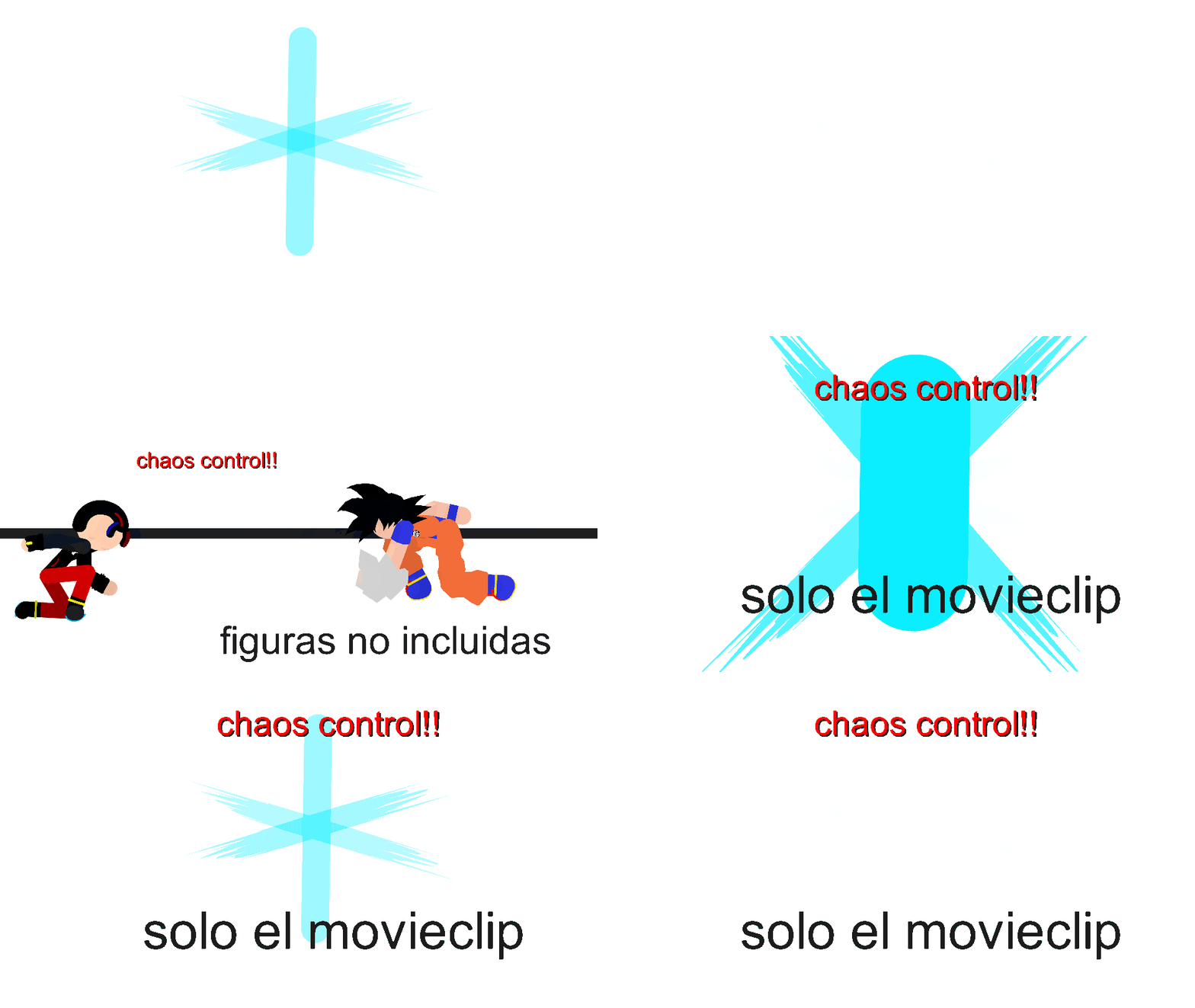
Simple stylized muzzle flash for your animation. It's stored inside a movieclip because you cannot save Sprites like you do with stickfigures and movieclip.
How to use:
The movieclip came animated which you can just add into your frames and do the straight forward.
Alternatively: Click "Edit Movieclip" and copy the muzzle flash sprite group and exit out the Movieclip editor, then paste it in your main animation project.
Or... If the movieclip is loaded in your library, you can go to Sprite Library and click the pencil/edit icon and unhide the muzzle flash sprite so its visible in the drop down menu. Then you can animate it with your own control.
To animate it, change the state from 1 to 3, easy, even baby can do that.
Its in Sprite Group so you can stretch and distort freely.
Anyway, enjoy. Video showcase will be up soon so don't forget to check my channel: https://youtube.com/@darrenzconanims
#Muzzleflash #flash #muzzle #gun #bang #breakplasticchair
How to use:
The movieclip came animated which you can just add into your frames and do the straight forward.
Alternatively: Click "Edit Movieclip" and copy the muzzle flash sprite group and exit out the Movieclip editor, then paste it in your main animation project.
Or... If the movieclip is loaded in your library, you can go to Sprite Library and click the pencil/edit icon and unhide the muzzle flash sprite so its visible in the drop down menu. Then you can animate it with your own control.
To animate it, change the state from 1 to 3, easy, even baby can do that.
Its in Sprite Group so you can stretch and distort freely.
Anyway, enjoy. Video showcase will be up soon so don't forget to check my channel: https://youtube.com/@darrenzconanims
#Muzzleflash #flash #muzzle #gun #bang #breakplasticchair
How to use: This download is a Movieclip file. If it contains a joined figure, you can access it by going into the Movieclip object (edit it) and then copying the entire assembled figure inside.Filters: Remember, Movieclip objects may use filters, and if you don't have Stick Nodes Pro these filters will not work and the Movieclip may look very different.
Download File
Downloaded 76 times
(Downloaded 76 times this week)
Problem with this submission?
Please log in to report this file.

Other popular submissions in effects category


