
-
arcionek


 2022-10-16 20:22:19 UTC
 Hey guys serious question, what do you think is harder to animate in a 2d software, when you’re trying to create a 3d effect? Camera movement wise.
I don’t want the correct anwser from the Web, just choose what you think might be the anwser.
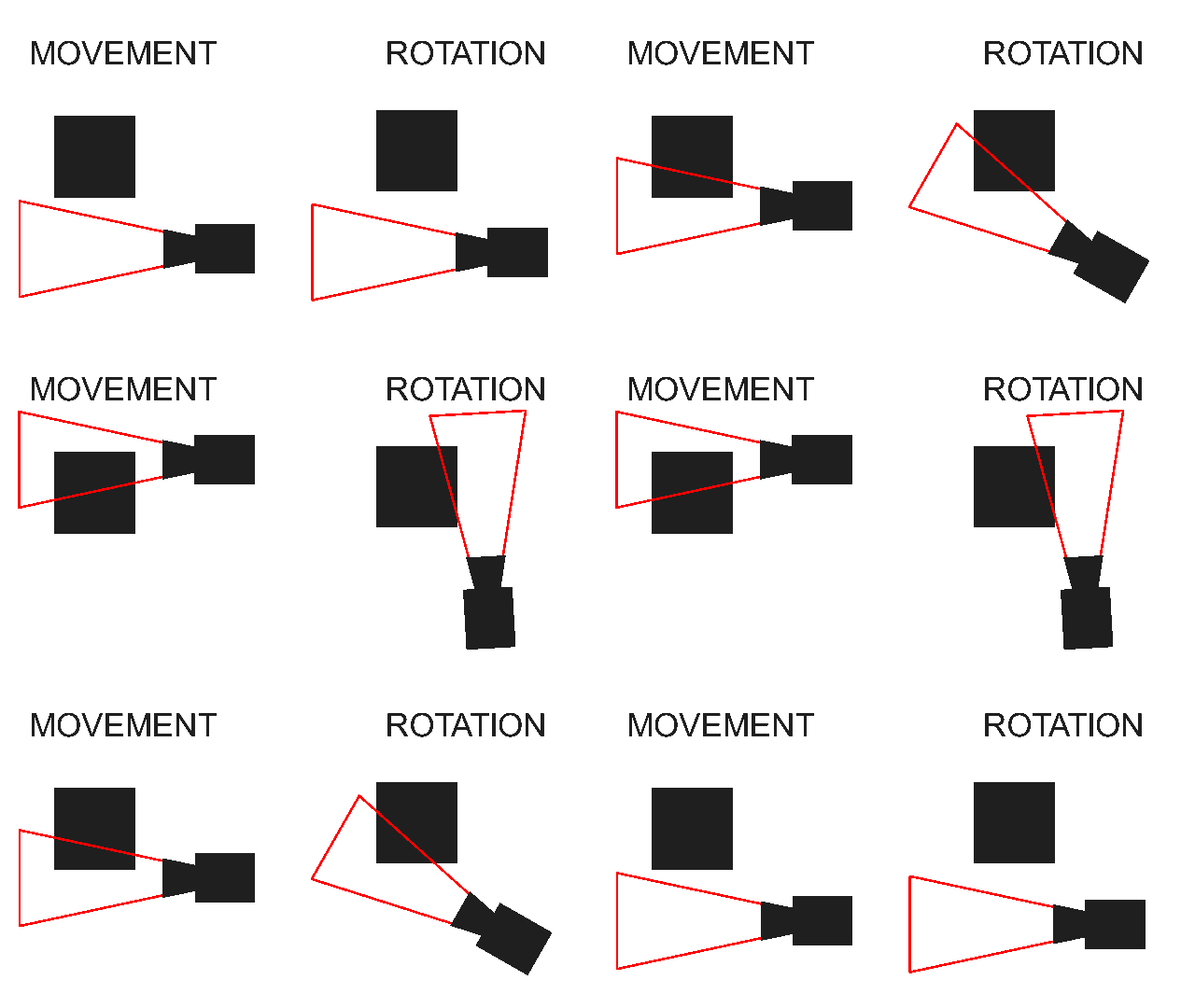
3d camera, what's harder to animate
- 10%
- 90%
40 votes
Stick Nodes®
A stickfigure animation app created for mobile devices!
Create your own stickman animations on your Android or iOS device!


Rotation for sure
Rotation. I can make 3d movement but I have no idea how to make the illusion of a 3d camera rotation
Forgot the comma at the end of movement. Sorry
Absolutely rotation, I’ve struggled with it a million times before lol
Very rewarding at the end but god, it can be annoying to work with
Kinda curious, what did you do to accomplish rotation? Maybe link to the thing u did.
Quickest example I could find is from an old video. Honestly, I just kinda eyeball it and with some trial and error, that and creating 360 views of various things (mostly people.)
Weirdly one of my better examples even if it’s extremely outdated. It becomes much more of a pain in the ass when you have a more detailed background to work with.
..This also makes me realize how much I want to remake this entire fight
Hopefully I’ll be able to make some sort of tutorial on this shits so it will be less trail and error. Rip u and great job BTW
Thanks lol, a tutorial for this stuff does sound interesting
Using perspective points and learning how to draw them can be a big help in making rotational perspective, but with more complex designs and stuff it can be pretty complicated to doo
Movement ? Are you kidding me anyone can do that, just pan the camera
But rotation ? Hoh boy, making a stickfigure seem ” angled ” is already hard enough, but doing that about 10-20 times to make a rotation effect ? That’s a nightmare beyond my darkest fears
When you move the camera, the back of the object would move differently than front tho
Yeah I see what you mean but still, just pan the dang camera or pan the stickfigure
Except if you really want a 3D effect, you godda make the stickfigure seem ” wider ” when it’s at the sides of the camera, and completely normal when it’s smack dab in the middle, and that is also very easy
Make your stickfigure wider on the corresponding side ( so if it’s right, he looks wider on the right side ) and make the frame for that, then sandwiched in the middle of those 2 is a frame where an unaltered stickfigure is smack dab in the middle, and now, spam the ” add tweened frame ” button to kingdom come
I’ve recently made a post showing the whole shtick with camera rotation.