-
arcionek


 2019-09-12 08:28:24 UTC
 Looks good with tween but there are issues I can’t fix when I use it. :/

Stick Nodes®
A stickfigure animation app created for mobile devices!
Create your own stickman animations on your Android or iOS device!
arcionek 2019-09-12 08:28:24 UTC
Looks good with tween but there are issues I can’t fix when I use it. :/


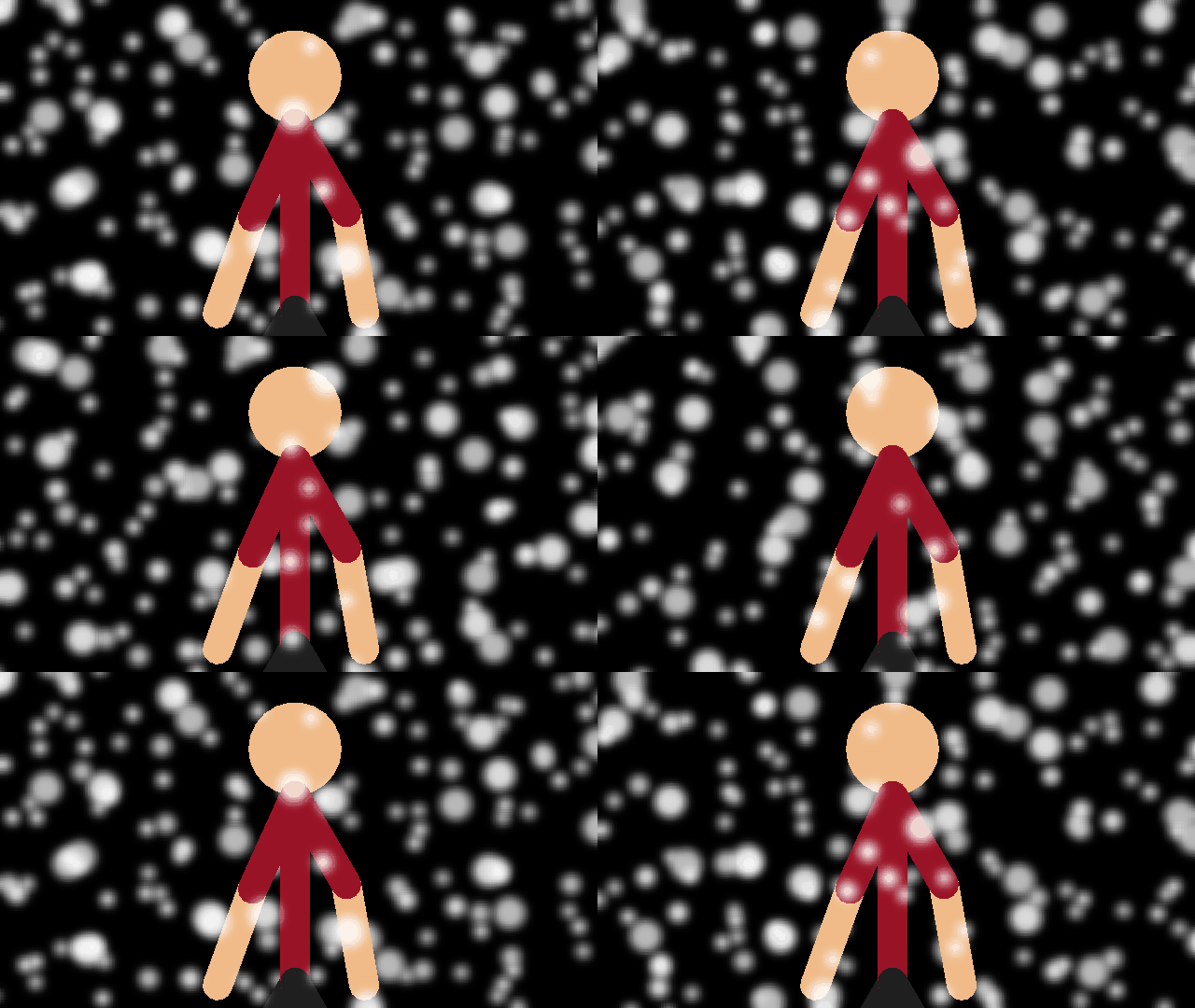
This effect is Soo bad on low end devices like mine… Because IT’S SOO DAMN LAGGY
It’s friggin’ cool though… Like really…
It lags for everyo-
Then how did you successfully did this amazing effects…
http://sticknodes.com/members/arcionek/activity/522584/#acomment-522628
Also I simply add filters then move it around with filters disabled. Like cmon that’s a thing- I even came up with two new lag options-
That’s… What?… I don’t know that… Oh ok
Above filters or during playback you can turn off filters. That makes filters not lag as they are not being rendered. You can then animate it without a problem.
But if you’re set on keeping filters while animating there’s “Lag options?” button where you can turn on disabling onion skins or filters whenever you’re draggin a stick or camera.
Thanks bruv
wot issues?
last frame doesn’t tween into the first frame?
It works like dis: 2 sticks one behind another, cuz 1 stick doesn’t cover enough. The 2nd stick goes to the place of 1st one. And that’s how loop is made. I disabled tween stickfigure on last frame but it will just lead to stick standing in place so idk. If it was one stick it would just go up and down, yeah?
use 3 instead and make sure the 1st is off-screen at the end so the standing in one place isn’t noticeable?
maybe
idk i have to mess with this
getting tweening working with MCs was harder than I thought
originally was gonna have “do not tween this frame” on MC frames as well, but eventually realized that…wouldn’t work for reasons I can’t even articulate if I needed to
It think it still would do the same thing with freezing…
Only idea I have is that when the 2 are in frame, the 3rd one will go 0 opacity or just go round everything and go back on the top and finish the cycle…
But that hella destroys the amount of frames too :c
I seriously wish I could just set start and end frame and just say how long the transition is supposed to last- Since snow falls very slowly… So damn slowly that 50 frames cannot actually take it.
*thinking about letting MCs operate at a specificed fraction of the projects FPS*
*not getting immediately discouraged*
Btw some effects I do are just A and B with just 50/50 tween all the way. So maybe there could be potential for movieclips made such way that you can set the entire duration.
And wanted to make the tutorial specifically covering these
much cold
when you get a chance send me that project file i just wanna see whats what in the butt
I’m gonna have to recreate it so lole but ok
nvm then I was just curious don’t go out of your way
nah I still will.
Nothing can stop melow battery probs
Ironically was at 6% and Huawei shuts down on 2% but I still did it.
you’re lucky
mine shuts down at 14% promptly after the 15% warning sound has even finished playing
2% is actually hard coded and basically it gives me “oh shit boi you better hurry your ass up or I’m yeeting your shit in 30 seconds”