


@asticknodesuser


Joined on March 6th, 2020, this user has been a member for 2,306 days and is the 33,997th person to register an account.
Has 10 submissions, the first one uploaded on April 11th, 2020 and the most recent on July 26th, 2022.
Of those, 0 have been featured and 4 have won Users' Choice.
On average, each submission earns 1,921 downloads.
In total, they have been download 19,216 times.
Counting every individual stickfigure, including the contents of all packs, this user has technically made and submitted 13 stickfigures.
On average, when this user rates stickfigures, they are 89% positive.
Also, they are typically 63% positive when rating animation spotlights.
Has made 213 comments on non-activity pages of the site. Alternatively, this user has made 2,728 comments on actual activity pages of the site.
This member is not a Users' Choice voter.
Show More




-
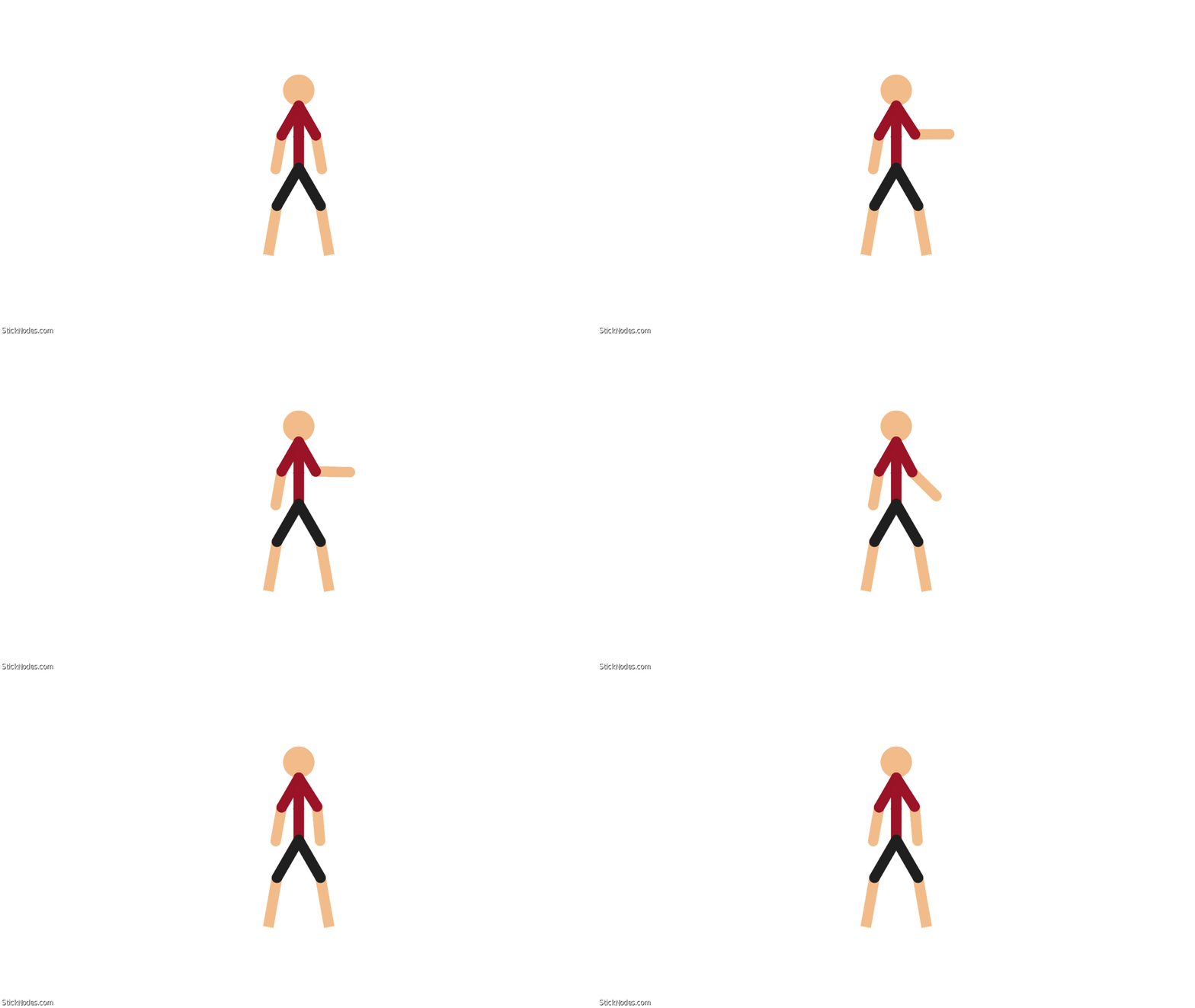
@getonyourknees667 here’s an example of what i’m saying
-
 Replying to comment by:
For starters, just start with a stickfigure\’s forearm (aka the second part of their arm) moving upwards, if it looks weird, try a faster framerate and use a little tweened frame.
-
Replying to comment by:
Calm down, this is a joke
-
Replying to comment by:
They must be Karens or kids who have no idea what tutorials and animations are
-
Replying to comment by:
What happened to these replys?
-
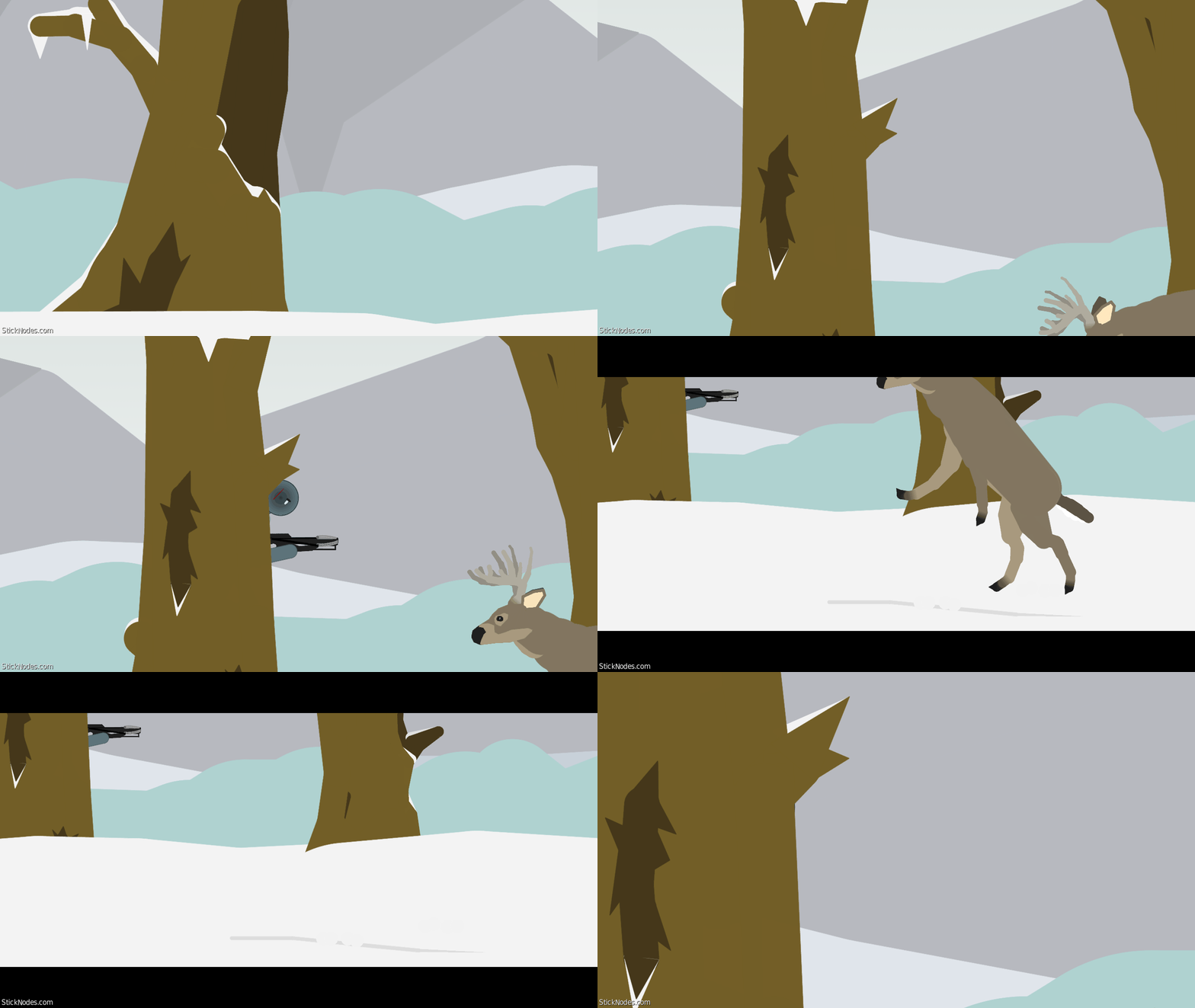
Weird deer animation
-

spook
2020-03-23 21:06:10 UTC -

Let me make you some cool weapon
-

From irl experience with deer hunting, I can confirm this is what actually happens
2020-03-23 21:32:14 UTC -
Make more animations
Lol
I was preparing him to be some cool warrior
But I forgot what I was doing2020-03-23 21:36:54 UTC -

Everyone gangsta until
2020-03-23 23:46:22 UTC -

i lol’d
-
Replying to comment by:
But you didn\’t say gae
-
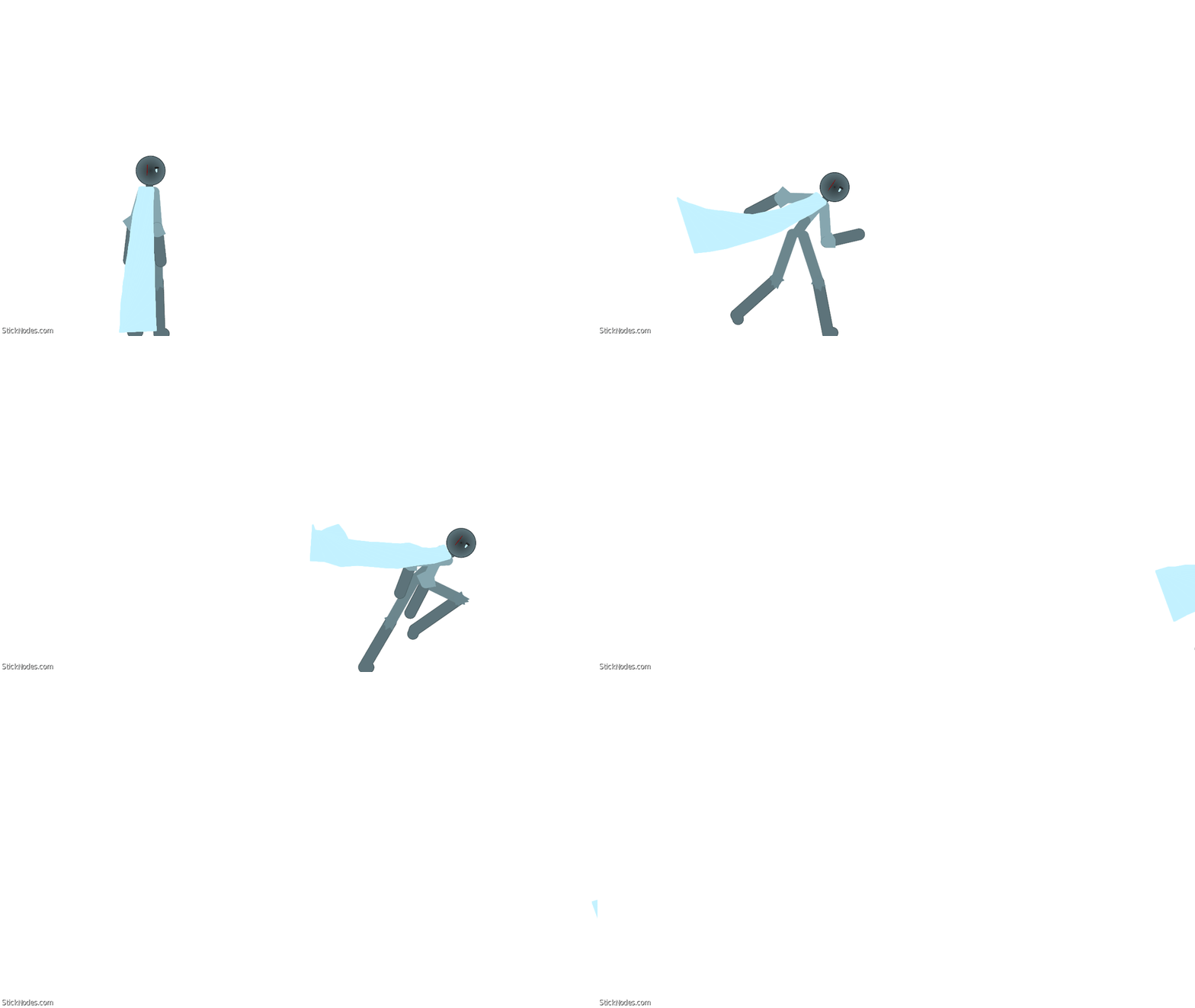
Run animation test (special thanks to old man pineapple for my revamped OC)
-
Haha
I was scrolling fast and happened to stop on this
Lovely to see this
Enjoy!!2020-03-23 20:17:23 UTC
-
Replying to comment by:
TRAITOR
-
Replying to comment by:
It works,.
-
Replying to comment by:
Also,were you having technical difficulties sending it to me too?
-
Replying to comment by:
I think the vid was the one where he used a scaling thing
-
Replying to comment by:
But why is he in pajamas?
-
Replying to comment by:
Cant wait, but i\’m waiting for old man pineapple to wake up to give me my remastered oc. I\’ll join later
-
Replying to comment by:
Okay.
- Load More


I used tweened frames on the rising and falling frames
I see but do you need pro to be able to like.. Choose which frames are tweened because I don’t have pro lol
You don’t need pro for tweened frames
I meant the general animation has tweening but with some that aren’t.
Do you mean the do not tween this frame feature?
Yeah
It does not work when I try to do effects while tweening
The do not tween this frame feature can only be activated in tween mode, what it does is make the frame nontween while the others are tween. It makes Effects look less weird in tween.
I think I’ve been doing something wrong so I’ll go and try
Because of those gaps in the tweened frames when adding the effects