OK @pheonix, I’m working ont he fig and it’s turning out VERY well so far….. like… it’s prolly the BEST fig i’ve Done before but…. one little thing.. how do I get THIS to stop happening? Like, when I bend the torso, how do I get that part on the torso to bend with it?
Replying to:katzeUhhhhh I don’t understand... can u give me an example?
oof, i can’t make a figure right now….
but imagine putting an invisible node (thickness 0)
on the node you want that detail to move with, instead of placing it on the node under it.
then it will move correctly.
Replying to:katzeI guess what I’m saying Is like, where do I put the invisibl
on the node that you want the detail to move with,if you put it on the node below, we get a whole new situation, just like this one…
but if it is put on the node that you want it to move along with, it will work also, don’t forget to make the node with thickness 0, then attach the detail to that node.
make the T attached to the node you move instead basically.
But like to have it look the same way you’d need to copy that segment you move, paste it on it, flip it so it’s facing opposite way now, then attach T to that segment.
You copy the part of the body where you want the T to bend from, than you flip it X and Y with the Flip X and Flip Y tools, than you set the node size to 0 (0 is invisible) than from that 0 Node you just placed, you add in the T and boom it should bend with that certain part of the body.
Replying to:katzeBut can u finish that part? I just can’t do it 🙁
yes i can, but you should try doing it by using arcionek’s instuctions, if you don’t get it send it to me also, send me the T detail as a seperate figure, and i’ll put it on.. that’s only if you really can’t get it tho





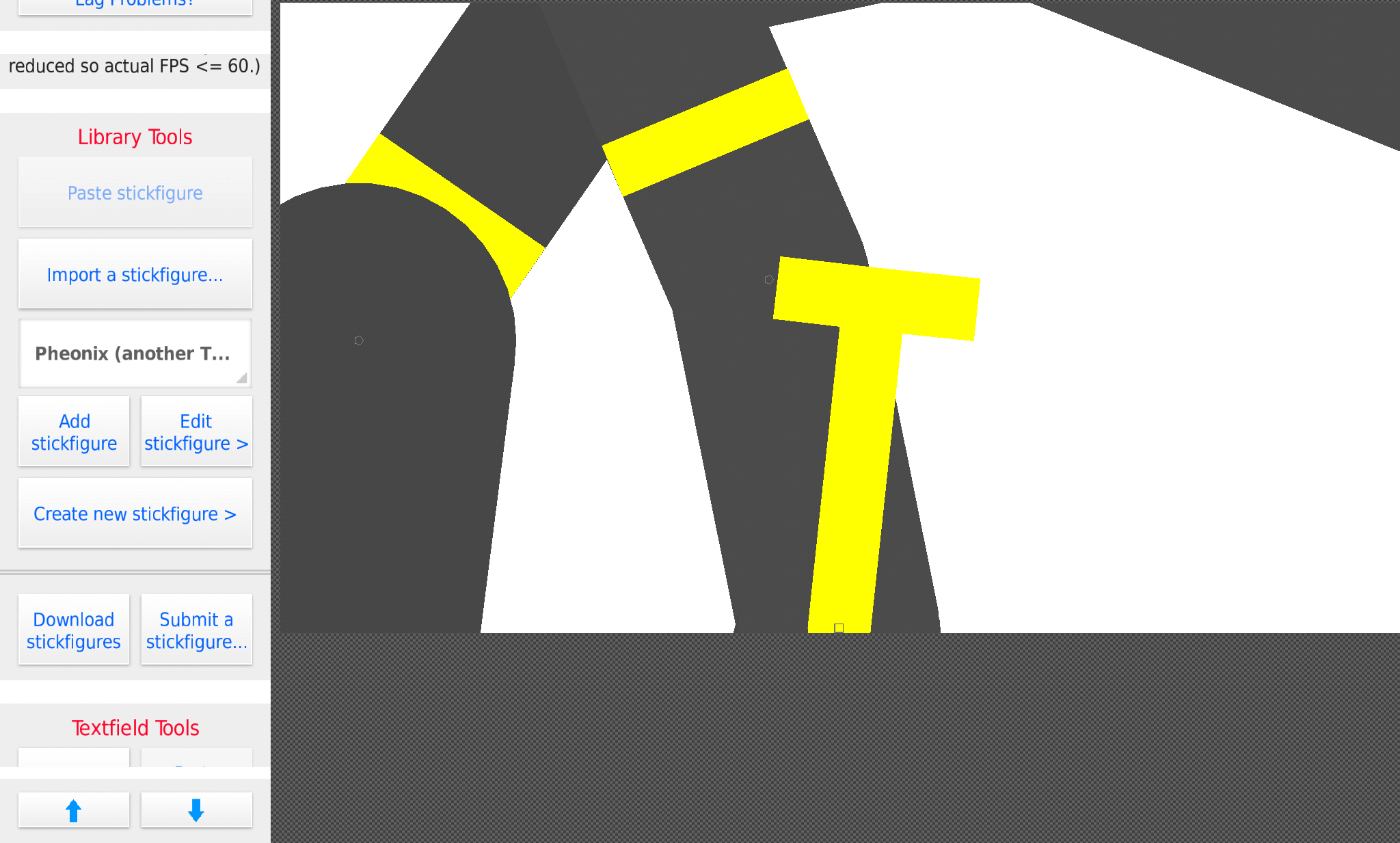
make a invisible node on the part you want it to move with, then put that on it, so it can move with that part
also when finished, can u name the figure
“Pheonix (datsmoothstyle)”
(i already have one titles Pheonix-simplistic)
Ok
Uhhhhh I don’t understand… can u give me an example?
oof, i can’t make a figure right now….
but imagine putting an invisible node (thickness 0)
on the node you want that detail to move with, instead of placing it on the node under it.
then it will move correctly.
Oof, right that part.. ok i’ll try to understand what ur saying.. if i REALLY REALLY need help i’ll Most likely go to yt for directions
k… maybe ask someone who can demonstrate it for u, because you would have to wait until tommorow for me to demonstrate
Oki
Mmm….
Well
I guess what I’m saying Is like, where do I put the invisible node
on the node that you want the detail to move with,if you put it on the node below, we get a whole new situation, just like this one…
but if it is put on the node that you want it to move along with, it will work also, don’t forget to make the node with thickness 0, then attach the detail to that node.
Ok… ima try what I think ur saying
Sigh, guess I just gotta wait til tomorrow I mean that was LITERALLY thee LAST THING I had TO DO AND THEN UR CHARACTER WOULD’VE BEEN FRIKIN DONE!!!
Edit: I think I was gonna do ur sword too
k thanks for the Pheonix and his katana, can’t wait to see the finished versions!
make the T attached to the node you move instead basically.
But like to have it look the same way you’d need to copy that segment you move, paste it on it, flip it so it’s facing opposite way now, then attach T to that segment.
Kind of back and forth action.
Can you give me an example?
I understand better through visuals
blue shows which direction segment goes, dotted line is invisible
Oh my ####### god I DONT UNDERSTAND, ITS NOT WORKING 😭😭😭😭😭😭
How it’s supposed to be made.
But I drew it on paint cuz not on phone rn

blue=invisible
Wait, I’m supposed to put the “T” on after I but the invisible ?…
Invisible is connected to the segment you move. T is connected to the invisible.
:0!
I DID IT! TYTYTYTYTTY
You copy the part of the body where you want the T to bend from, than you flip it X and Y with the Flip X and Flip Y tools, than you set the node size to 0 (0 is invisible) than from that 0 Node you just placed, you add in the T and boom it should bend with that certain part of the body.
Ugh I can’t do it maybe @Phoenix can finish that part or something I really just can’t do it
u mean @pheonix
Sorry, excuse my grammar..
But can u finish that part? I just can’t do it 🙁
yes i can, but you should try doing it by using arcionek’s instuctions, if you don’t get it send it to me also, send me the T detail as a seperate figure, and i’ll put it on.. that’s only if you really can’t get it tho
ok I’ll try :/
EEEEEEE
wut?
PHEONIX, I DID IT… I FRIKIN DID IT!! :DDDDD now….. for the sword.. that’s the easy part C:
yey!
also when u send, can u send ur oc plz?
Sure… why my oc too tho? Just asking…
so i can animate both of them.
in my animation i plan to have them as friends.
Oh cool ok
Connect the part your making to the node your making it from.
Moar liek use the knee node and connect it with the leg node
As because the knee node was made before the leg node they are connect and anything you put on there will be connect to the leg node as well
I can’t.. I just can’t rn… maybe tomorrow I’ll figure something out…
also can i see the full fig so far now?
Yes. I’m about to post it