-

so uh how do i get this to work
i placed it in a folder called skin
in the stick nodes files
nothing happened

Stick Nodes®
A stickfigure animation app created for mobile devices!
Create your own stickman animations on your Android or iOS device!
so uh how do i get this to work
i placed it in a folder called skin
in the stick nodes files
nothing happened


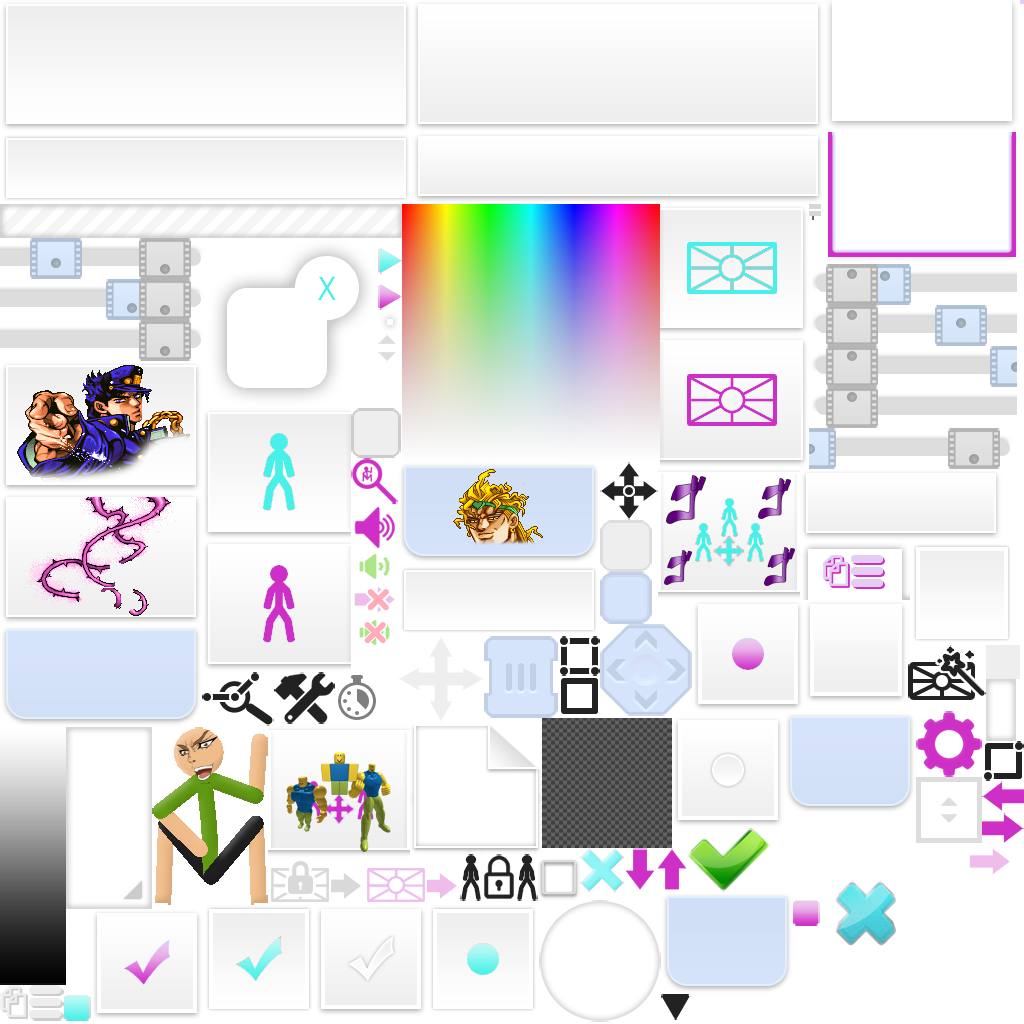
1. Make sure the image name is “animationMenuAtlas.png”
2. Close and open the app after inserting the files.
did all of that. didn’t work.
Can you show me a screenshot of the skin folder? Does the other skins work? What sticknodes version?
cough 2.4.4 sound of total innocence
never tried the other skins
Also just like looked at the skin while also laughing a lot.
Anyways, there are some major issues I found out:
1. The atlas format is outdated.
2. The newer atlas format is since 2.4.5
3. The 2.4.5 added the “skin” folder thing code
4. If that atlas is from your sticknodes that means you didn’t update it. That’s why it doesn’t work.
if on Android the folder structure needs to be
/Stick Nodes/skin/animationMenuAtlas.png
if on iOS, drop the /skin/animationMenuAtlas.png file into the SN app through iTunes File Sharing
also lmao
@isthatajojoreference
does this work for anyone else lmao
HOLY MOTHER OF GOD AM I IN HEAVEN?!
im scared of humanity
no
u